Installing OmaEdit
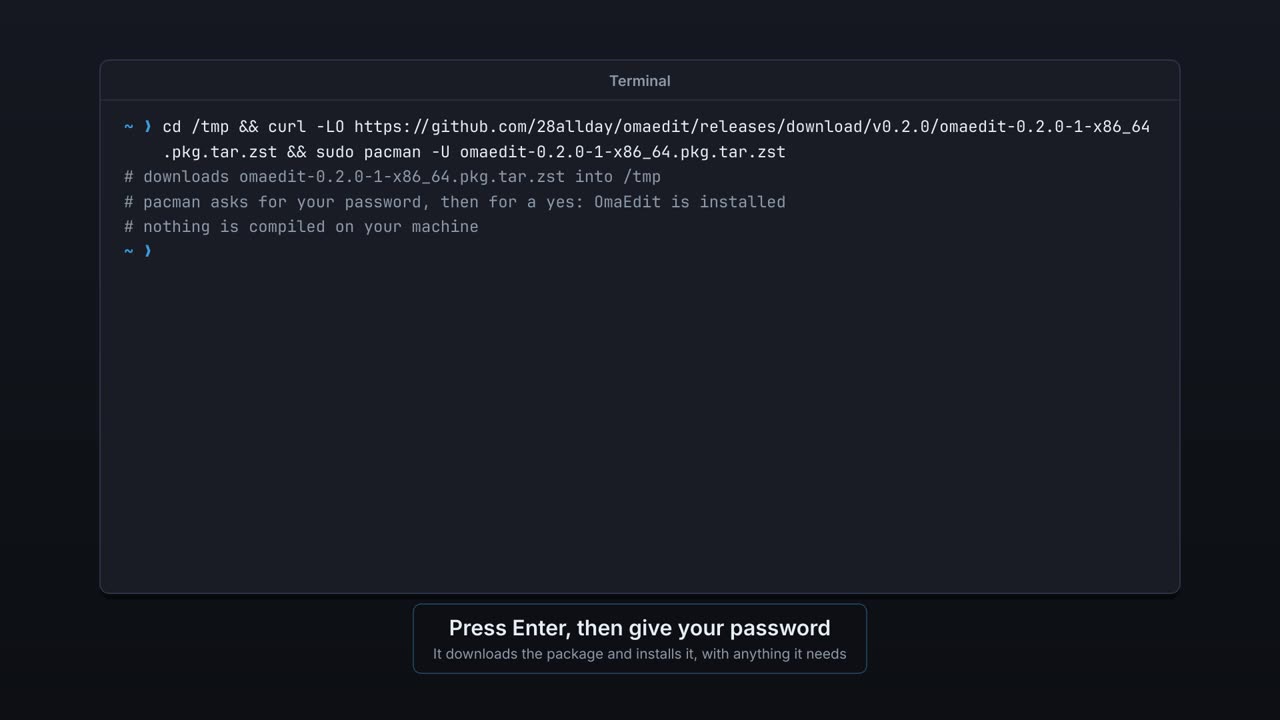
Install the package on Arch Linux or Omarchy with one line in a terminal, then open OmaEdit from the app launcher.
OmaEdit is a video editor for Omarchy: bring footage in, cut it on a timeline, grade it, mix the sound and render the finished file, on five pages in one window. Start with the films; the rest of the guide is here when you need it.
Install it, find your way round the window, and keep your work safe.
 0:19
Install the package on Arch Linux or Omarchy with one line in a terminal, then open OmaEdit from the app launcher.
 0:25
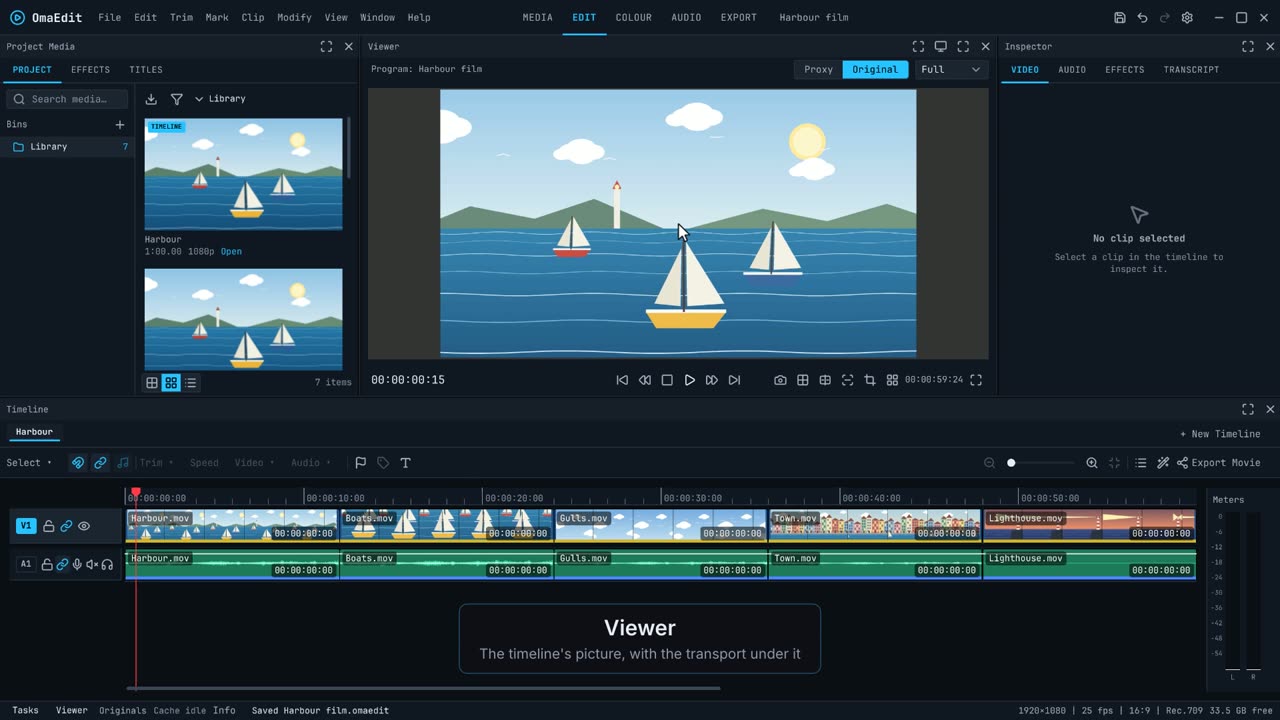
Five pages along the top, and the four parts of the Edit page.
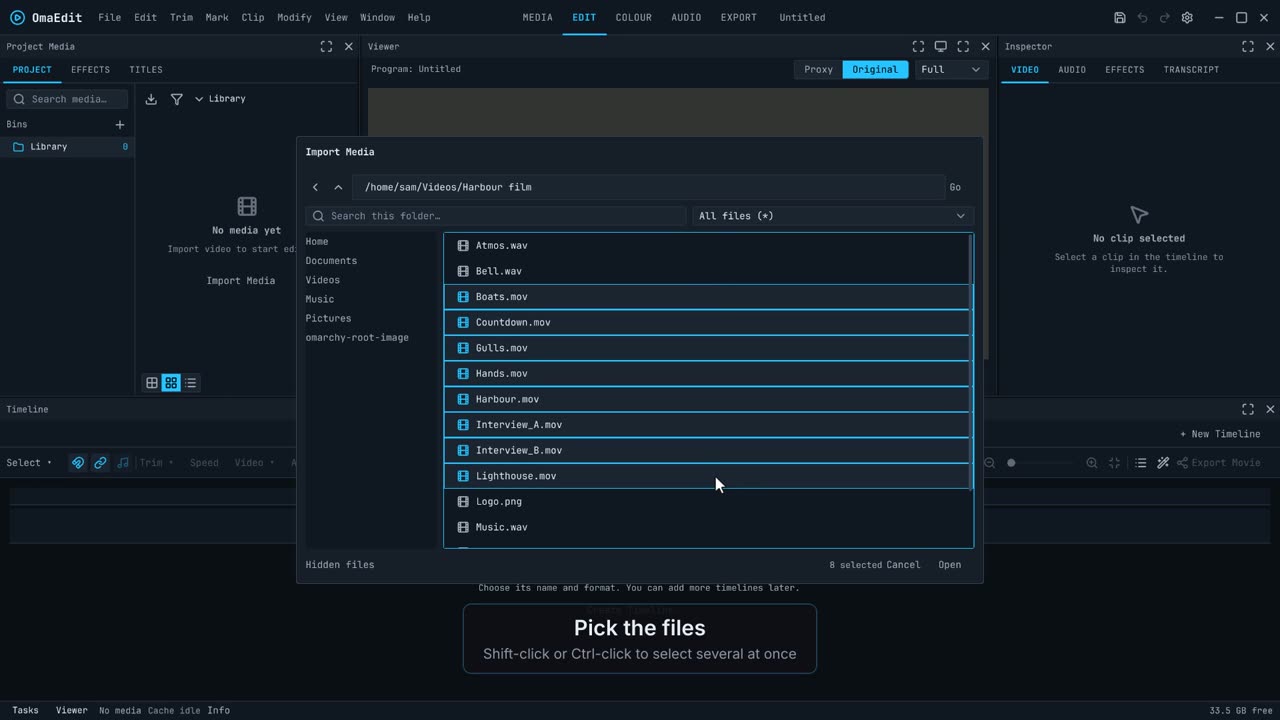
Bring footage in, look through it and sort it.
Cut the film on the timeline.
 0:32
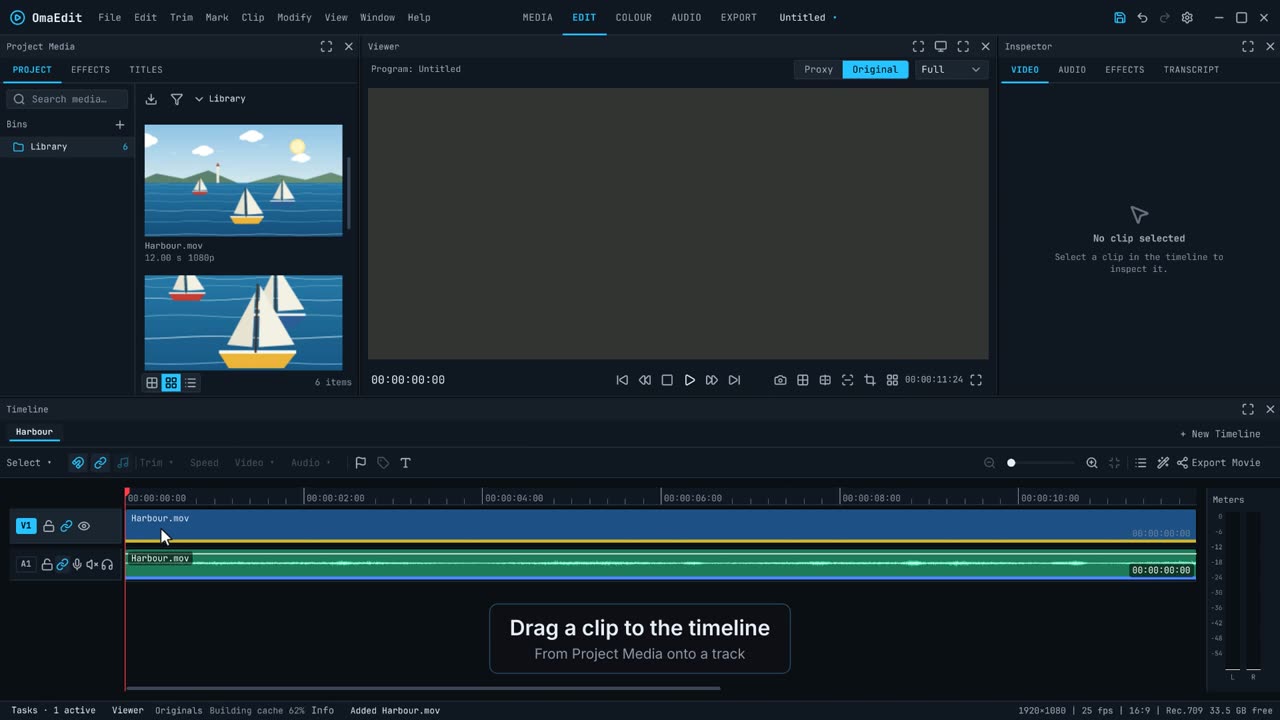
Create a timeline, then build the cut by dragging clips or with the edit keys.
 0:24
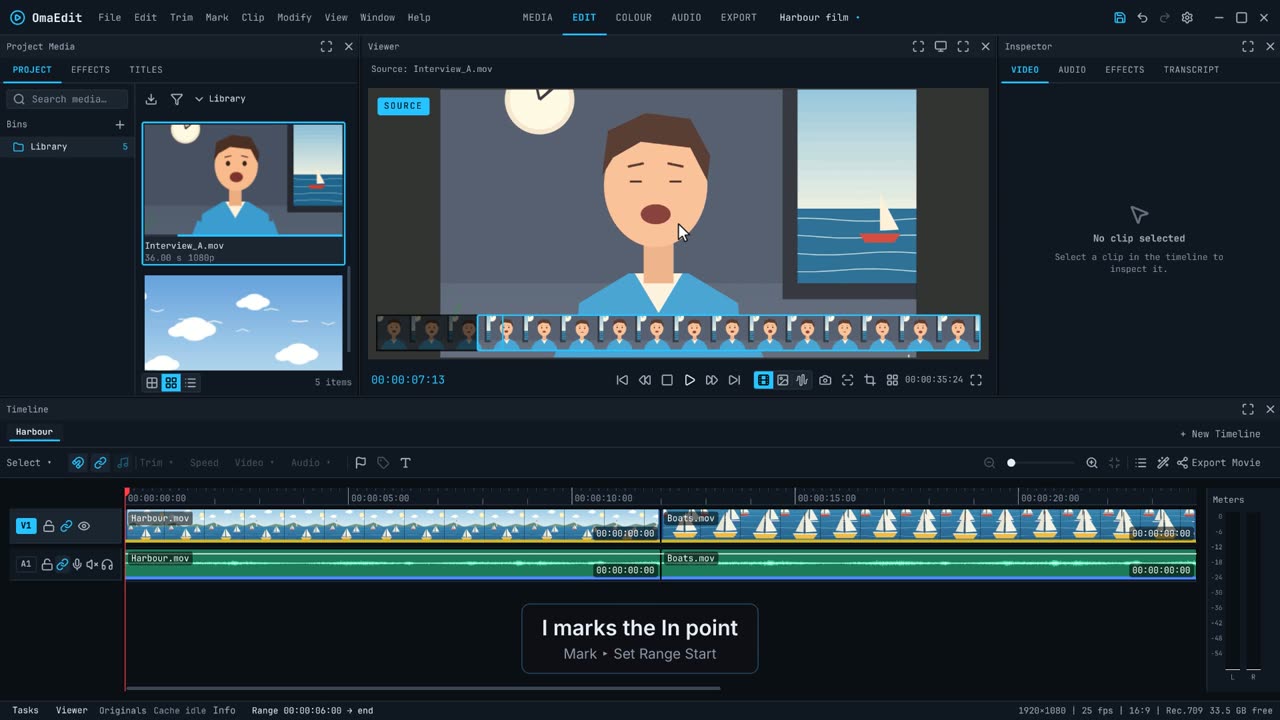
Open a clip in the Source viewer, mark the part you want with I and O, and drag or key it into the timeline.
 0:22
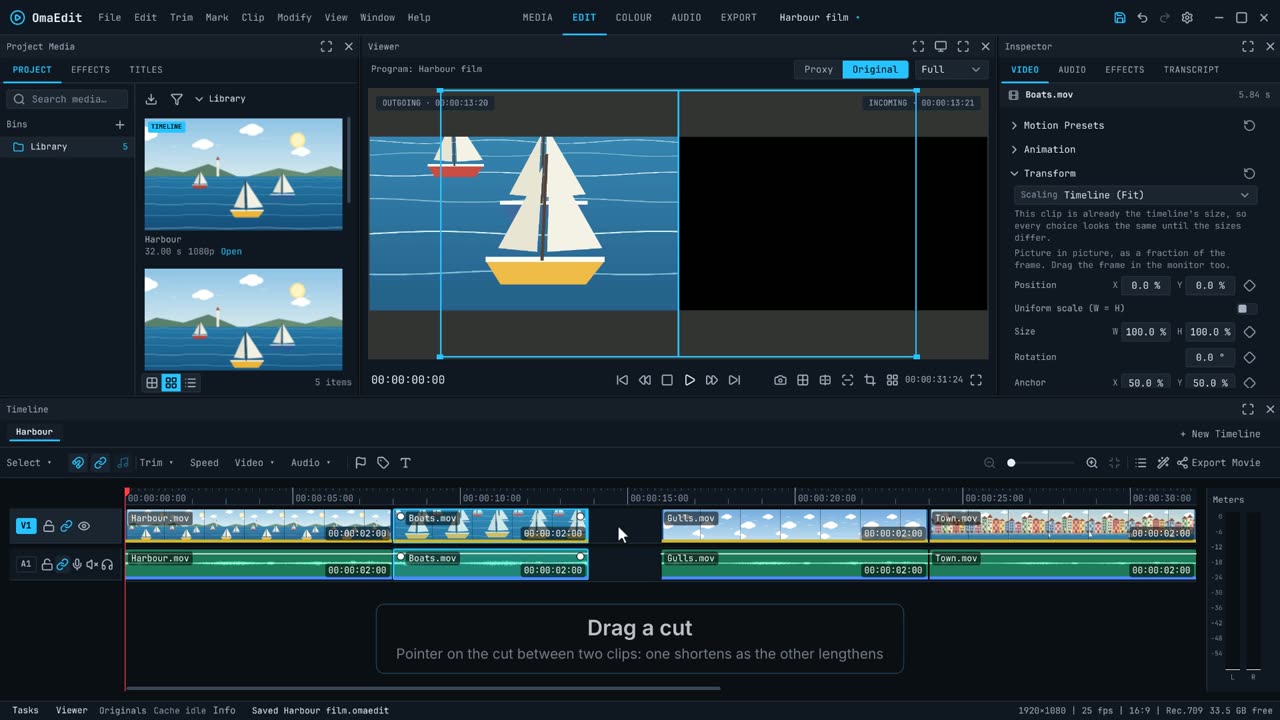
Shorten or lengthen a clip by its edge, ripple what follows, or roll a cut between two clips.
 0:17
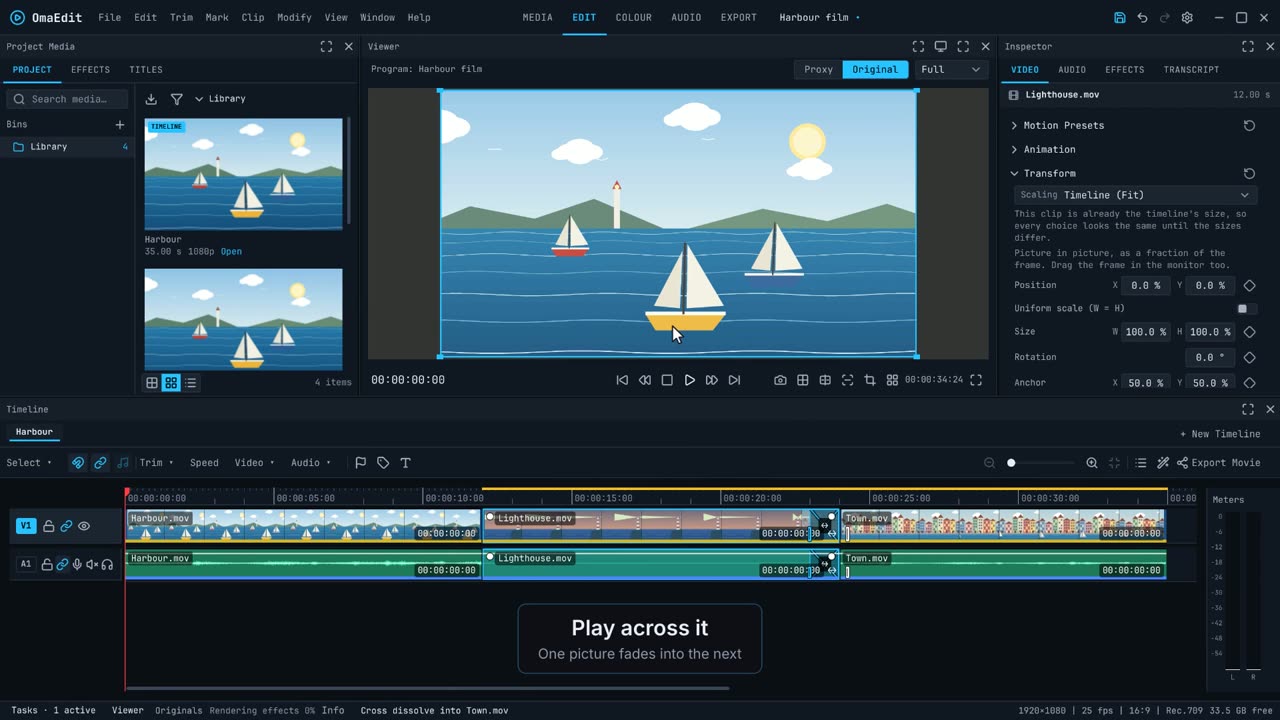
Put a cross dissolve or another transition on a cut, set its length, and fade a clip in or out.
 0:21
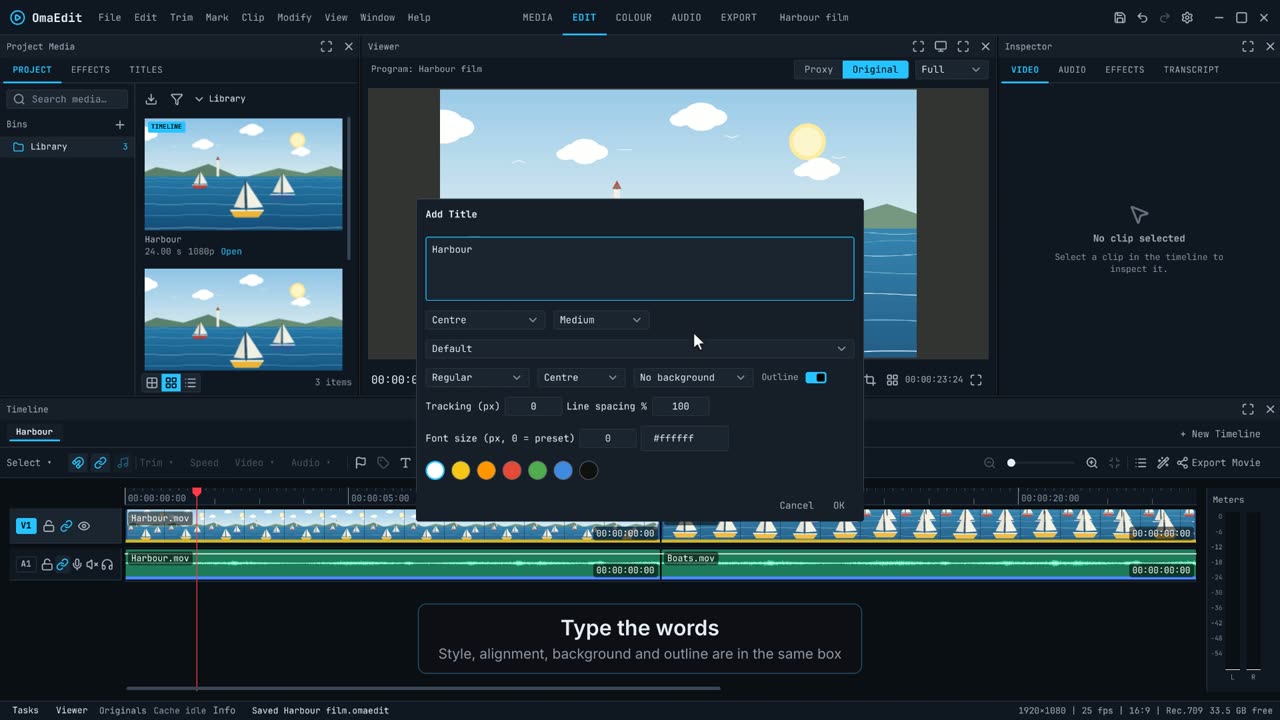
Write a title, style it, place it on the picture and give it an entrance.
 0:49
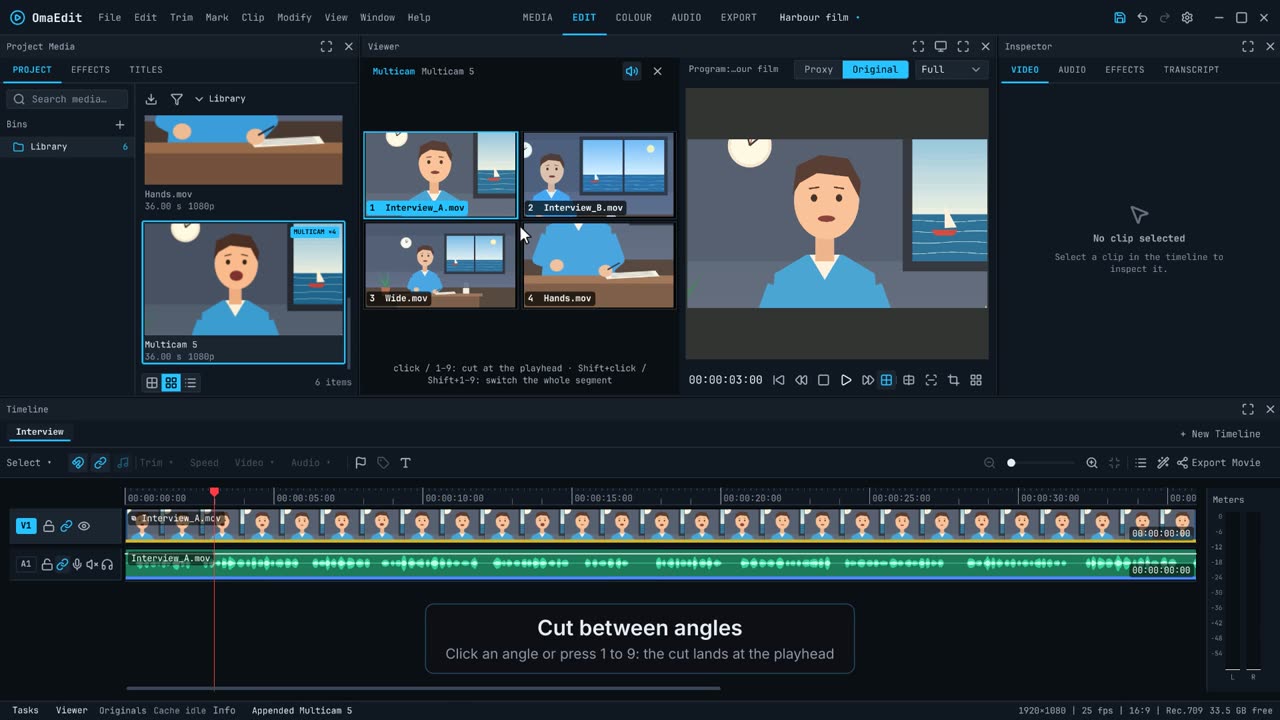
Line up several cameras as one multicam clip, cut between angles as it plays, and choose where the sound comes from.
 0:26
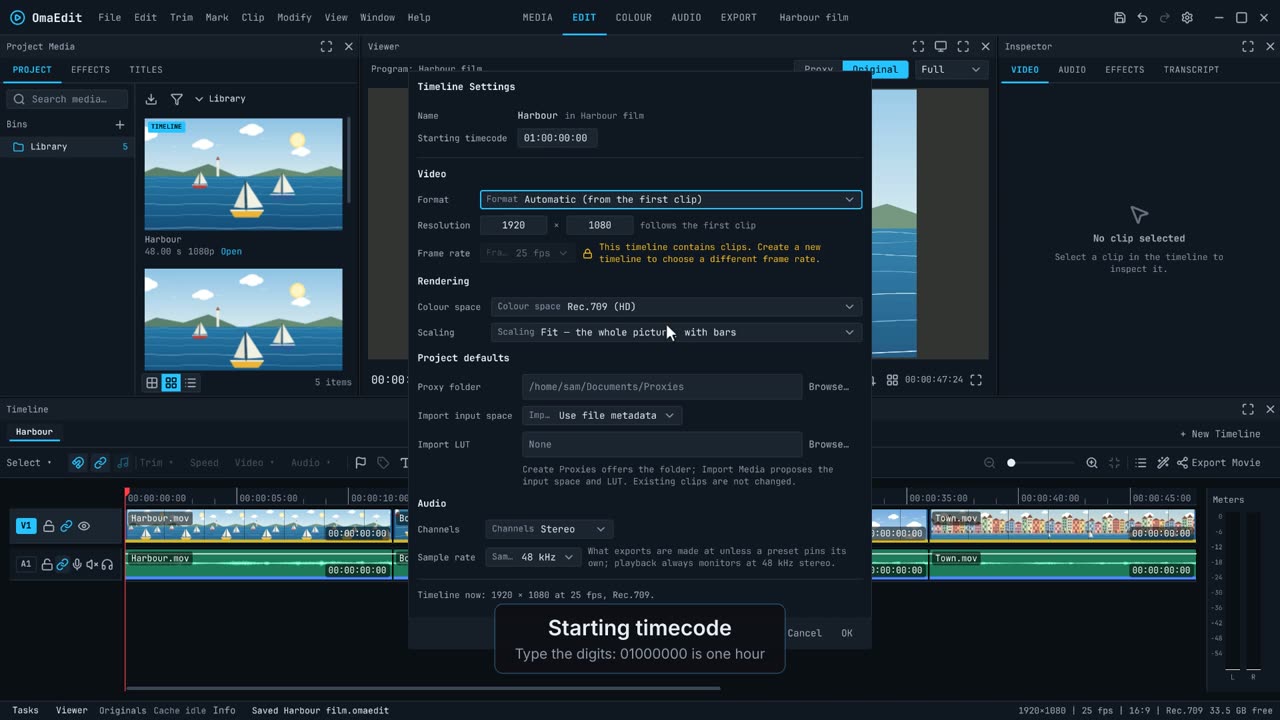
Set where a timeline's clock starts, jump to a timecode, and type timecodes quickly.
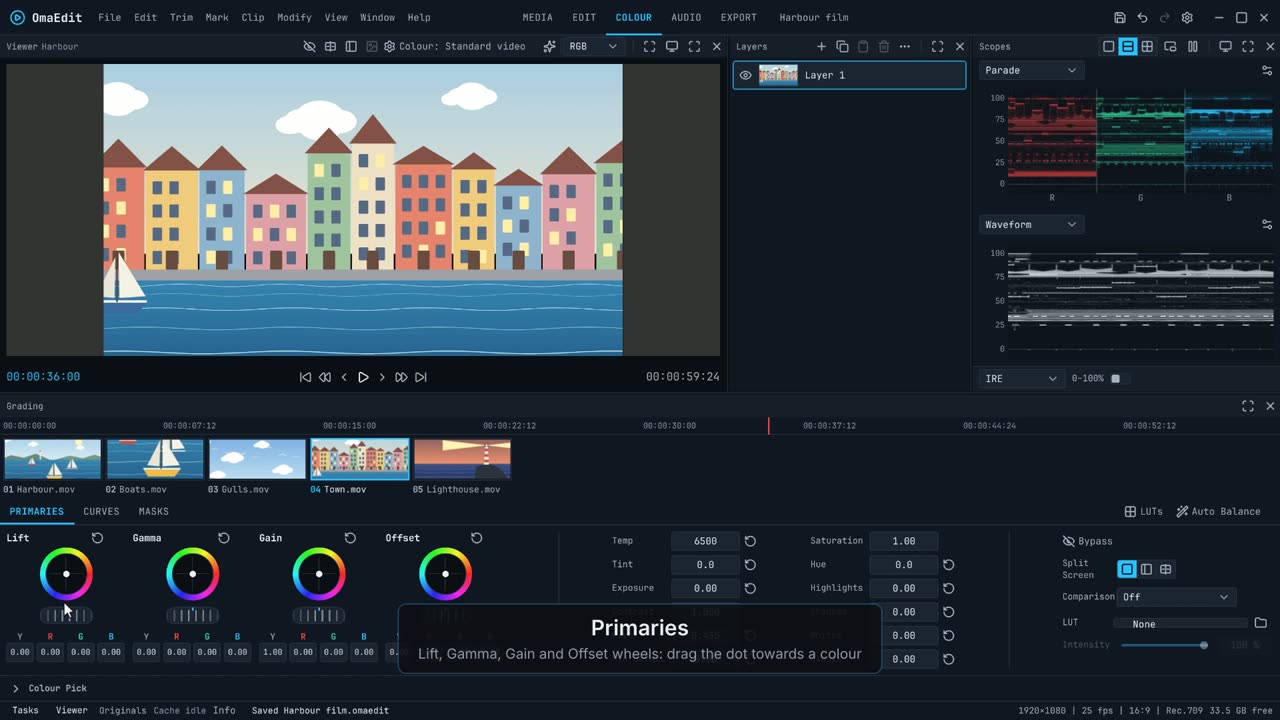
Grade each shot, with scopes beside the picture.
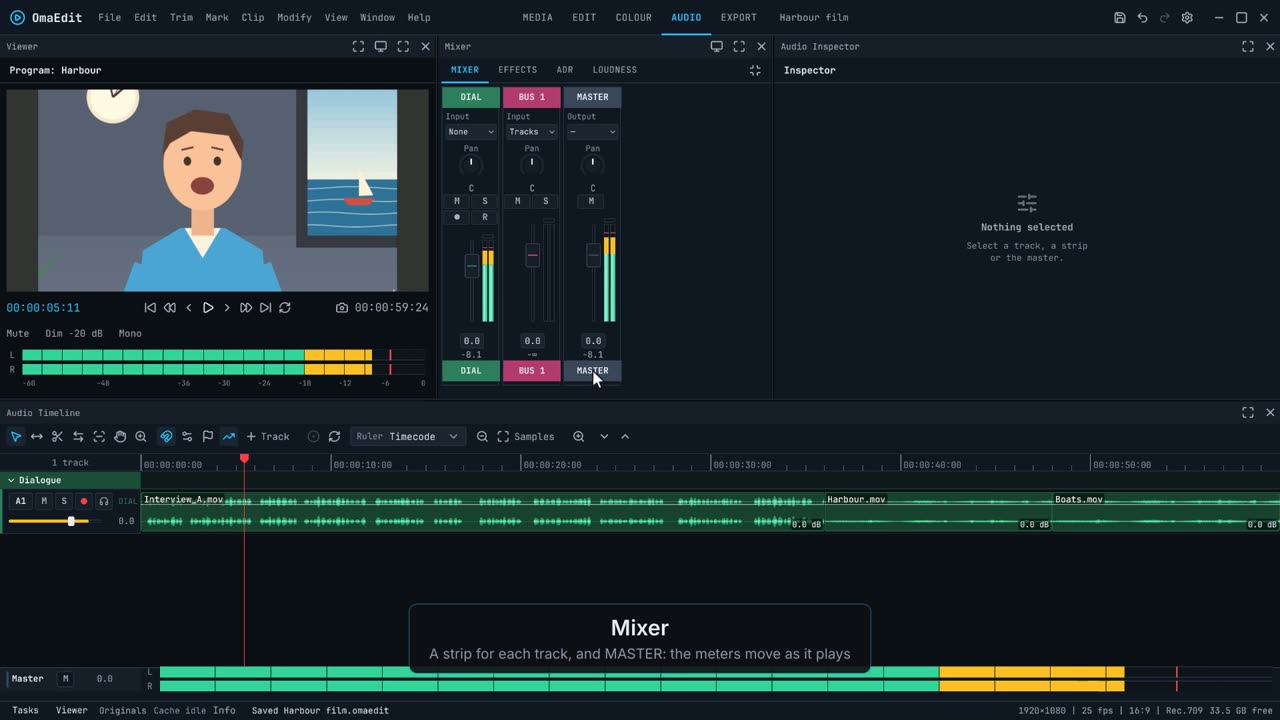
Mix the sound: tracks, faders, meters and loudness.
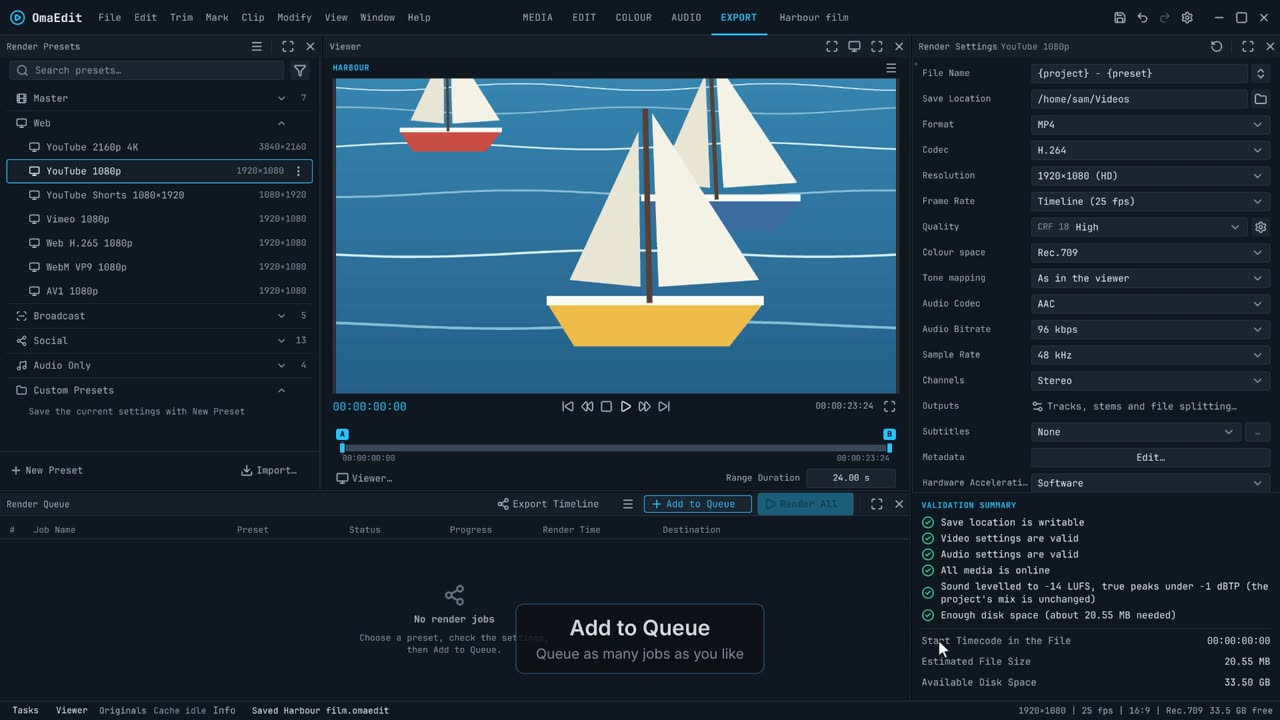
Choose a preset, queue it and render the file.
 0:33
Choose a preset, name the file, add it to the queue and render.
 0:23
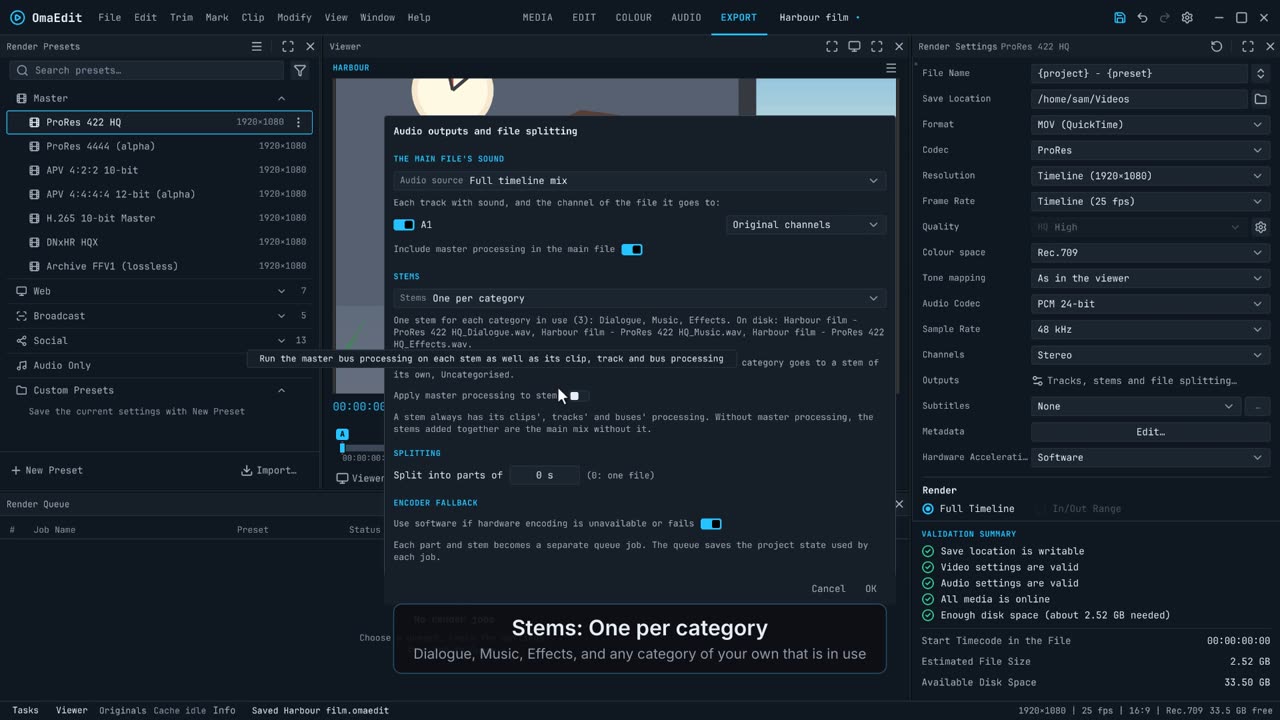
Export separate sound files for dialogue, music and effects beside the main file.
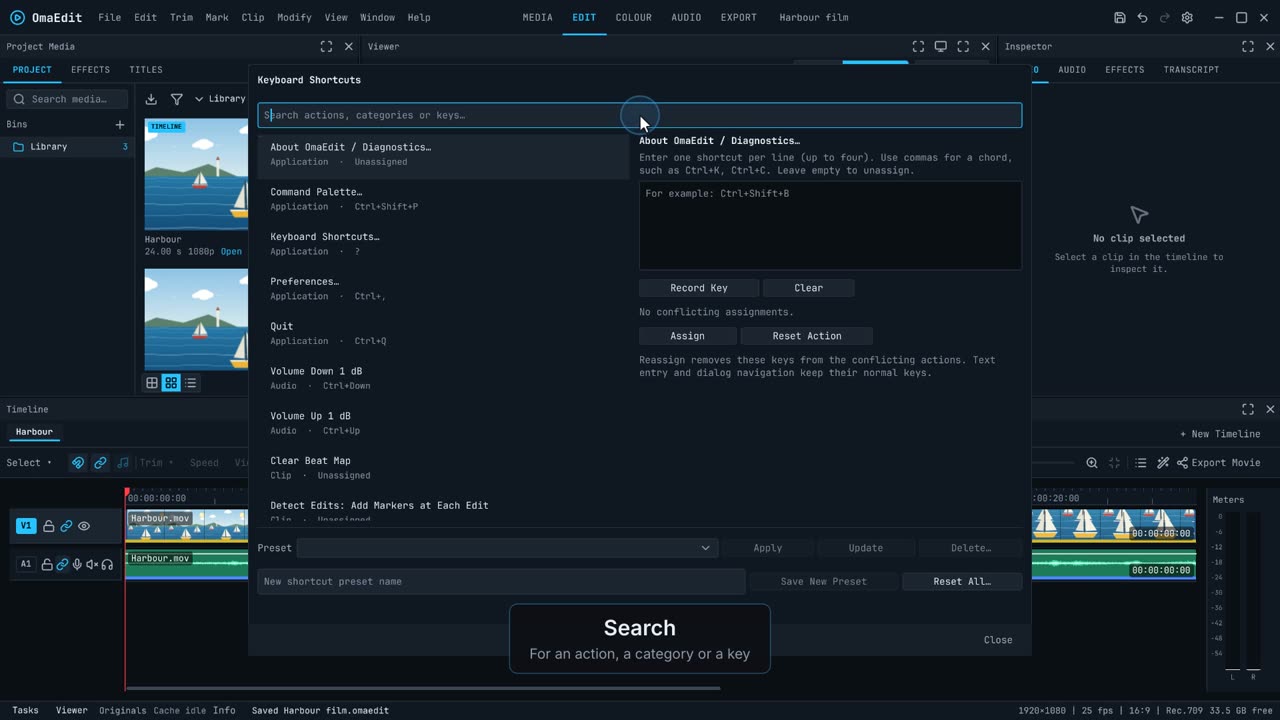
The keys, and how to change them.
What to try when something goes wrong, and how to remove OmaEdit.