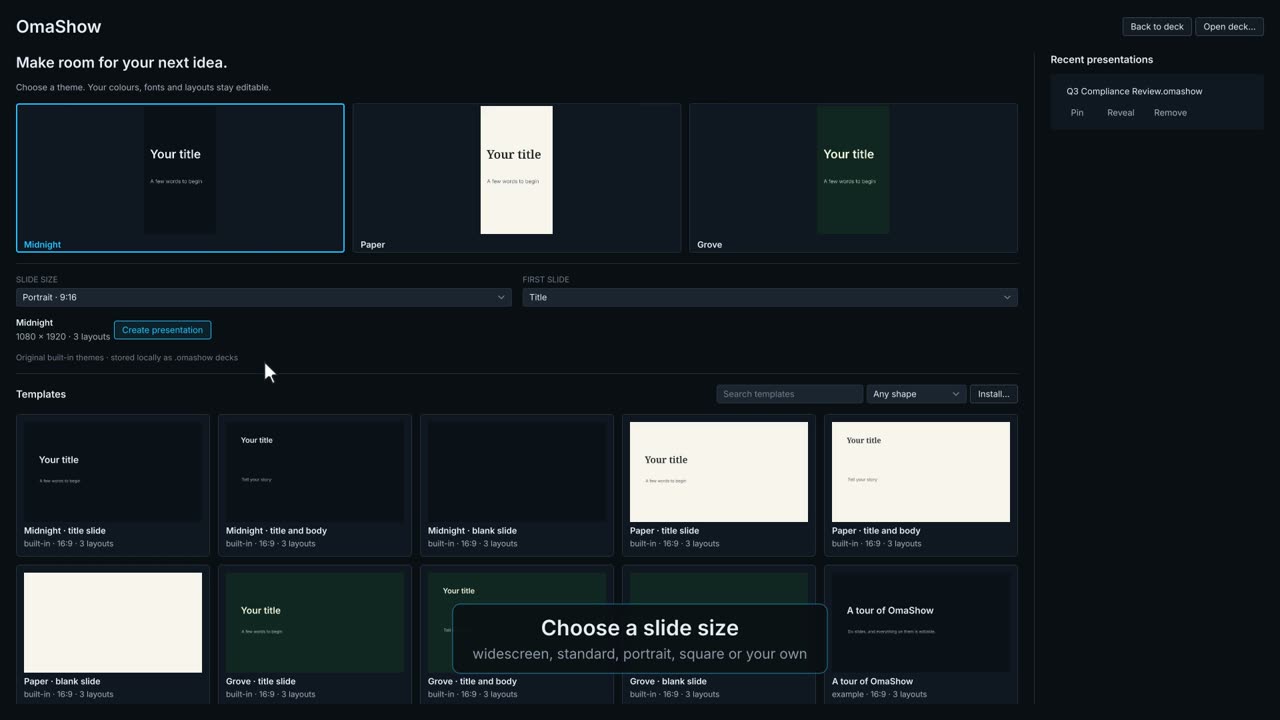
Start centre
Where a deck begins: a new one, a template or a recent file.
OmaShow is a presentation app for Omarchy. Each part of the window is explained below, with a short film showing it in use.
 0:28
0:28Where a deck begins: a new one, a template or a recent file.
 0:36
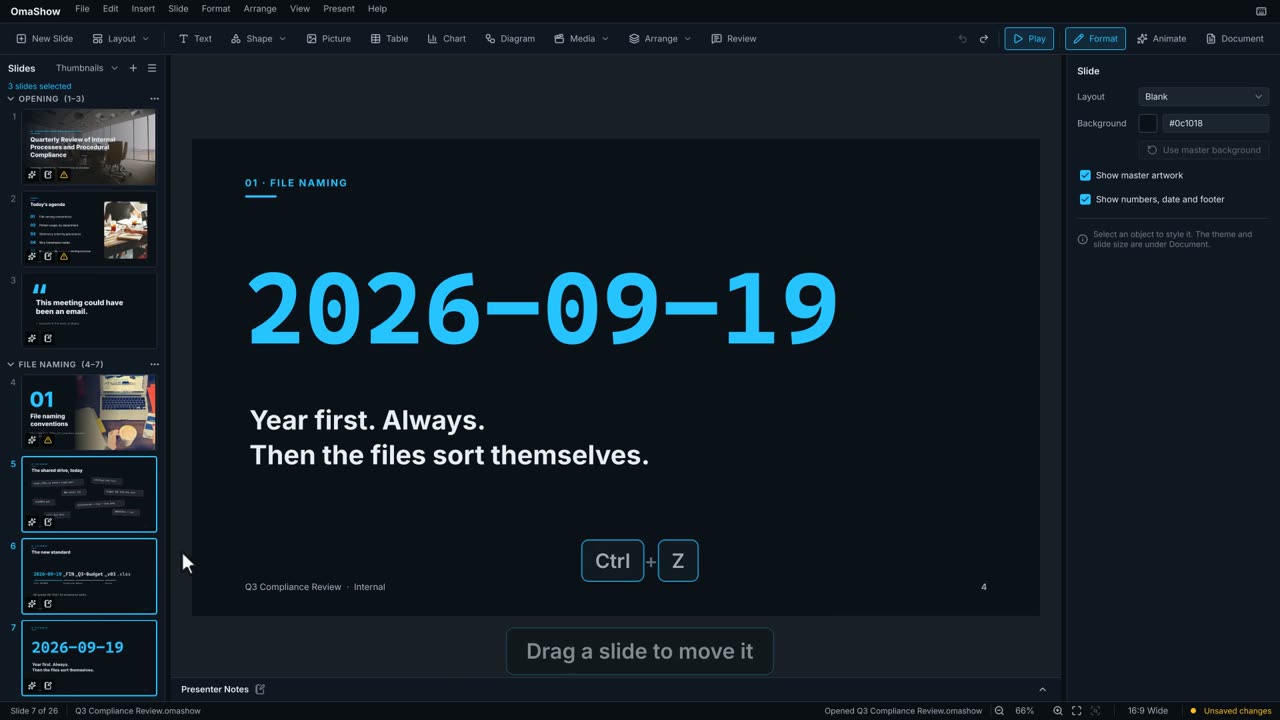
0:36Every slide down the left, in order.
 0:32
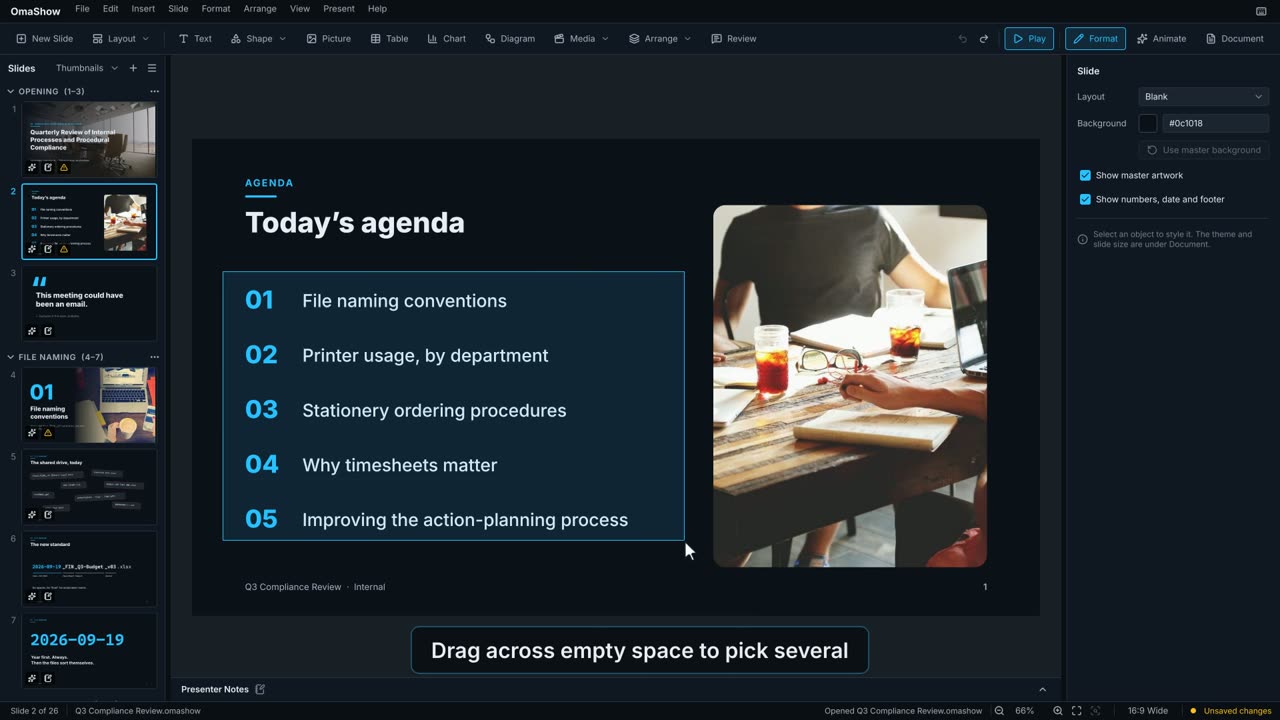
0:32Where you build a slide, one object at a time.
 0:38
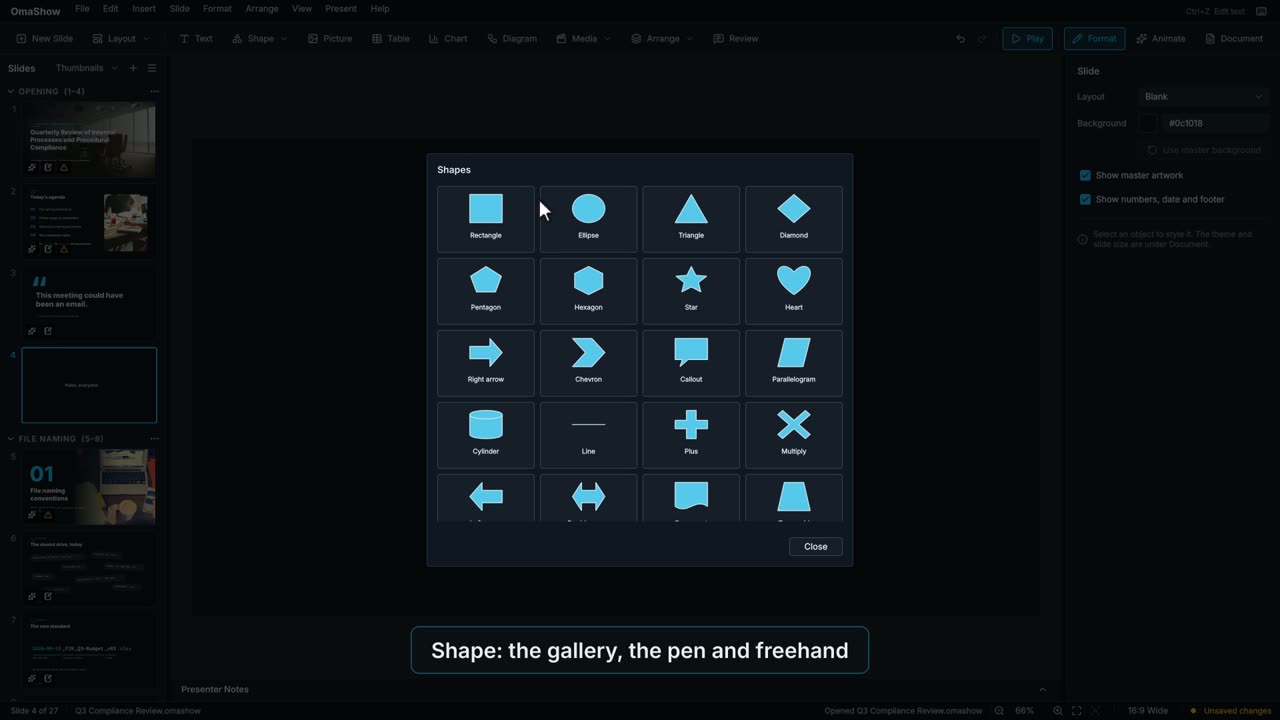
0:38Adding things, on the left; playing and the sidebars, on the right.
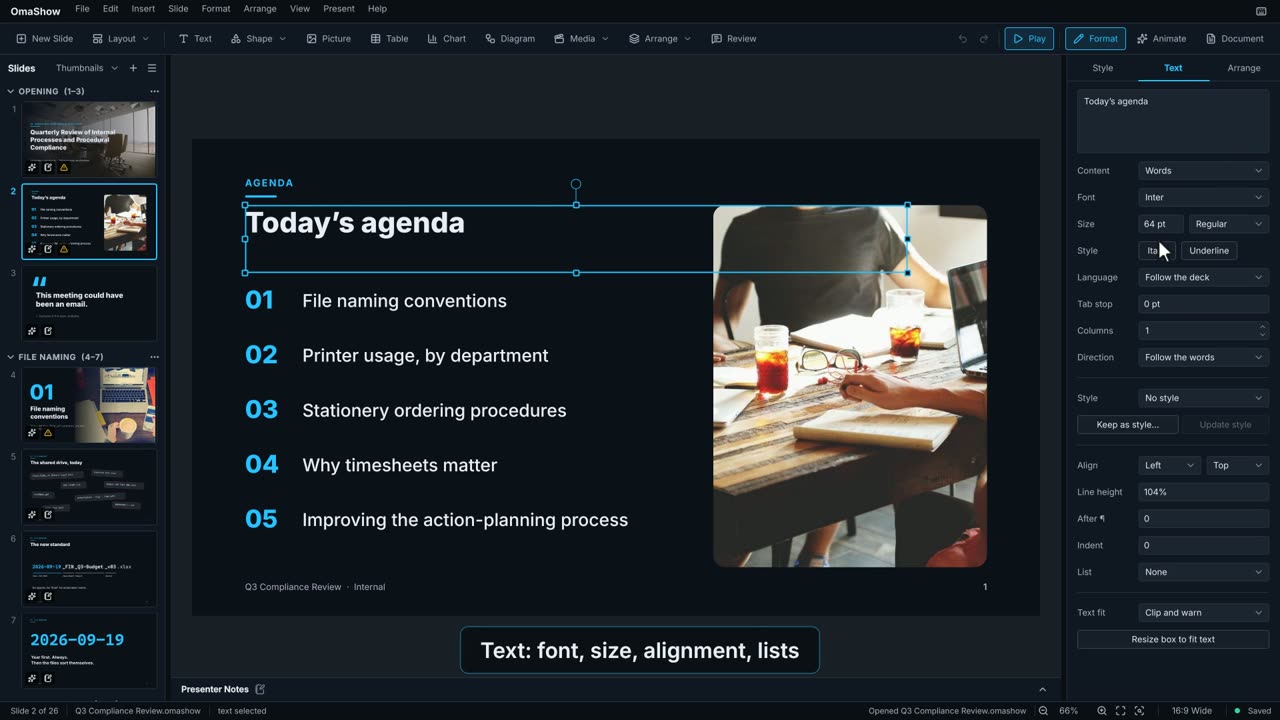 0:24
0:24How the selected object looks, or the slide when nothing is selected.
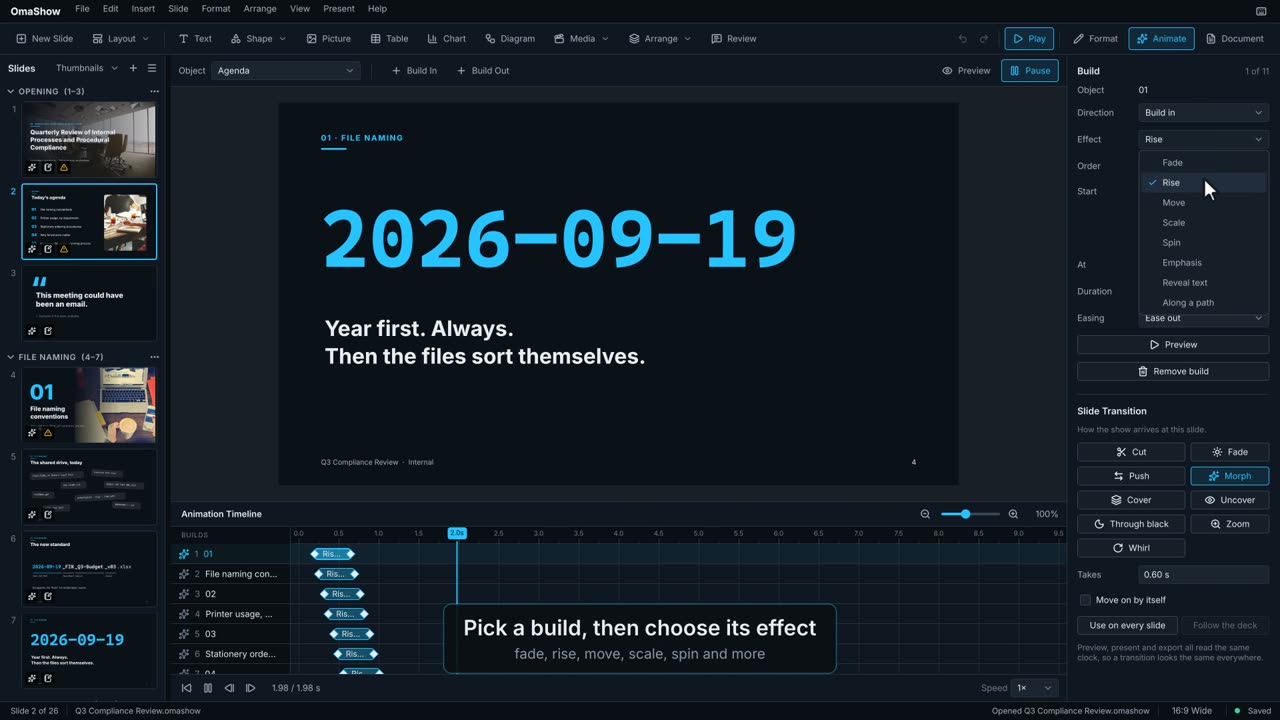 0:27
0:27Builds that bring objects on and off, and the move to the next slide.
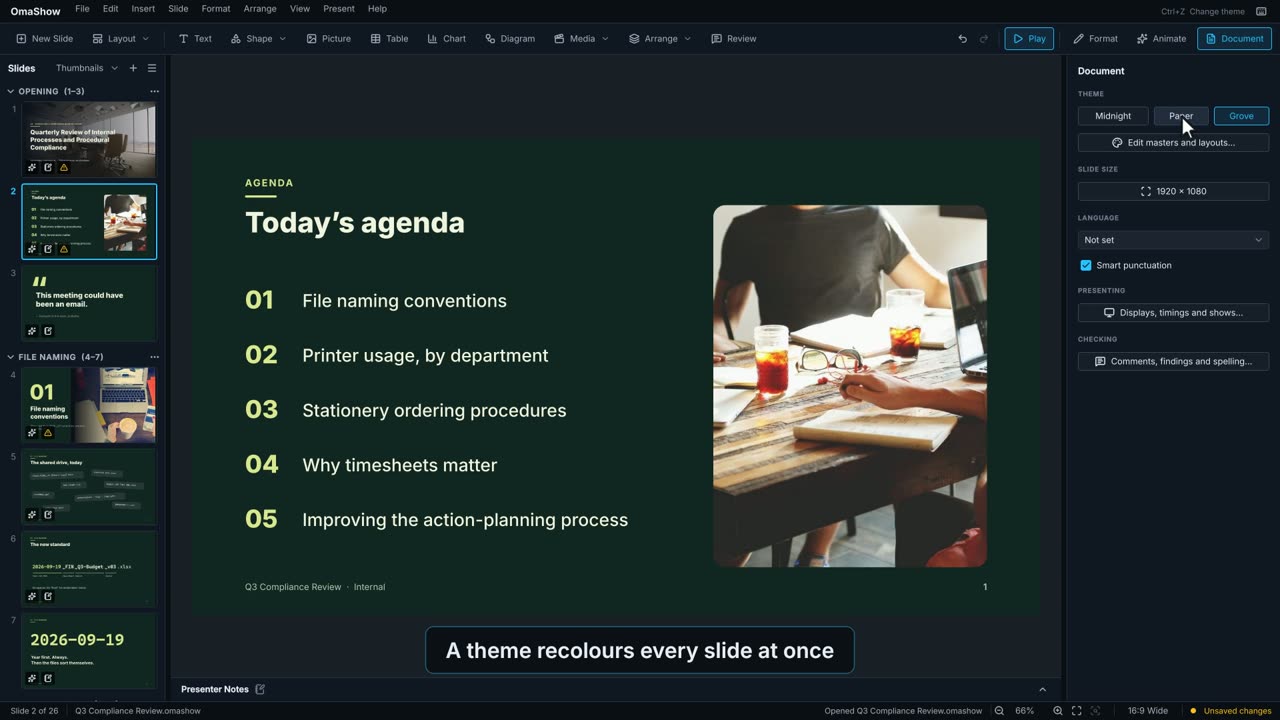 0:27
0:27Settings for the whole deck.
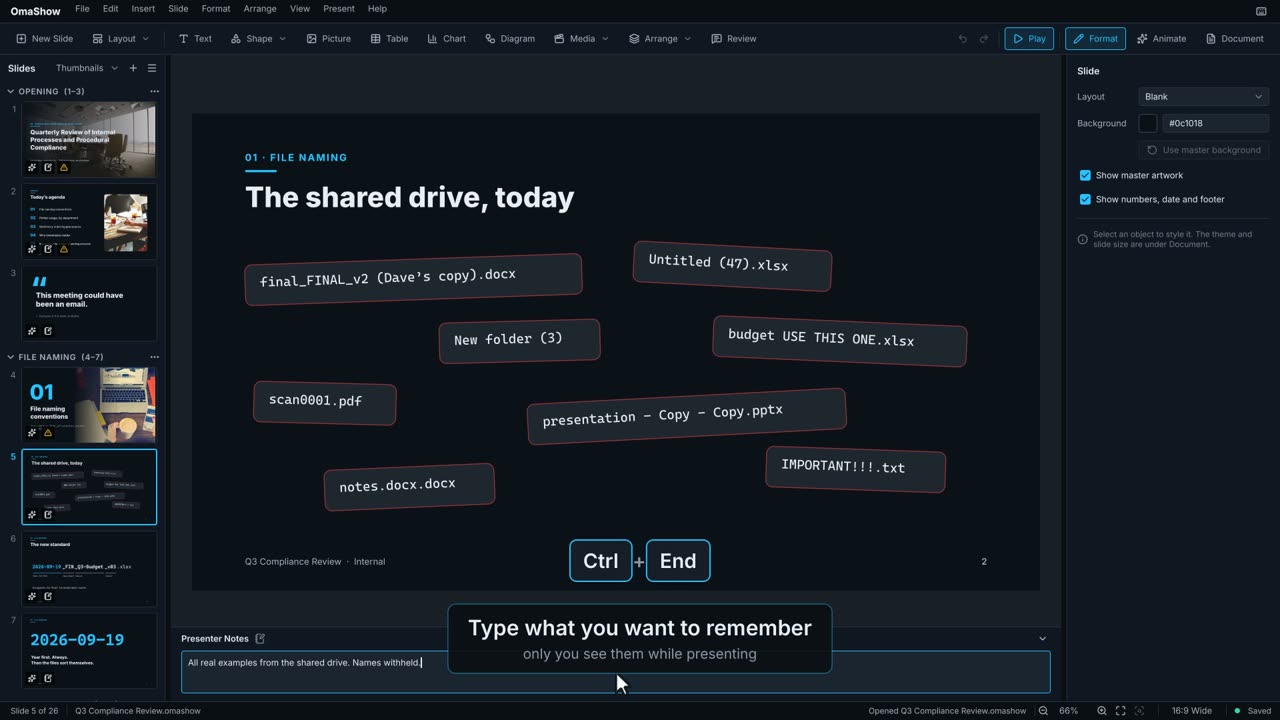 0:21
0:21What you want to say on each slide. Only you see them in the show.
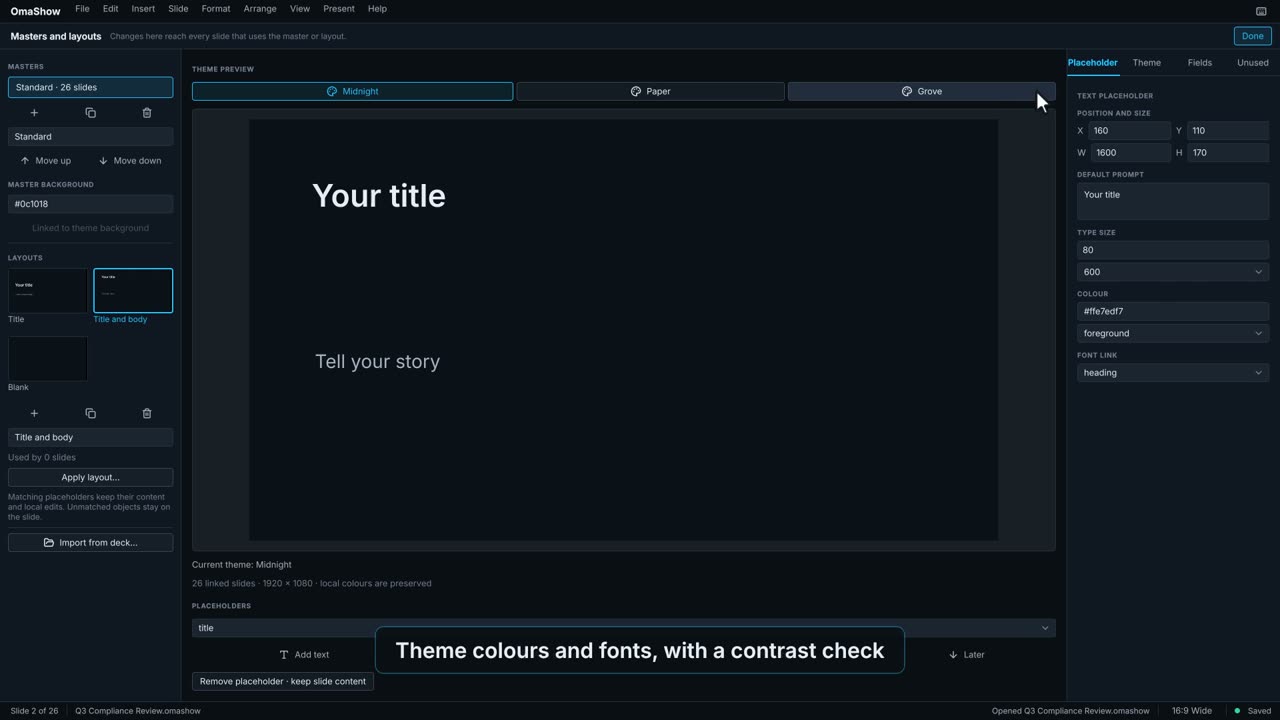 0:25
0:25The design every slide is built on.
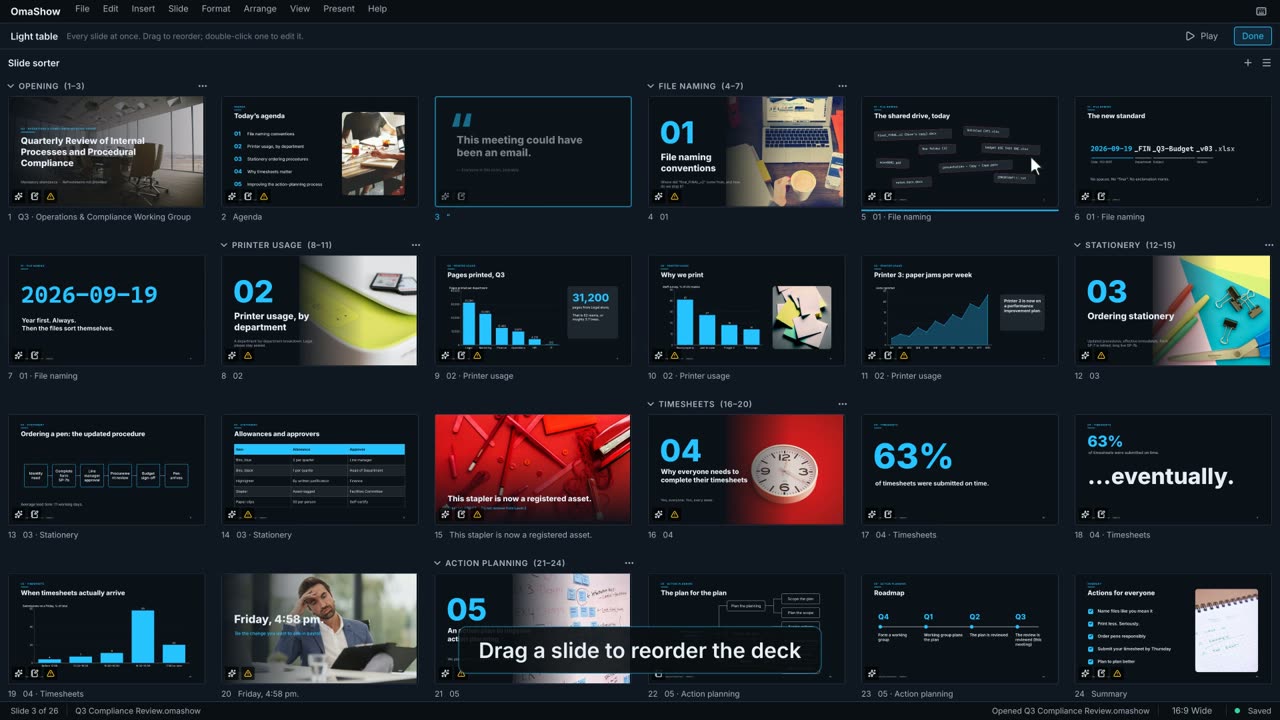 0:22
0:22Every slide at once, laid out in a grid.
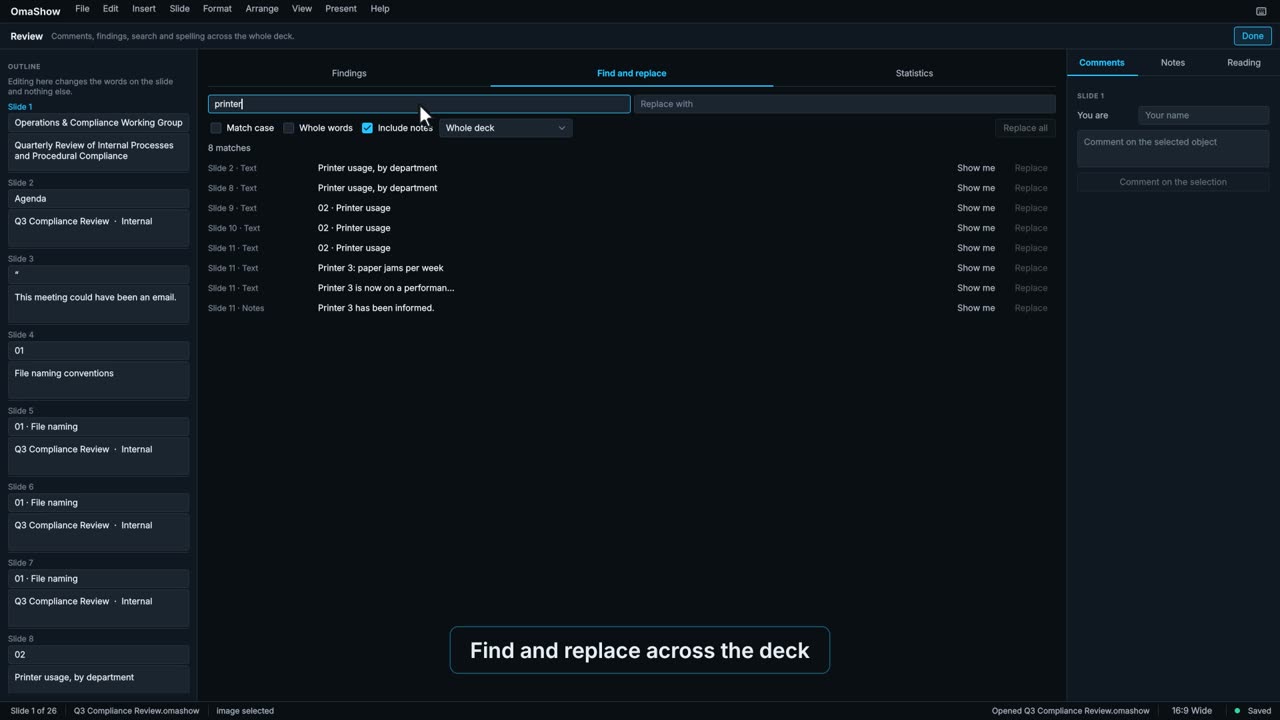 0:29
0:29Checking the deck before anyone else sees it.
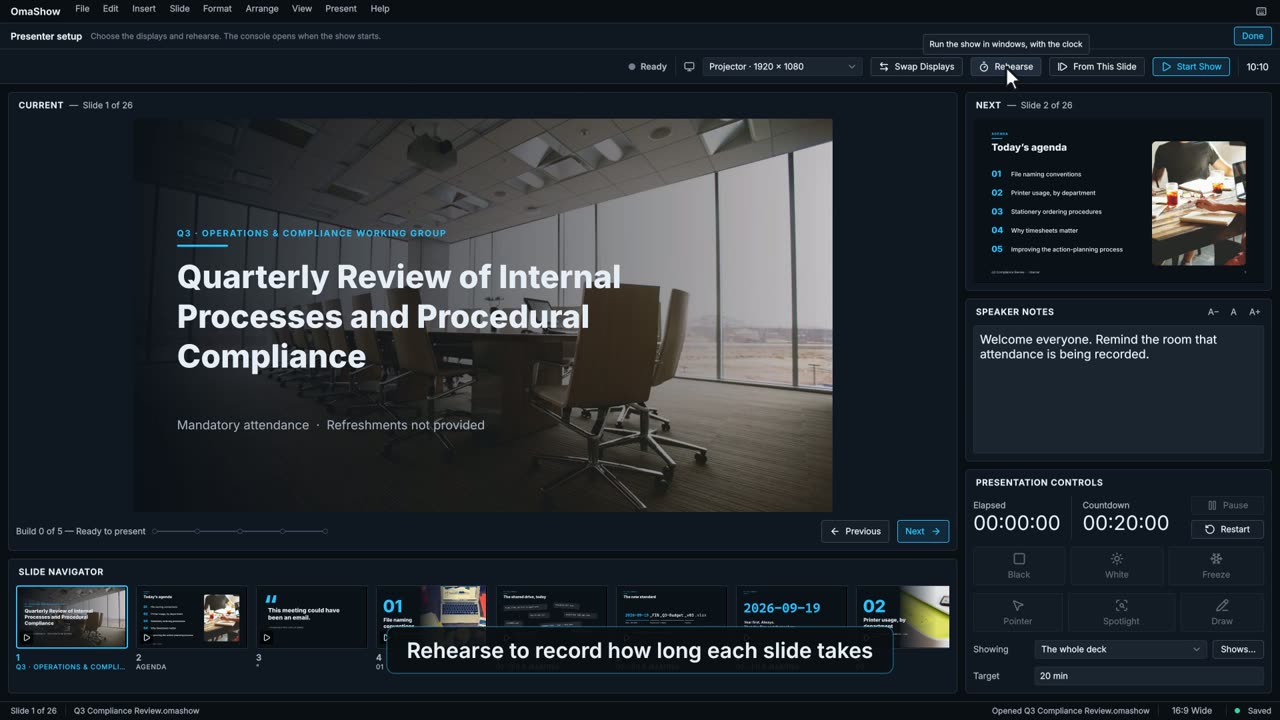 0:25
0:25Getting ready to present: screens, timings and custom shows.
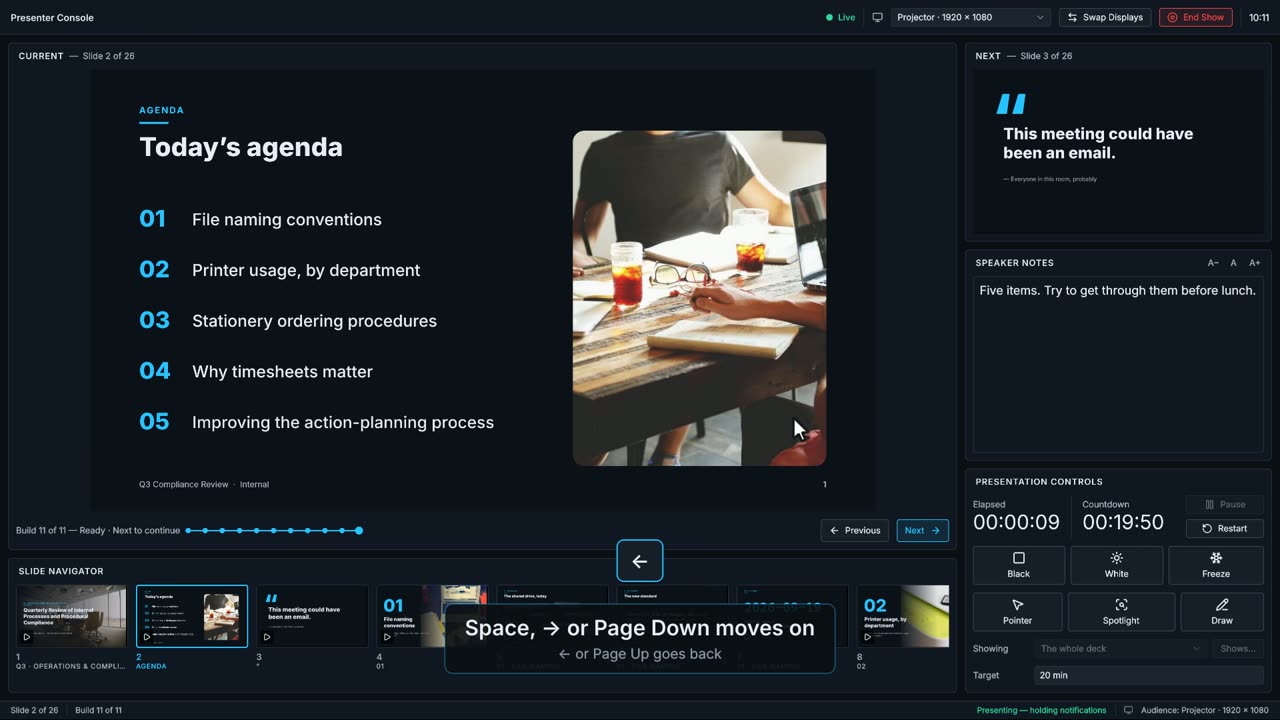 0:24
0:24The audience sees the slides; you get the presenter console.
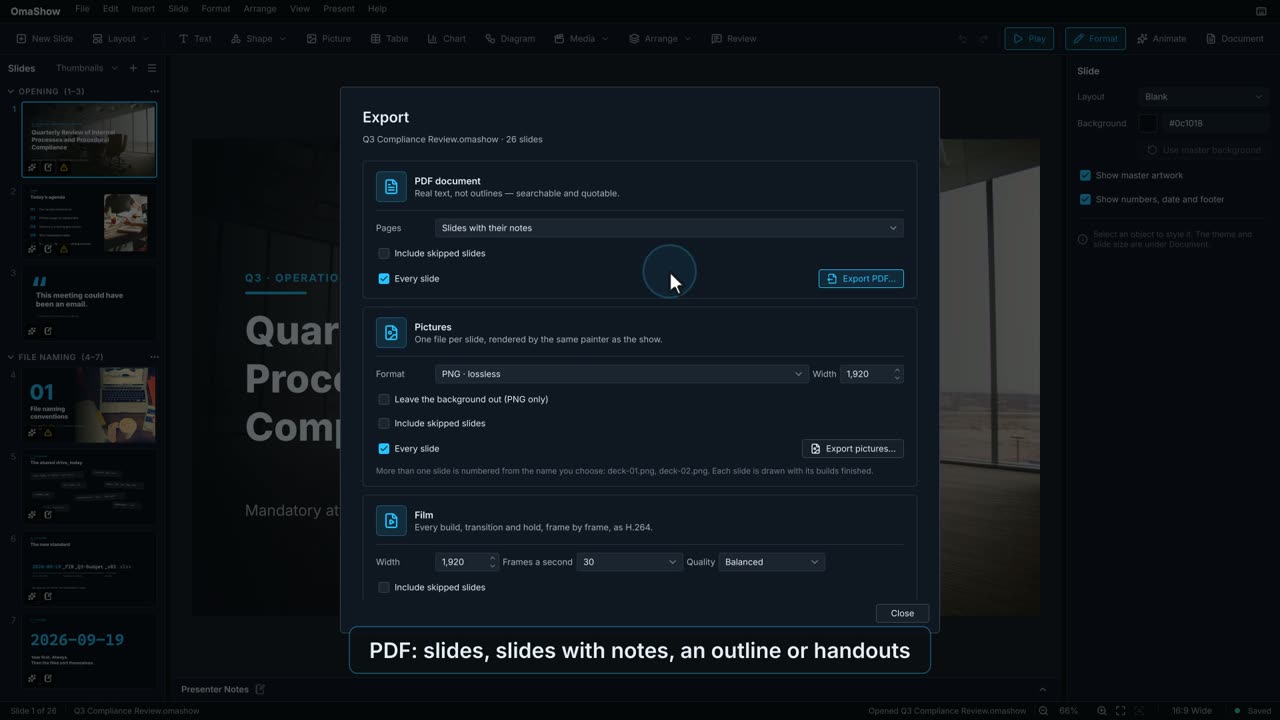 0:23
0:23Turning the deck into something to send, print or play elsewhere.
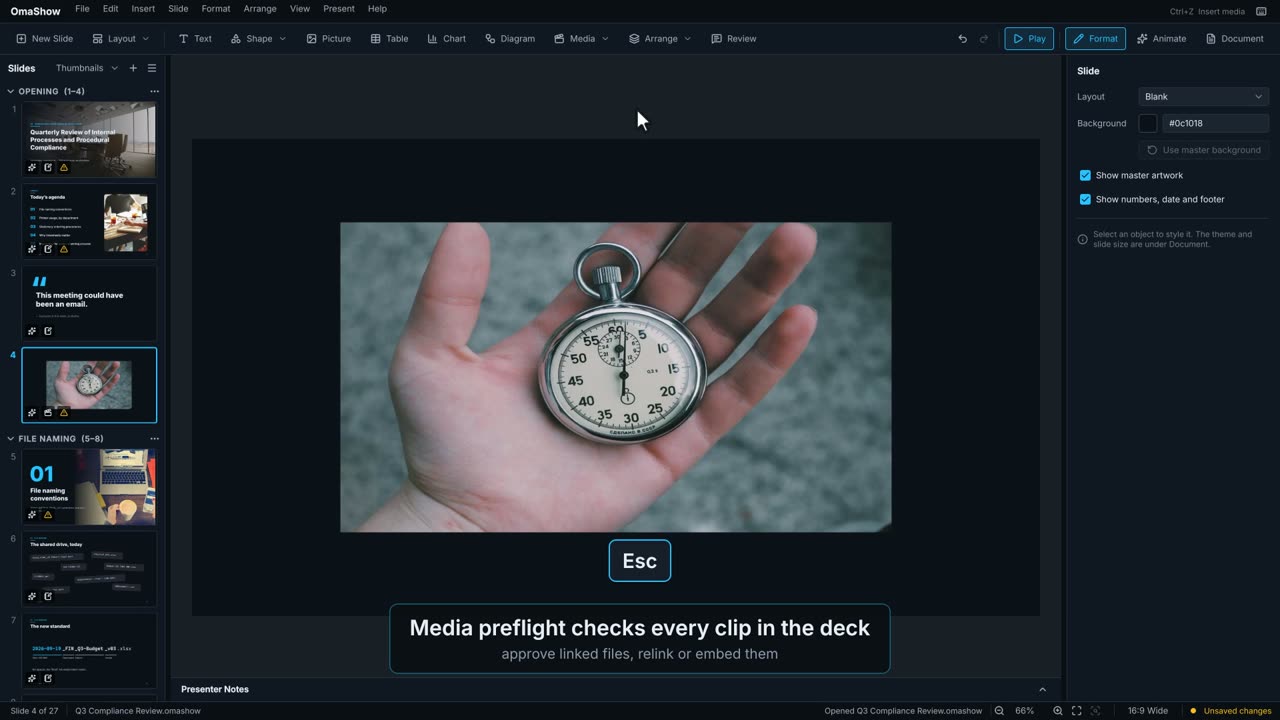 0:23
0:23Video and audio on a slide, embedded in the deck or linked to a file.
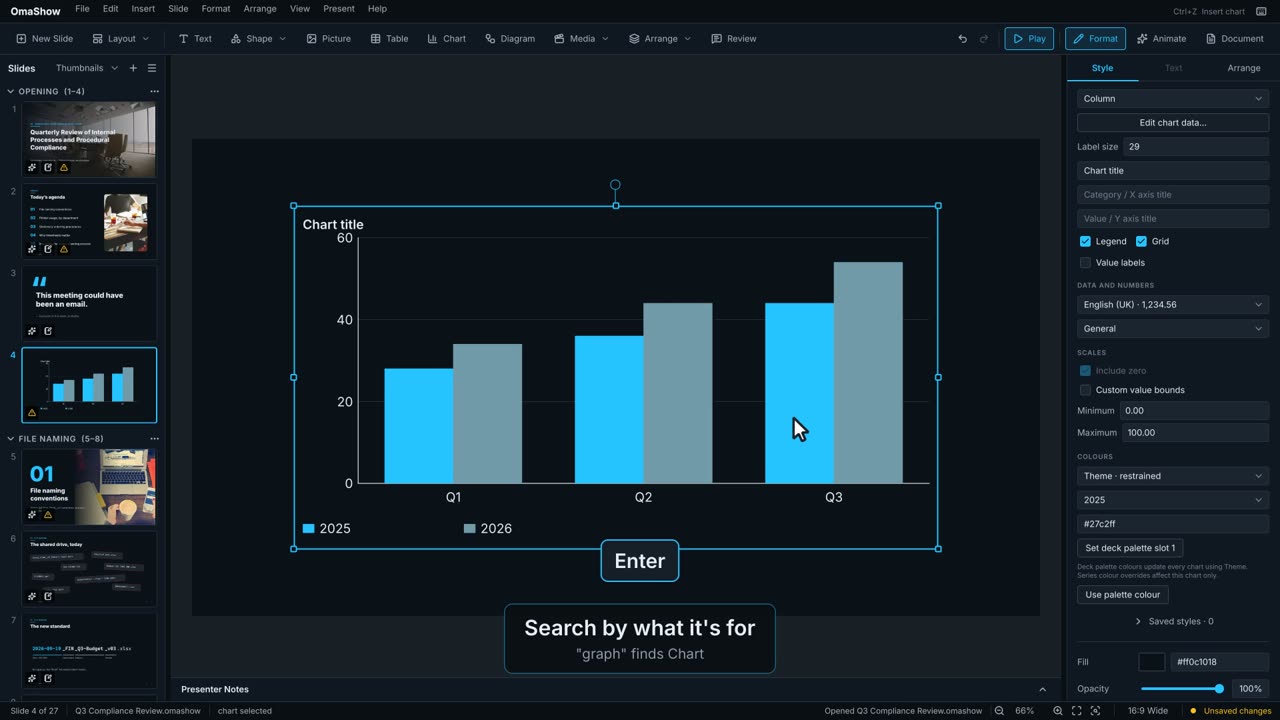 0:18
0:18Type what you want to do instead of hunting through menus.
 0:54
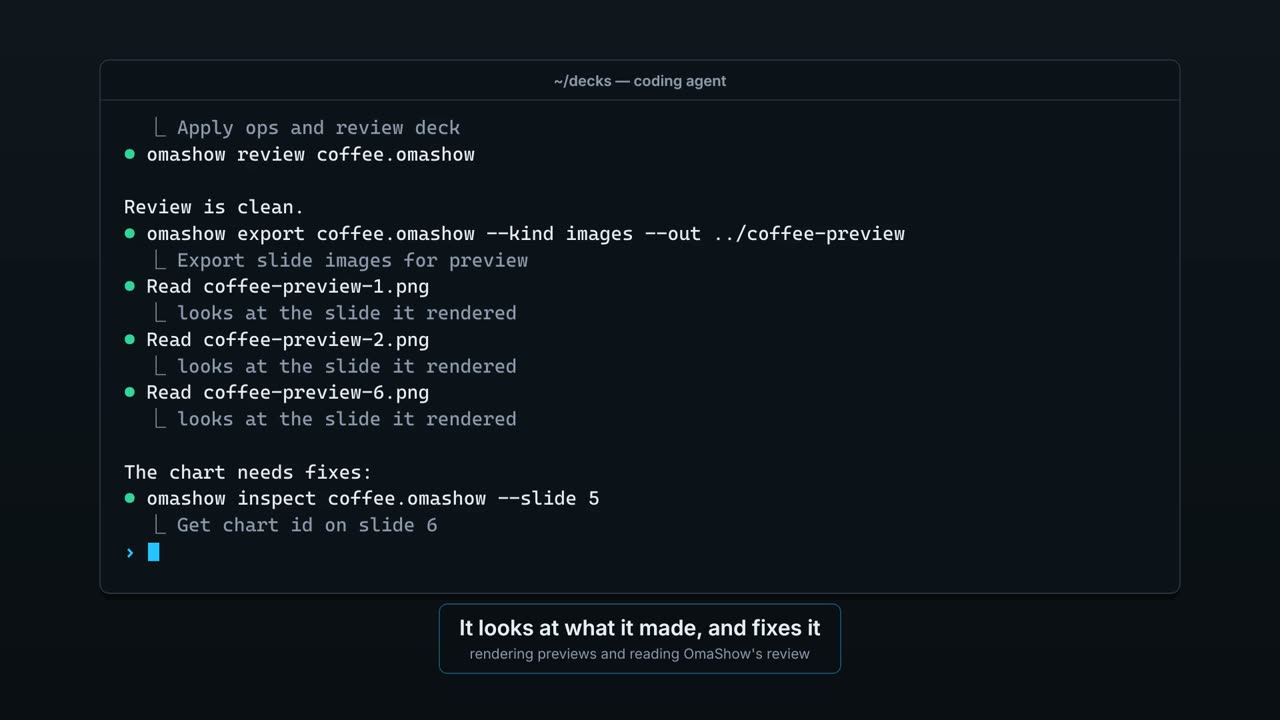
0:54Make, change and export decks from a terminal, without opening a window.
 0:20
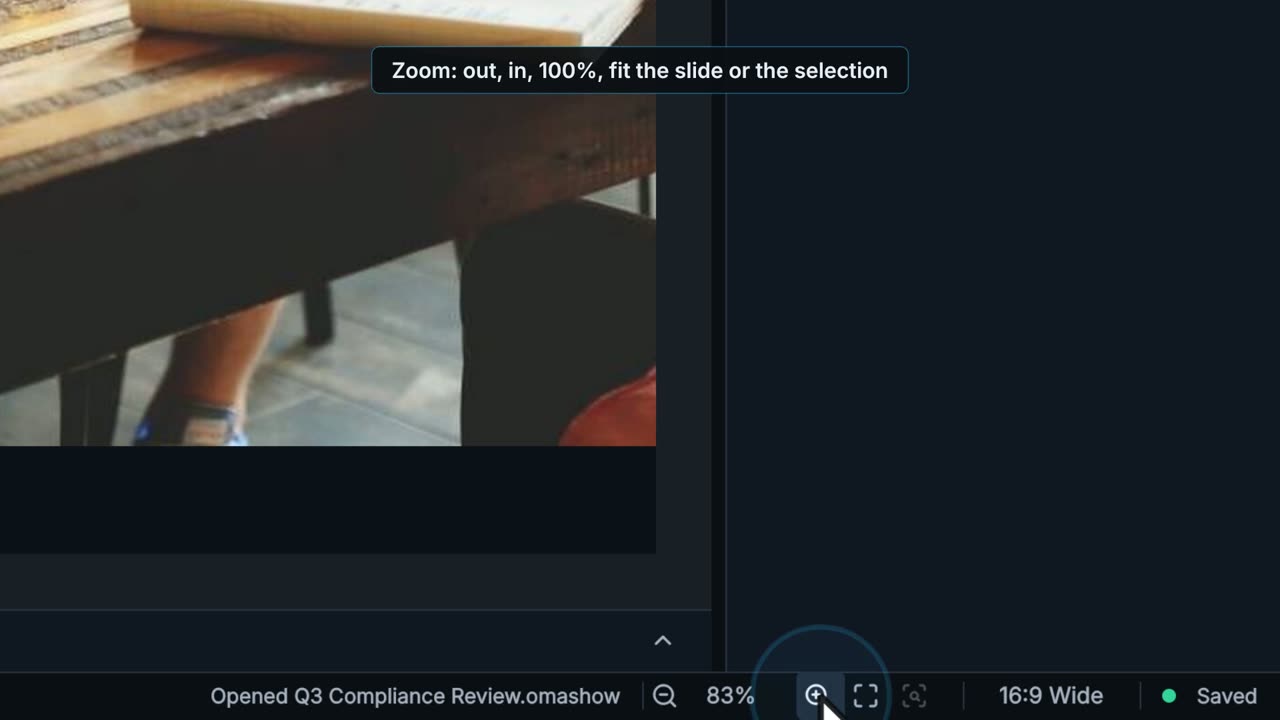
0:20What the deck is doing, along the bottom and above the slide.
 0:19
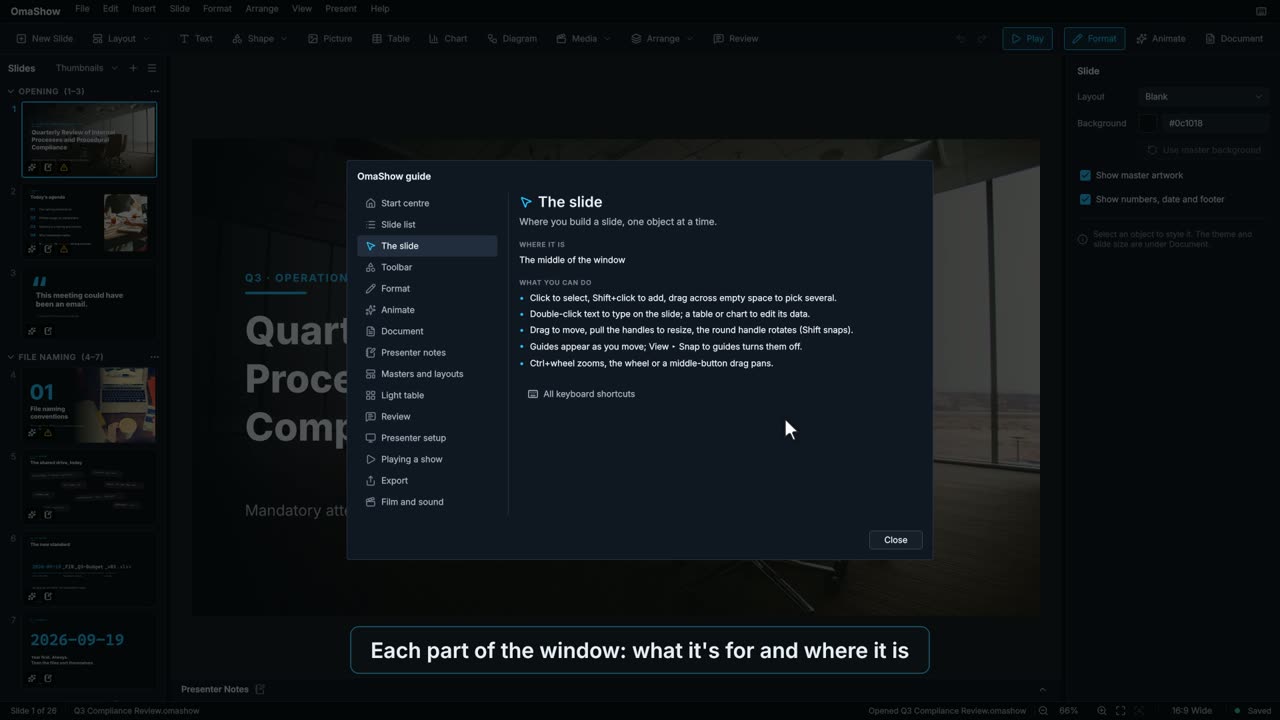
0:19The guide, the keyboard shortcuts and the command search, all inside OmaShow.