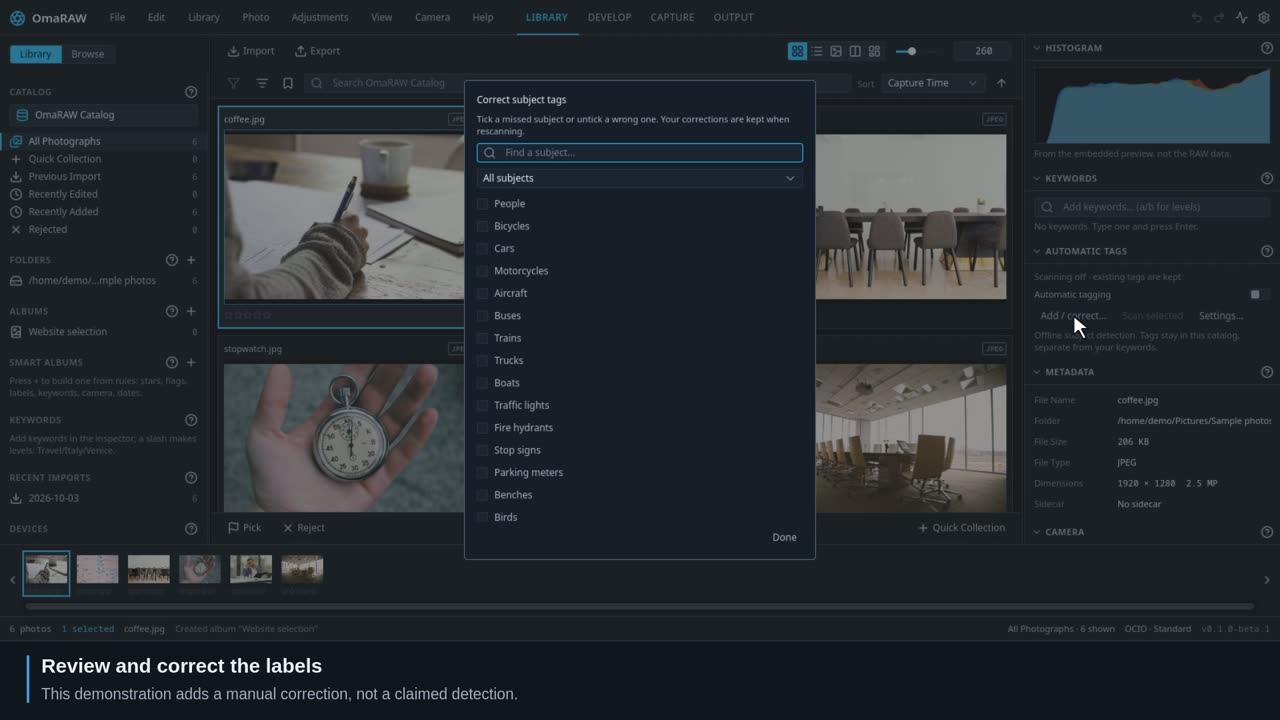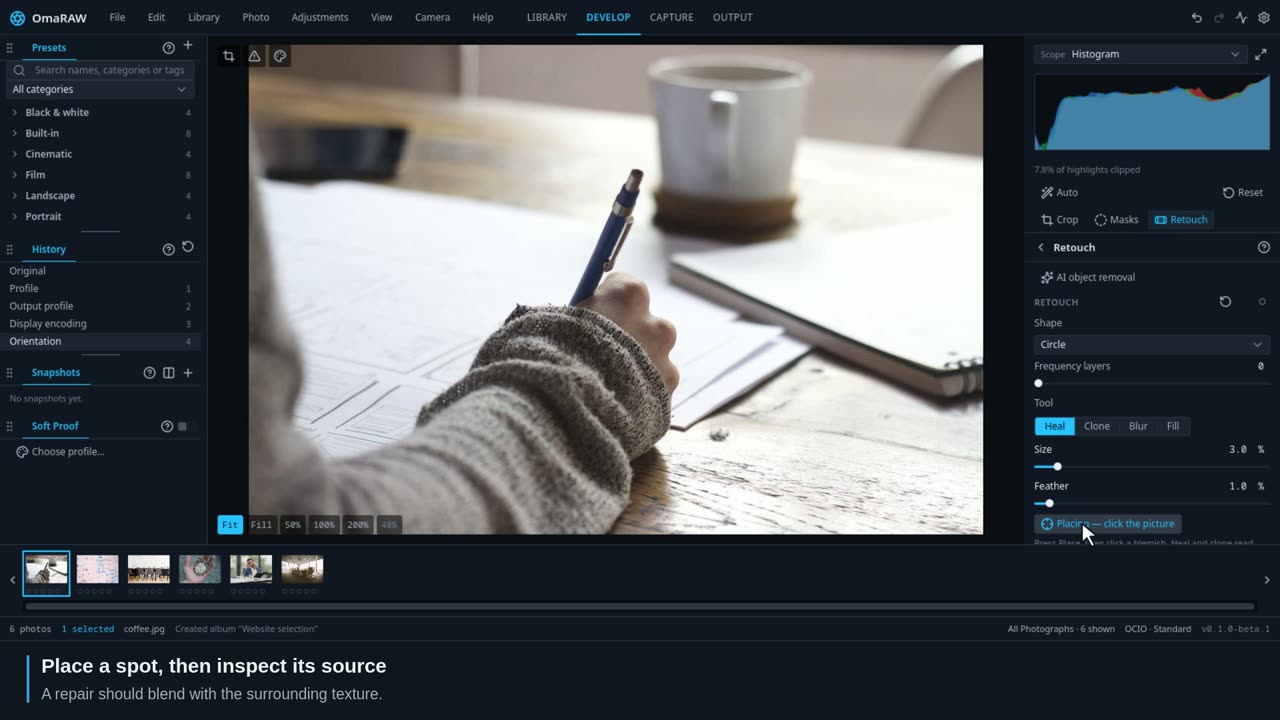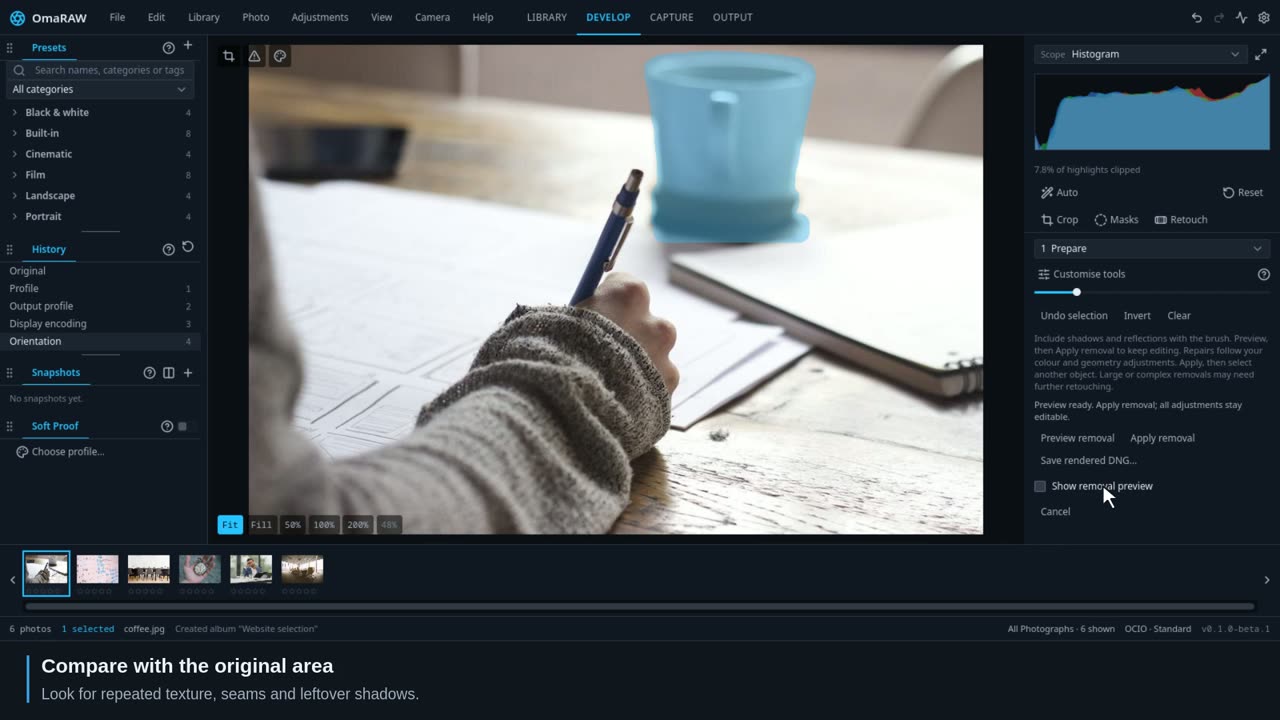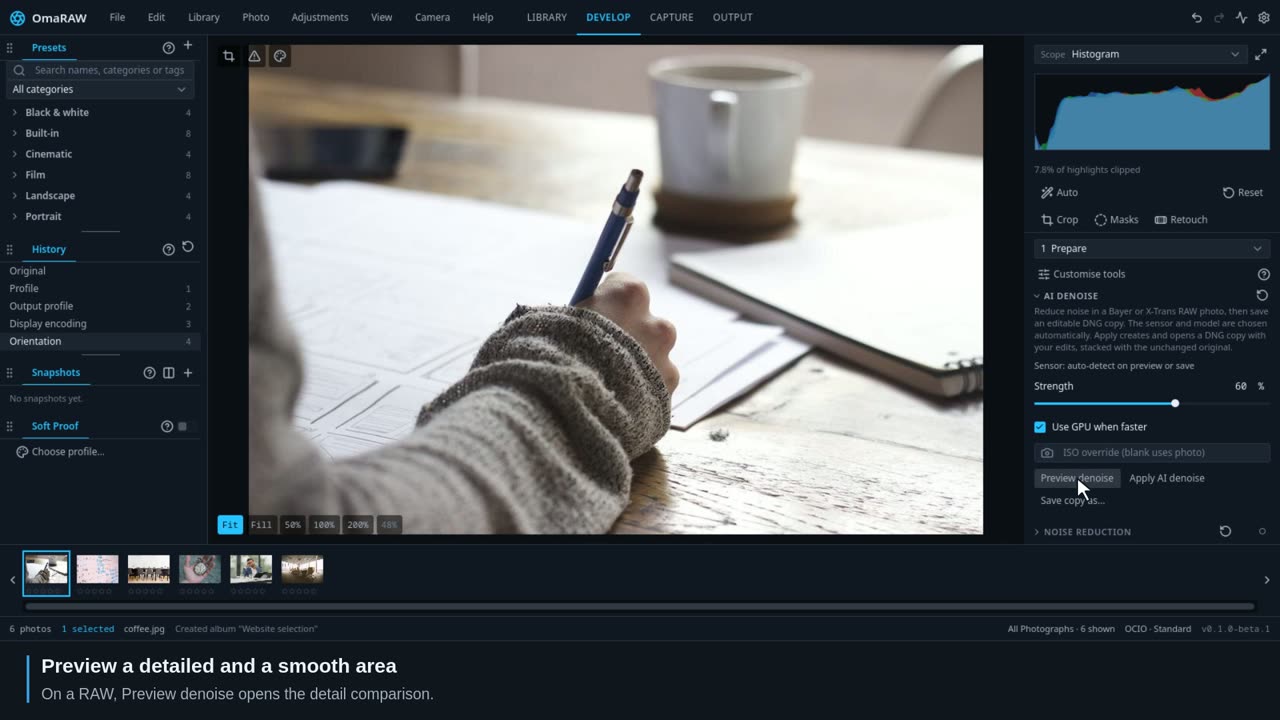
Finding your way
Four workspaces, one catalog, and edits you can return to.
Follow 28 short lessons, from importing a shoot to exporting finished photographs. Then look up any of the 39 Develop tools: each has its own video and a control reference for every menu choice.
Search the full written guide, including individual controls.
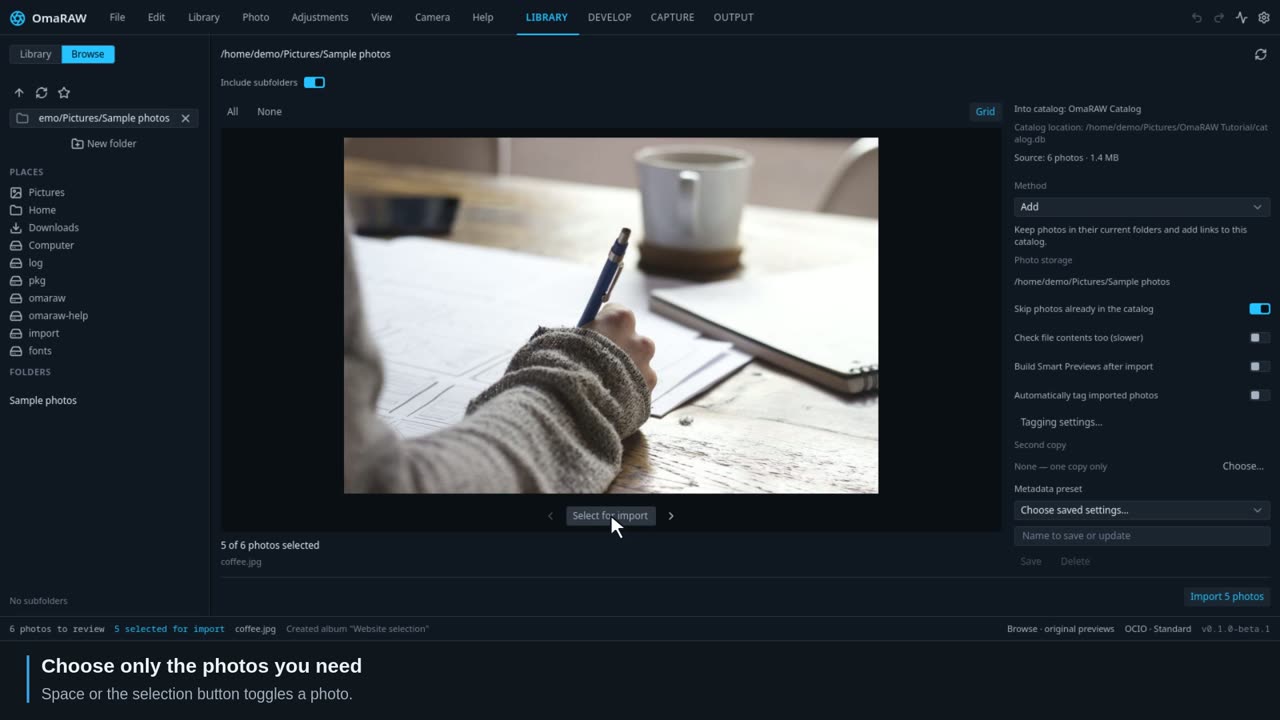
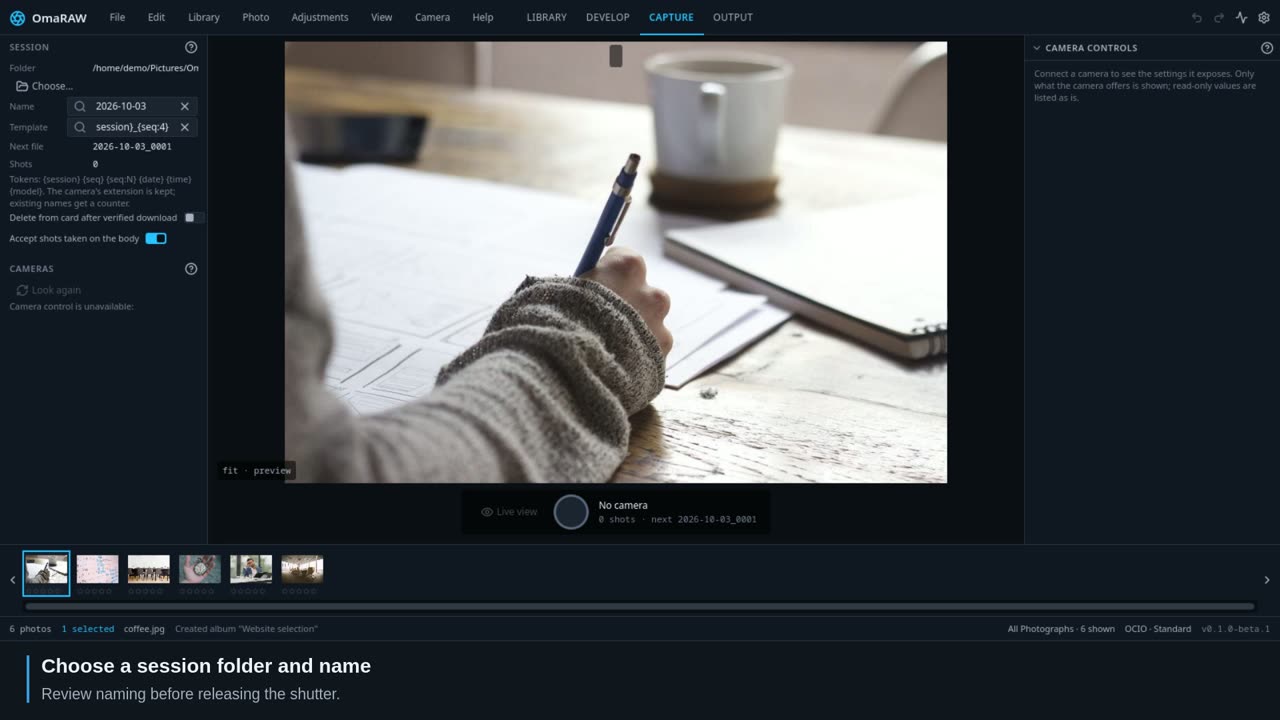
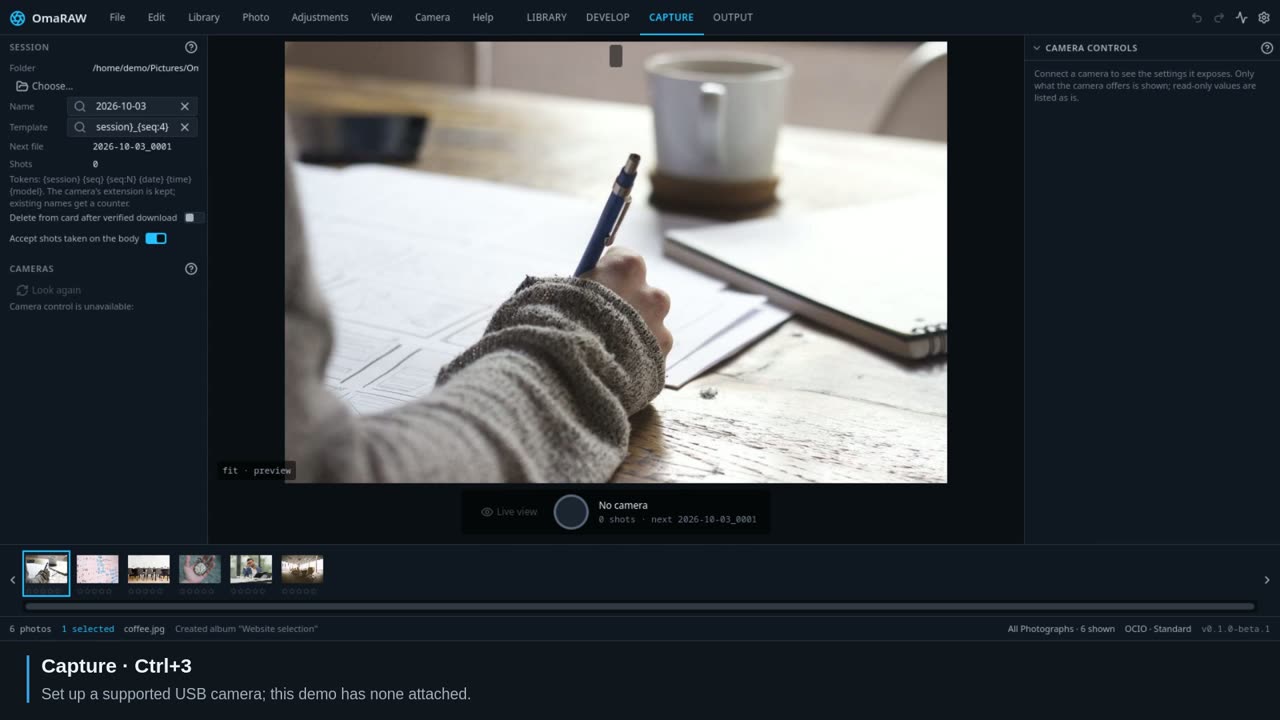
Find your way around and bring your photographs in.
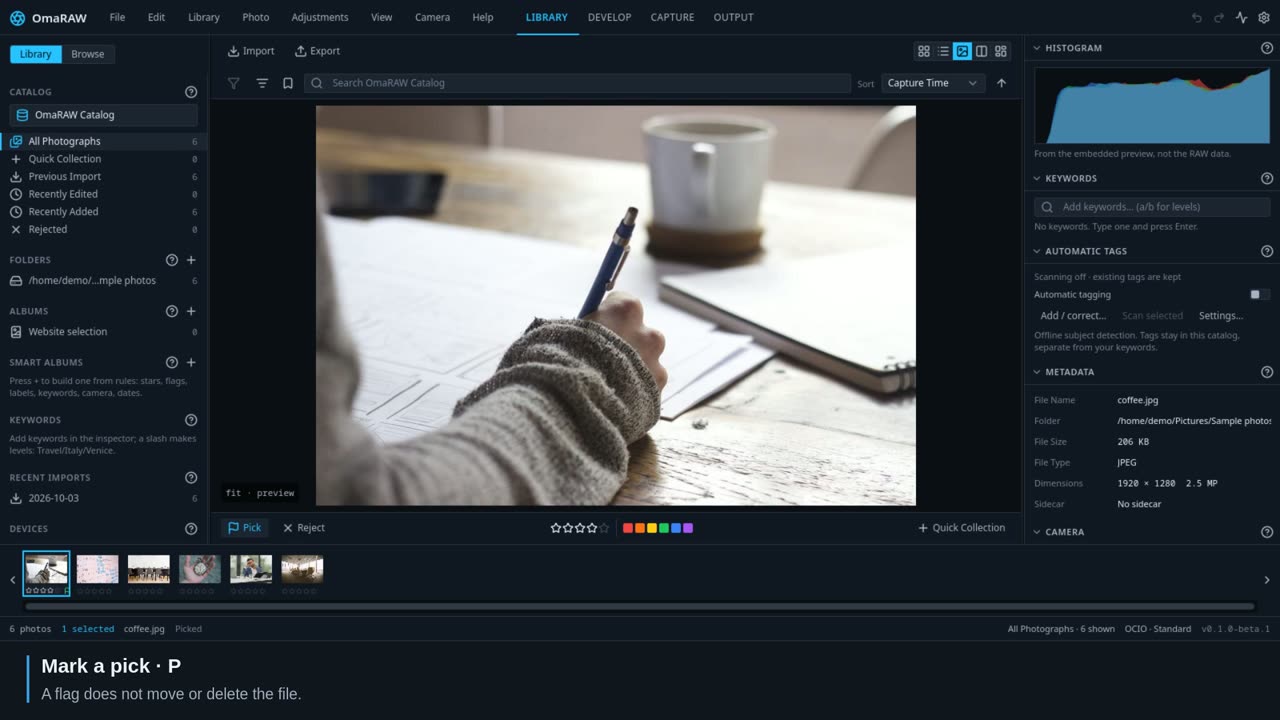
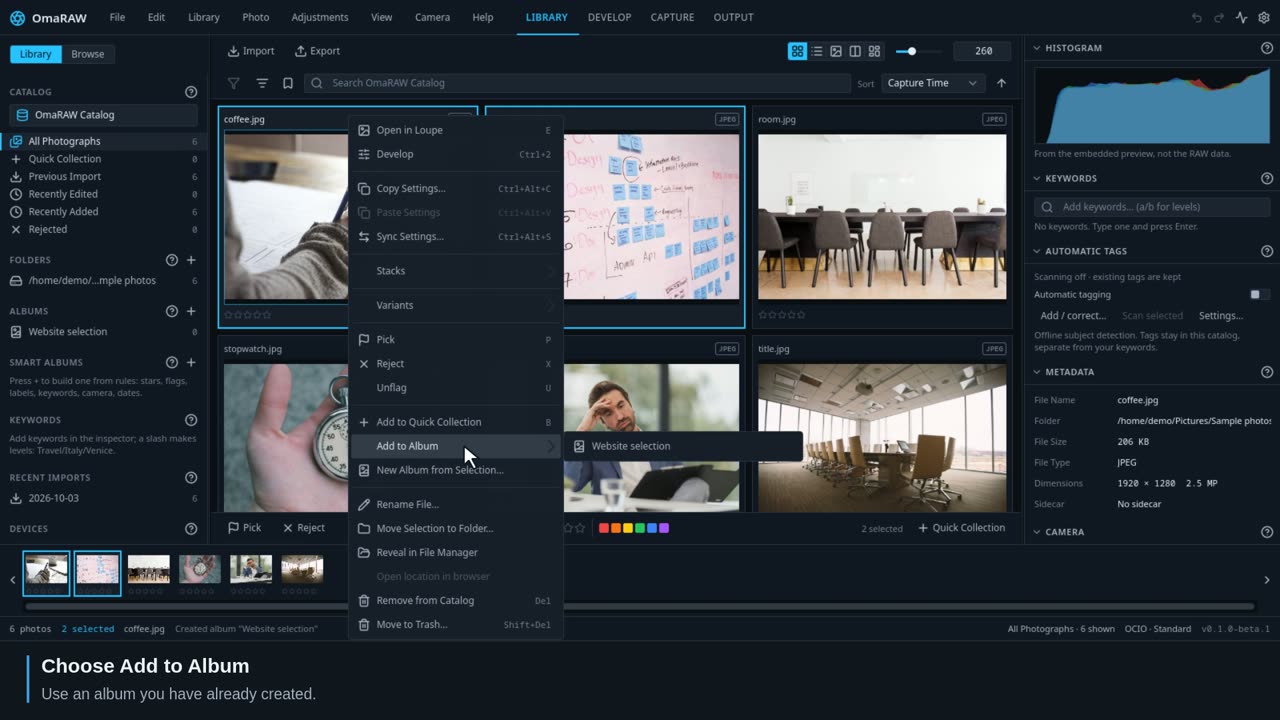
Choose your keepers and keep a shoot easy to find.
Edit a photograph from the first adjustment to a consistent batch.
 0:29
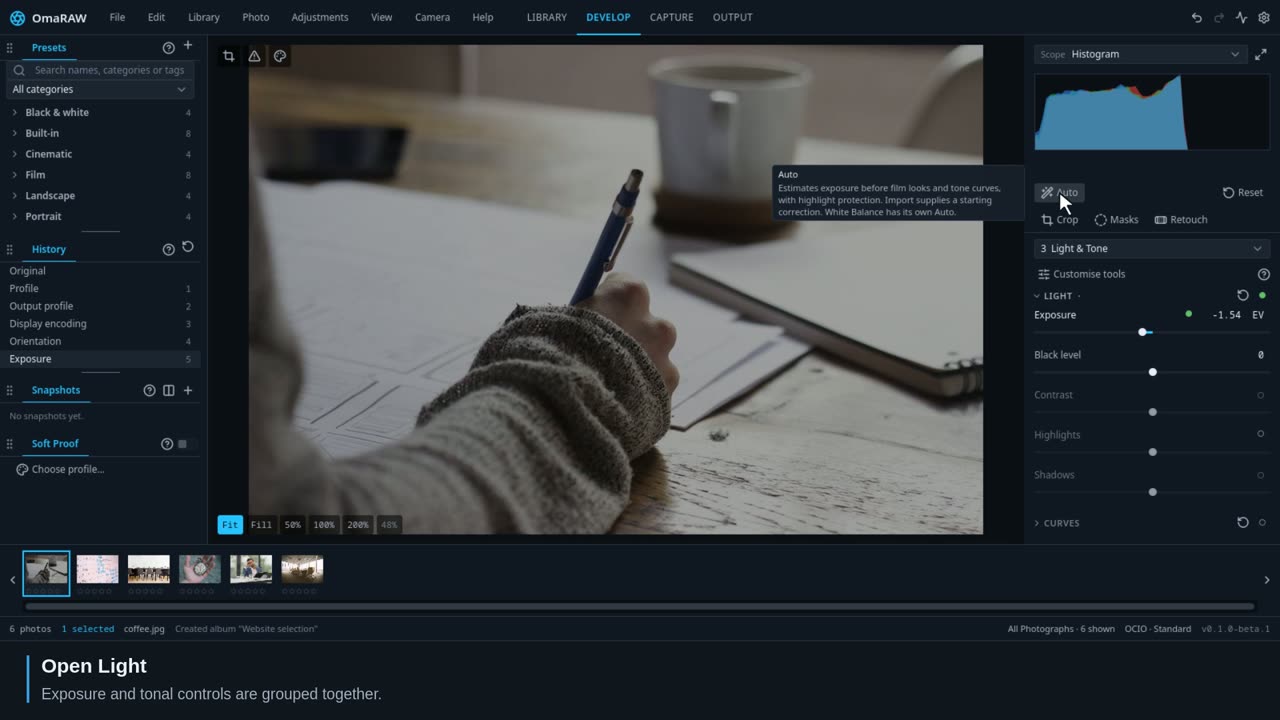
0:29Start with light, compare the result, and use Undo as you work.
 0:23
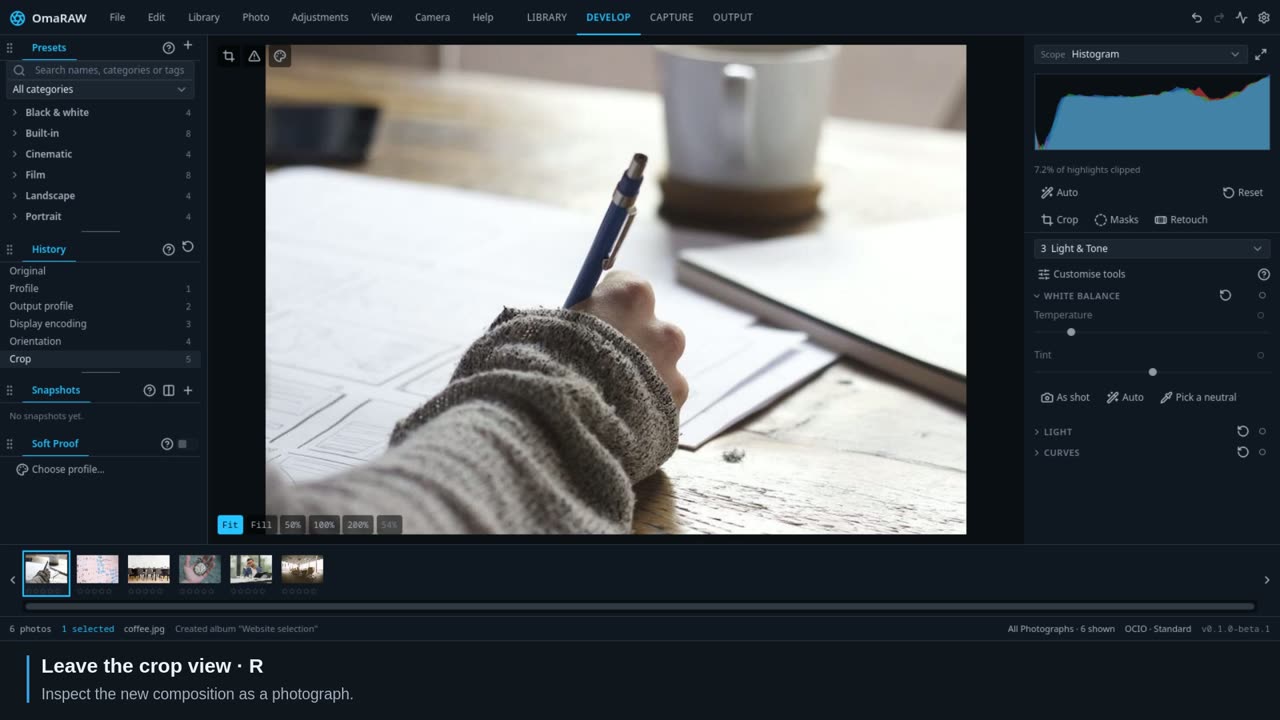
0:23Set the frame and level the photograph without replacing the original.
 0:30
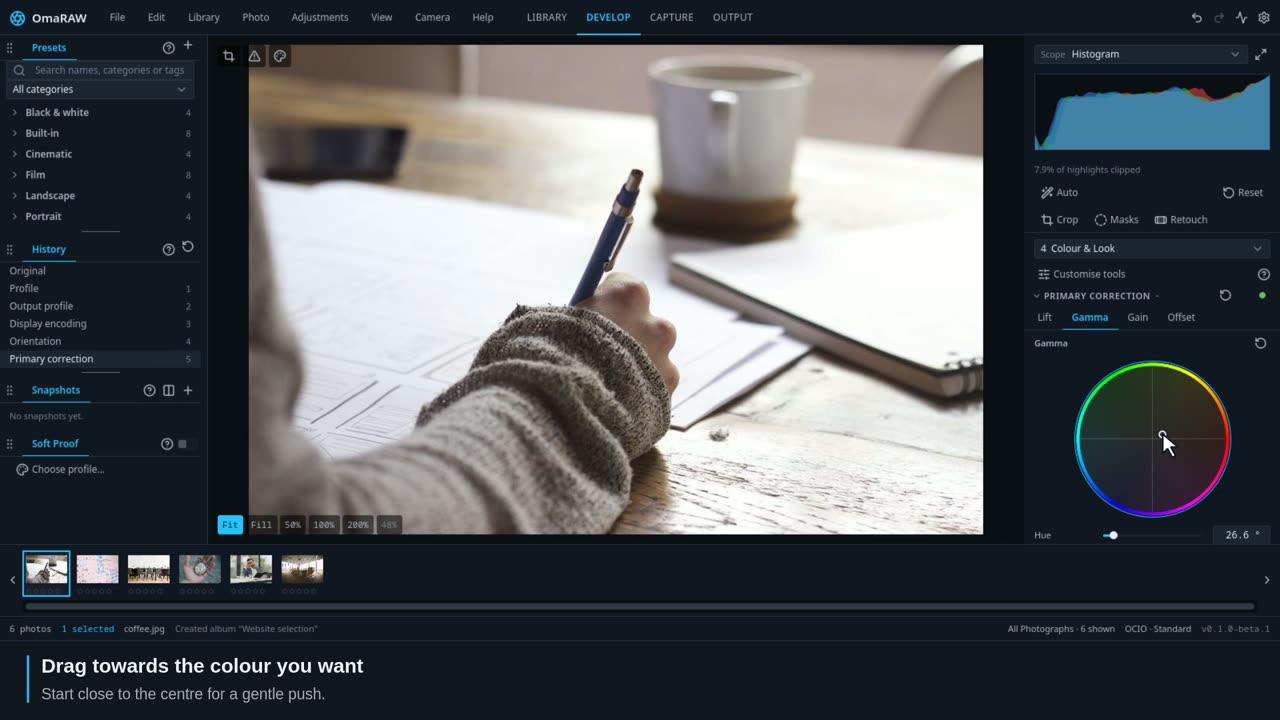
0:30Push colour in a direction you can see, then refine tone and saturation.
 0:28
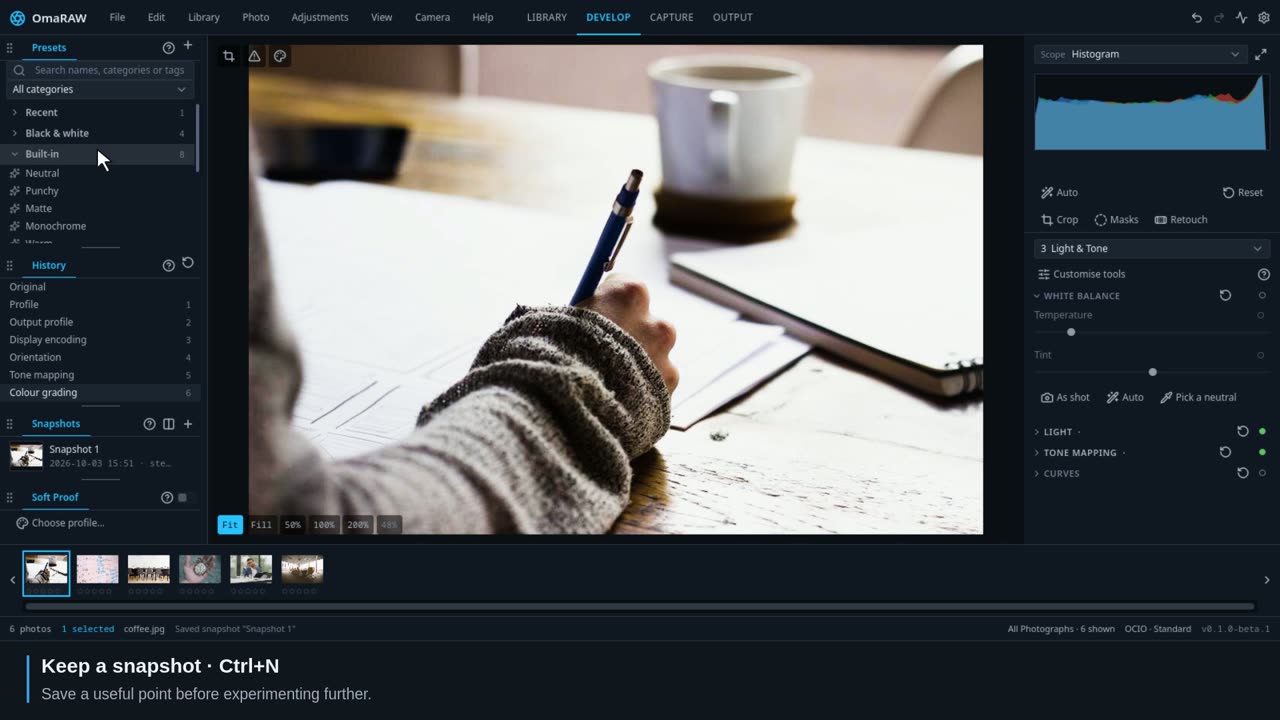
0:28Try a look while keeping useful points to return to.
 1:36
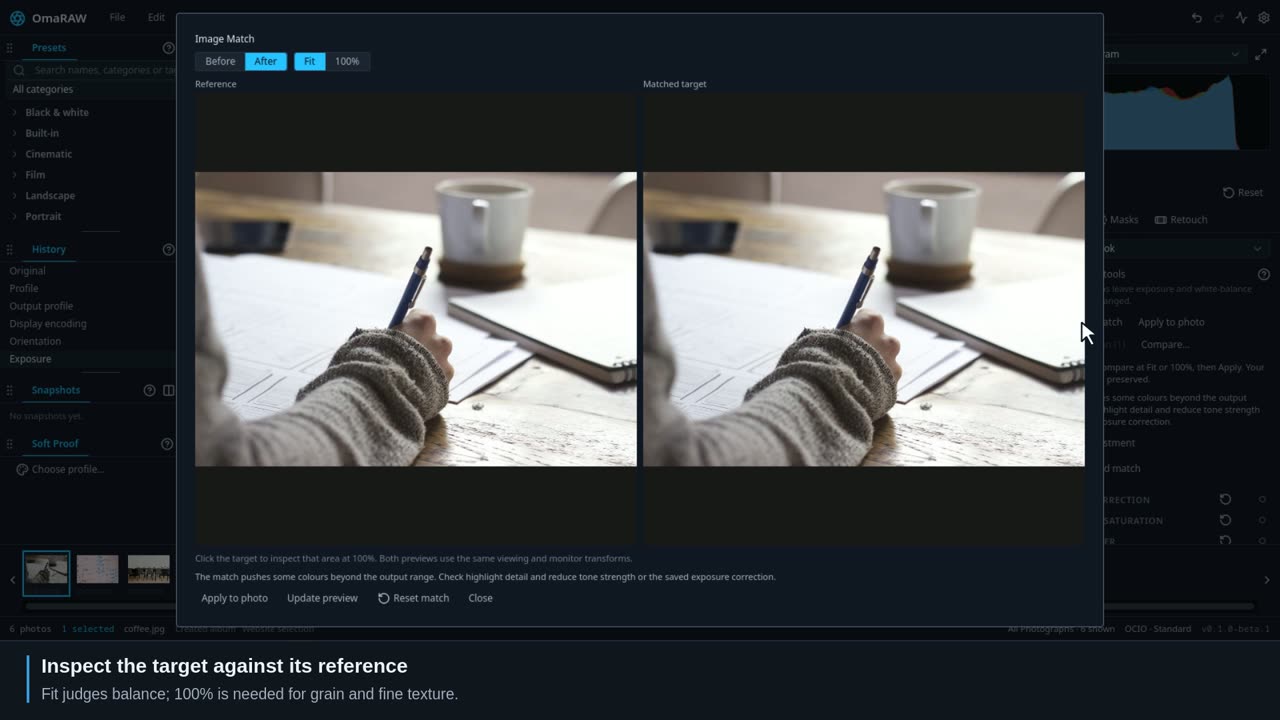
1:36Match a reference with independent exposure, colour, tone and grain controls.
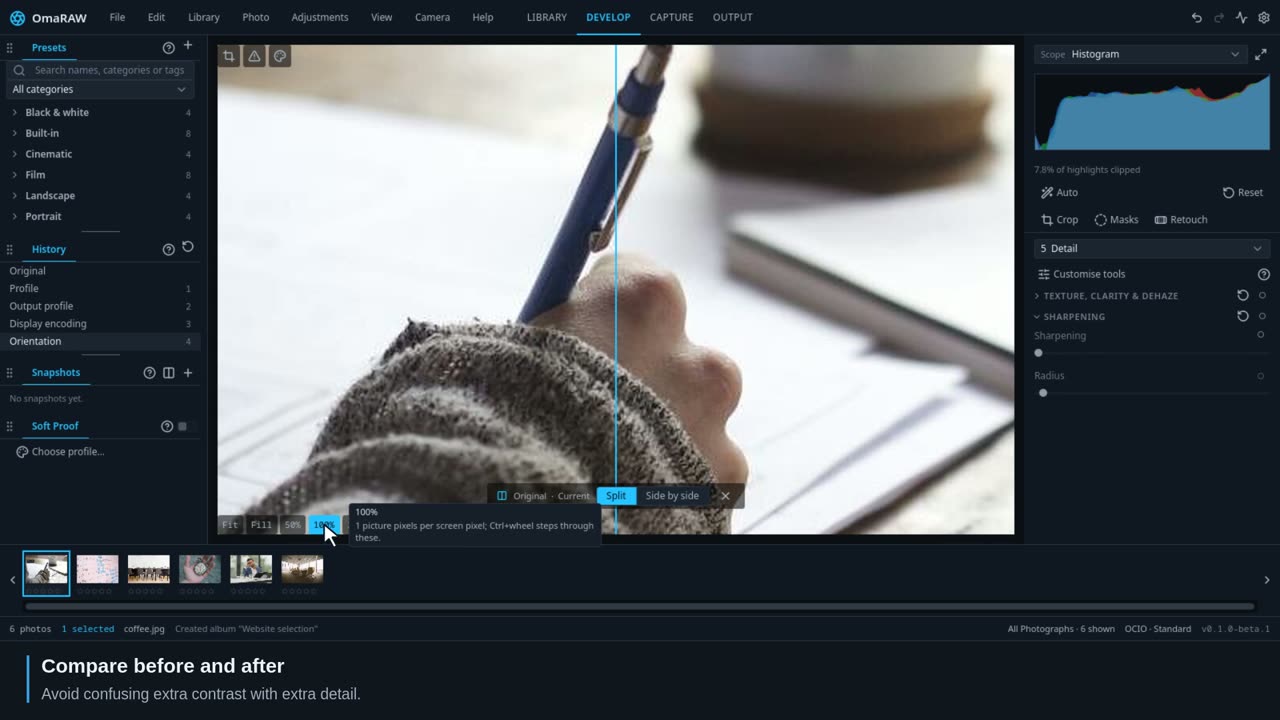 0:24
0:24Inspect sharpening and noise where the pixels are large enough to assess.
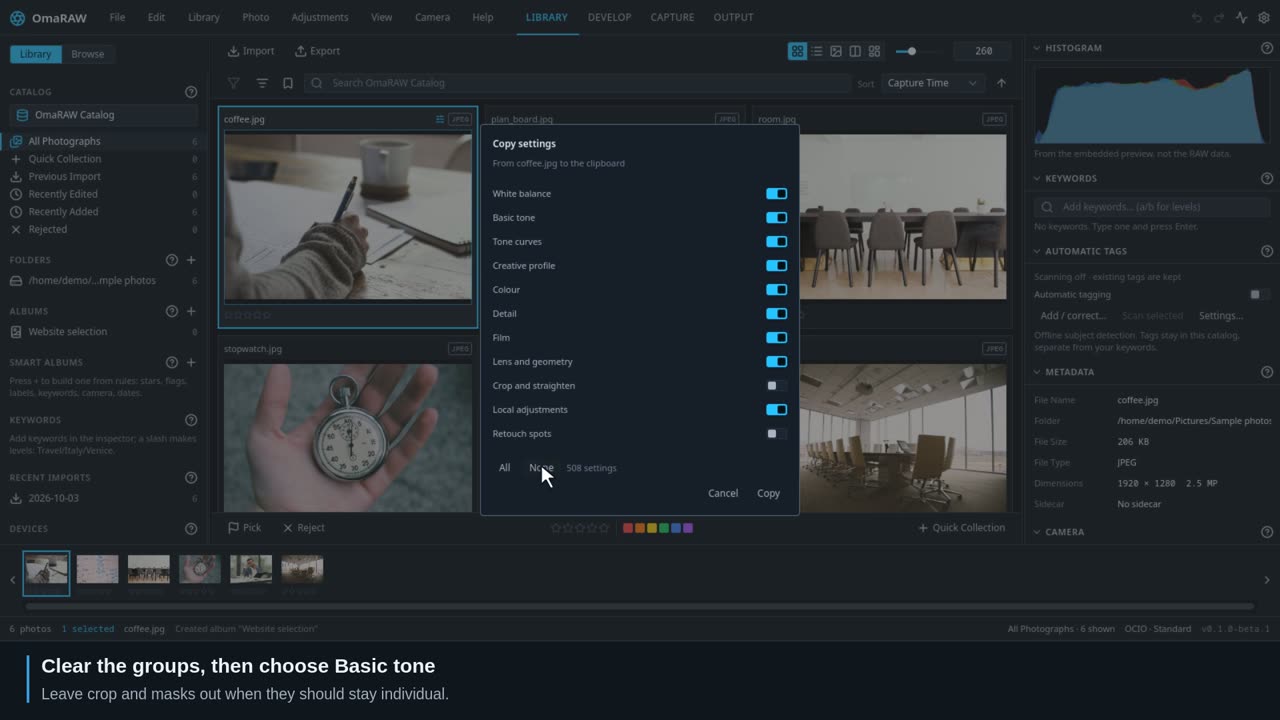 0:34
0:34Transfer selected adjustment groups from an edited photo to the rest of a batch.
Work on part of a photograph. Start with Local masks to choose the right kind.
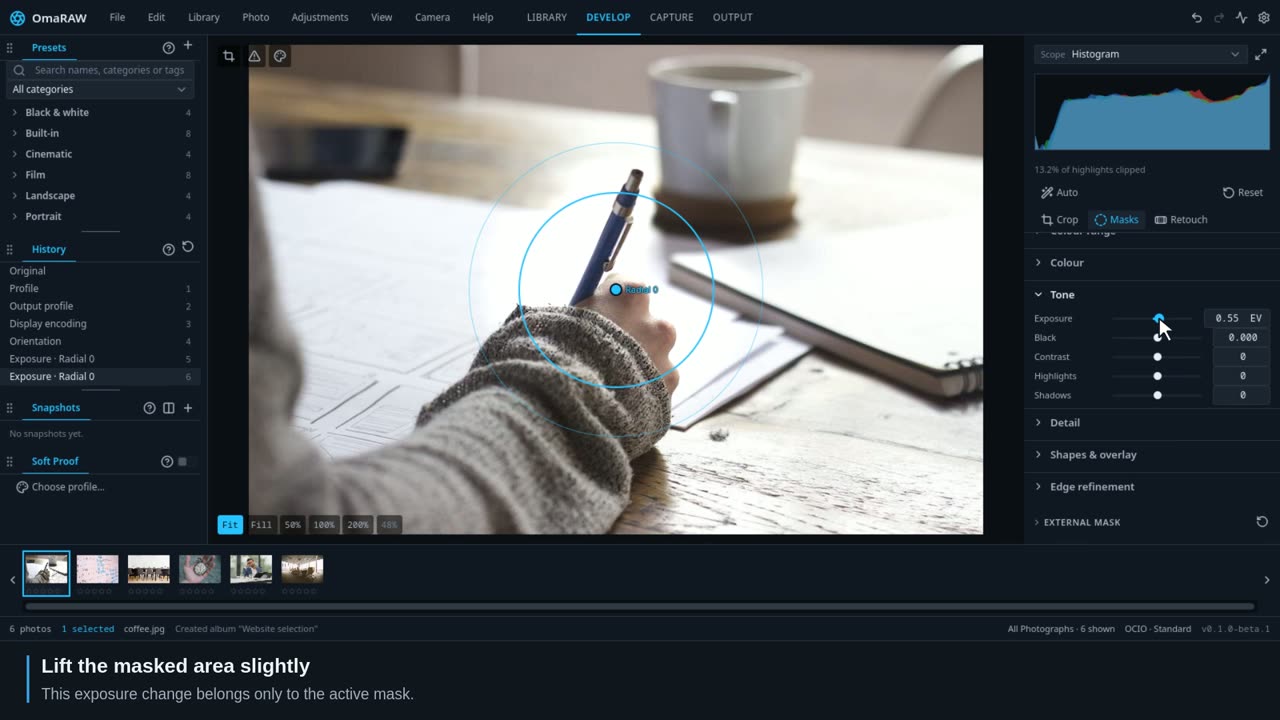 0:32
0:32Choose the right selection method, understand coverage and make local colour, tone and detail corrections.
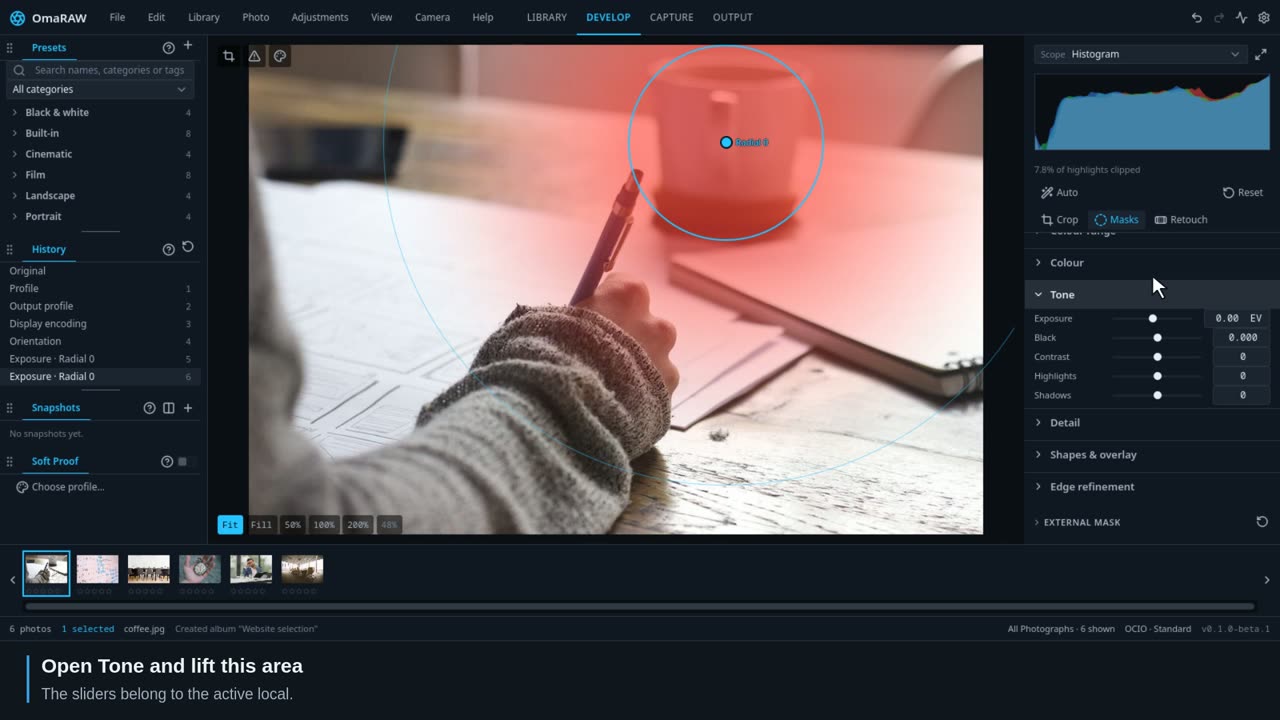 1:42
1:42Place light with a soft ellipse or a graduated transition.
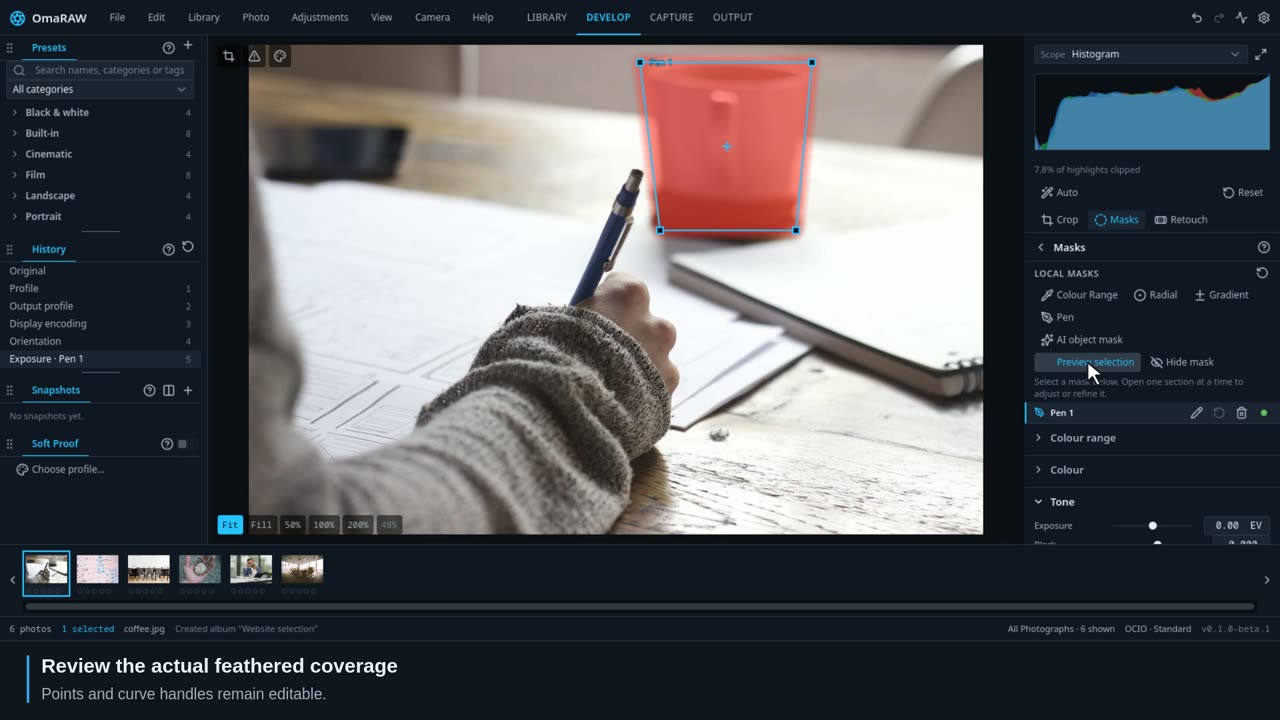 1:47
1:47Paint a correction or trace a precise, editable outline.
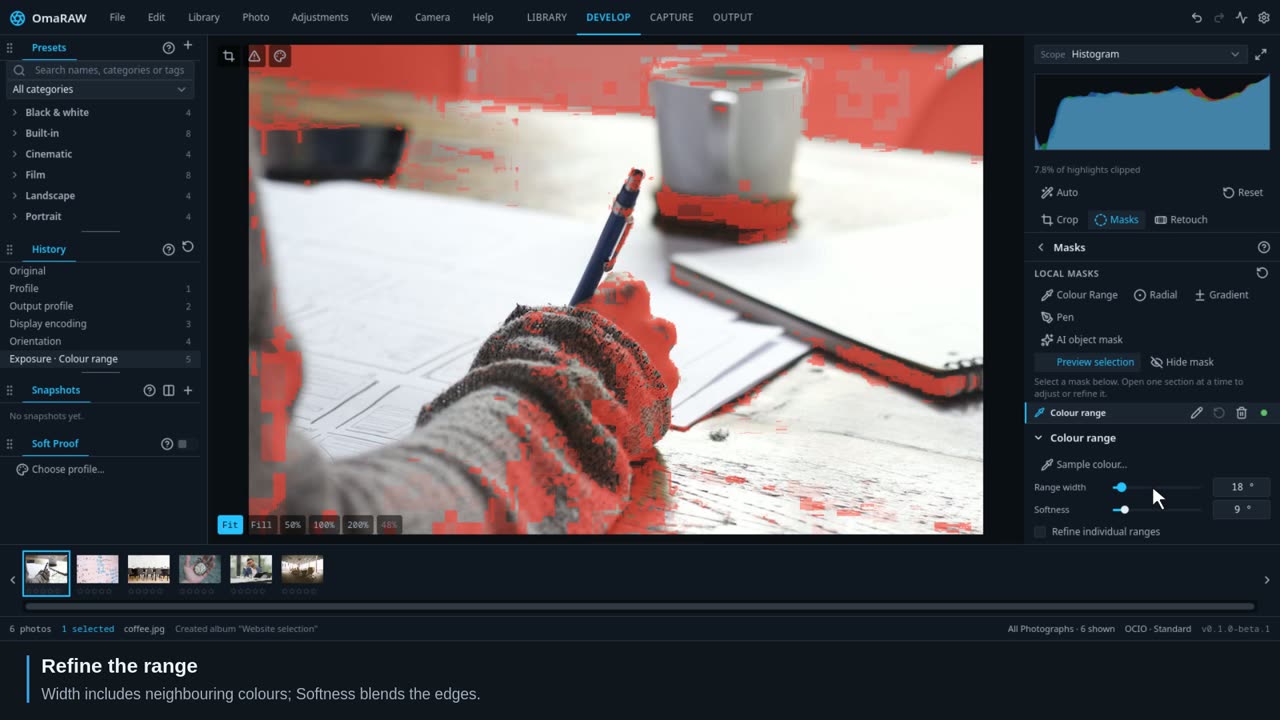 0:32
0:32Sample a colour, inspect the selection, then adjust only that range.
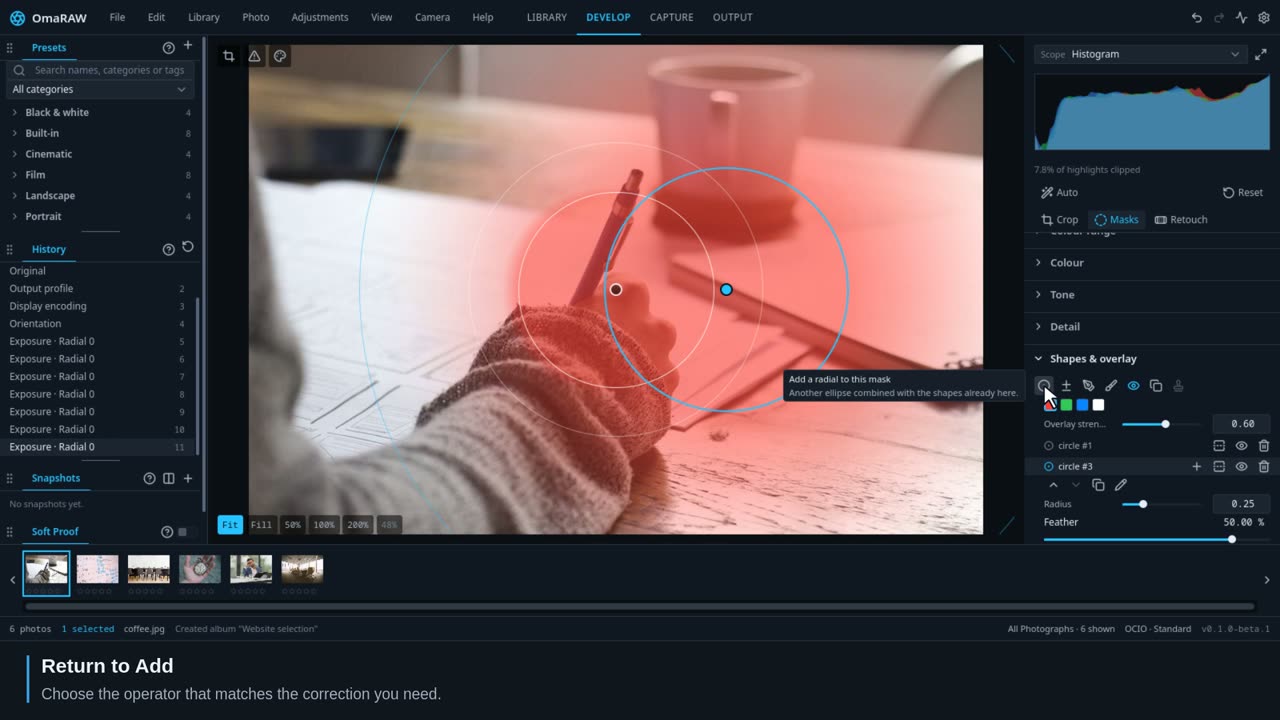 2:01
2:01Build a selection from shapes and ranges, then control its edge.
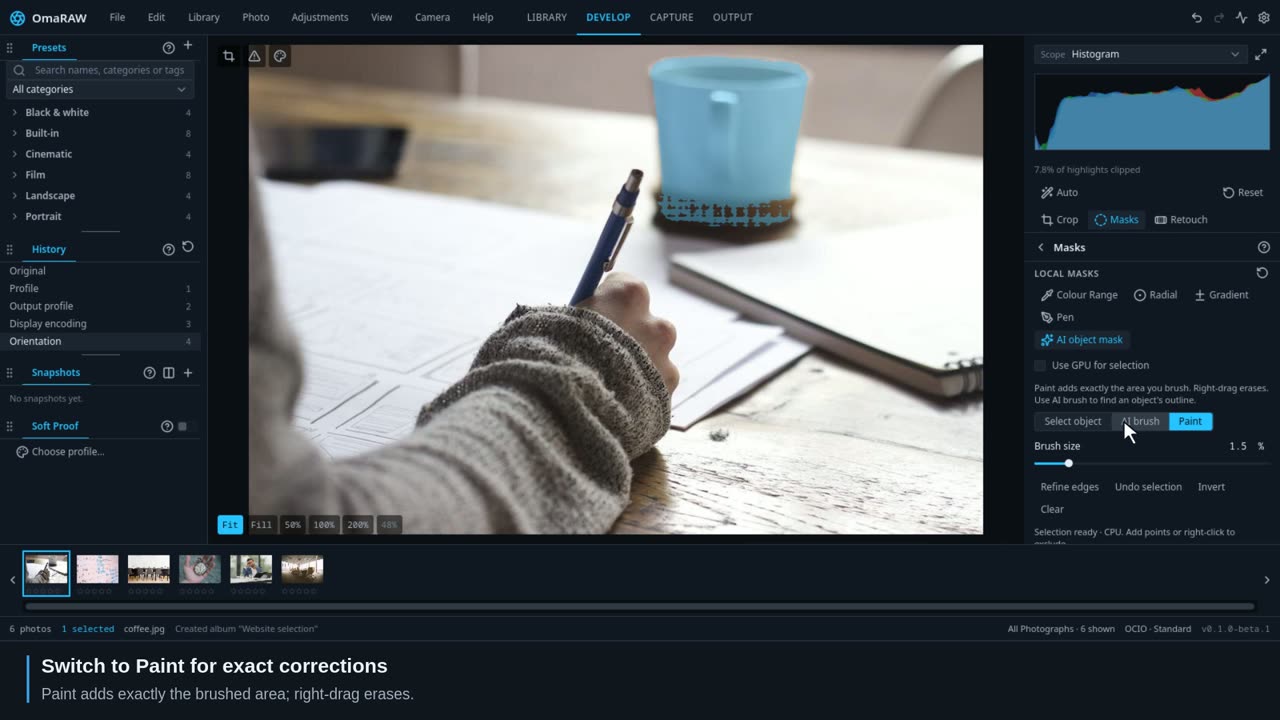 1:57
1:57Select an object with points, a box or AI brush, then create editable paths.
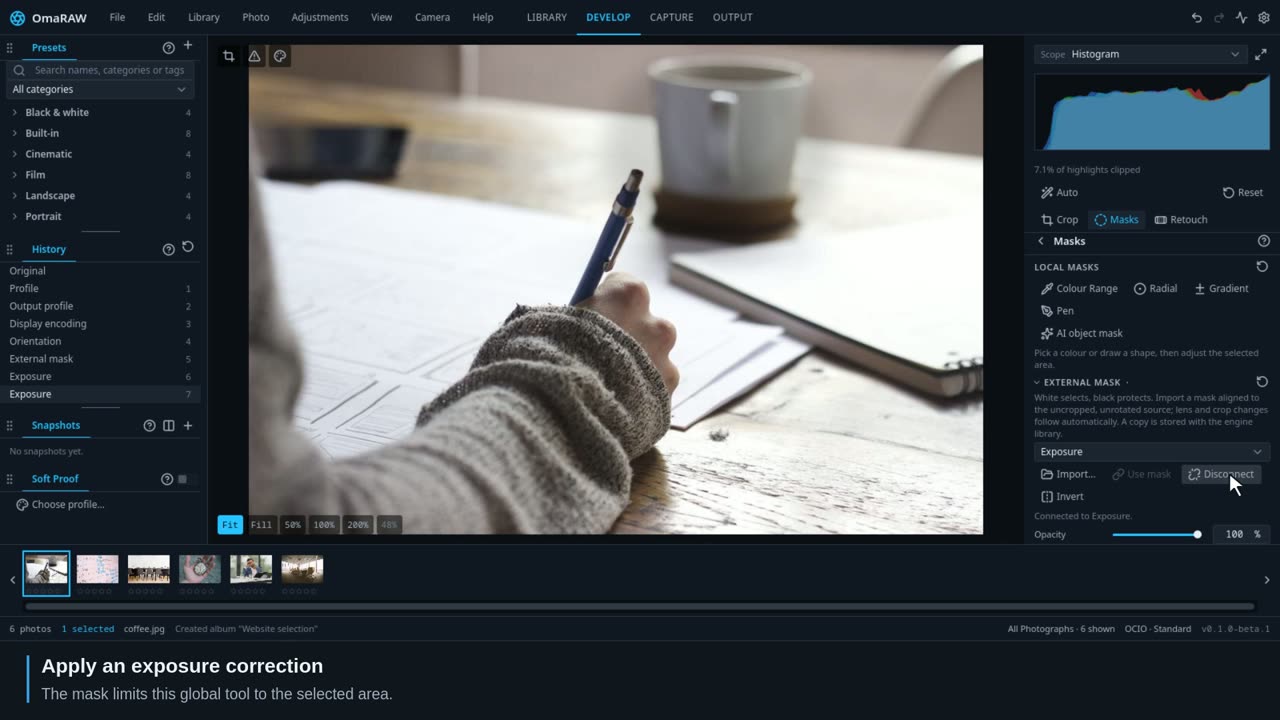 1:28
1:28Use a greyscale image to restrict supported global adjustments.
Remove distractions and reduce noise.
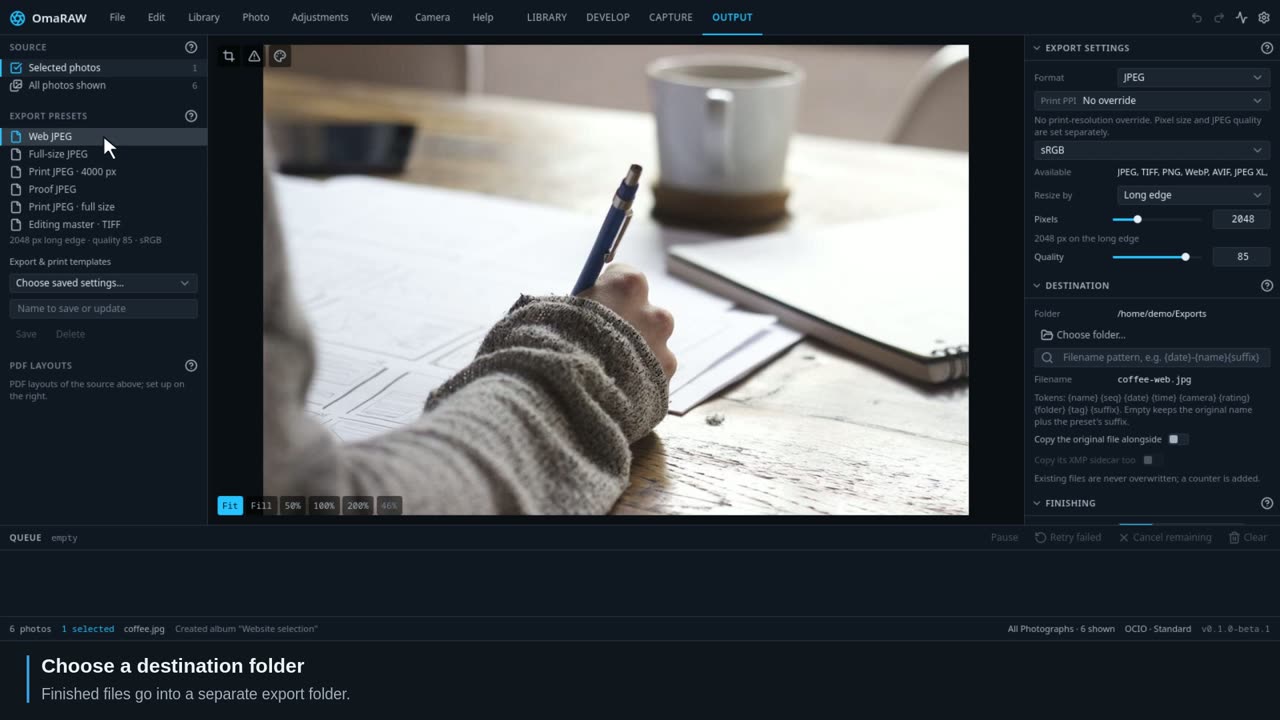
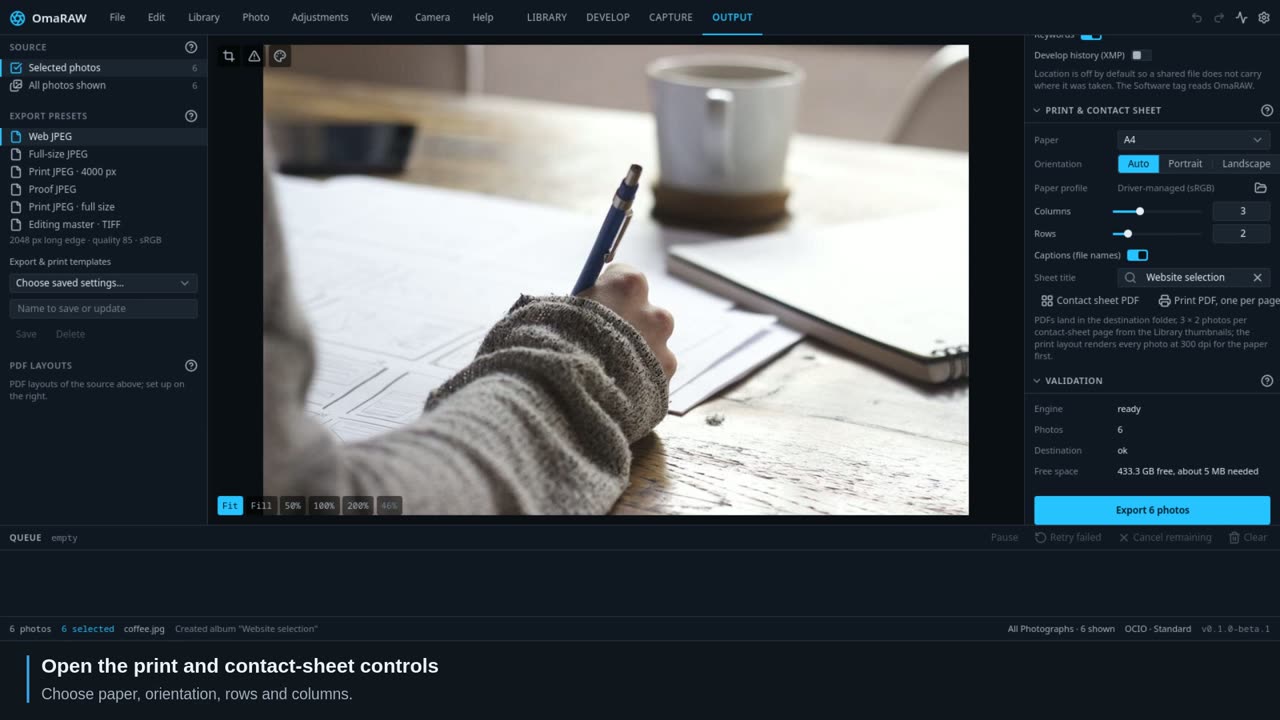
Make finished files, print PDFs and contact sheets.
Look up any tool or control, care for your catalog and get help.
39 individual demonstrations show the controls changing real photographs. Each tool also has control explanations, a practical example and limits to watch for.
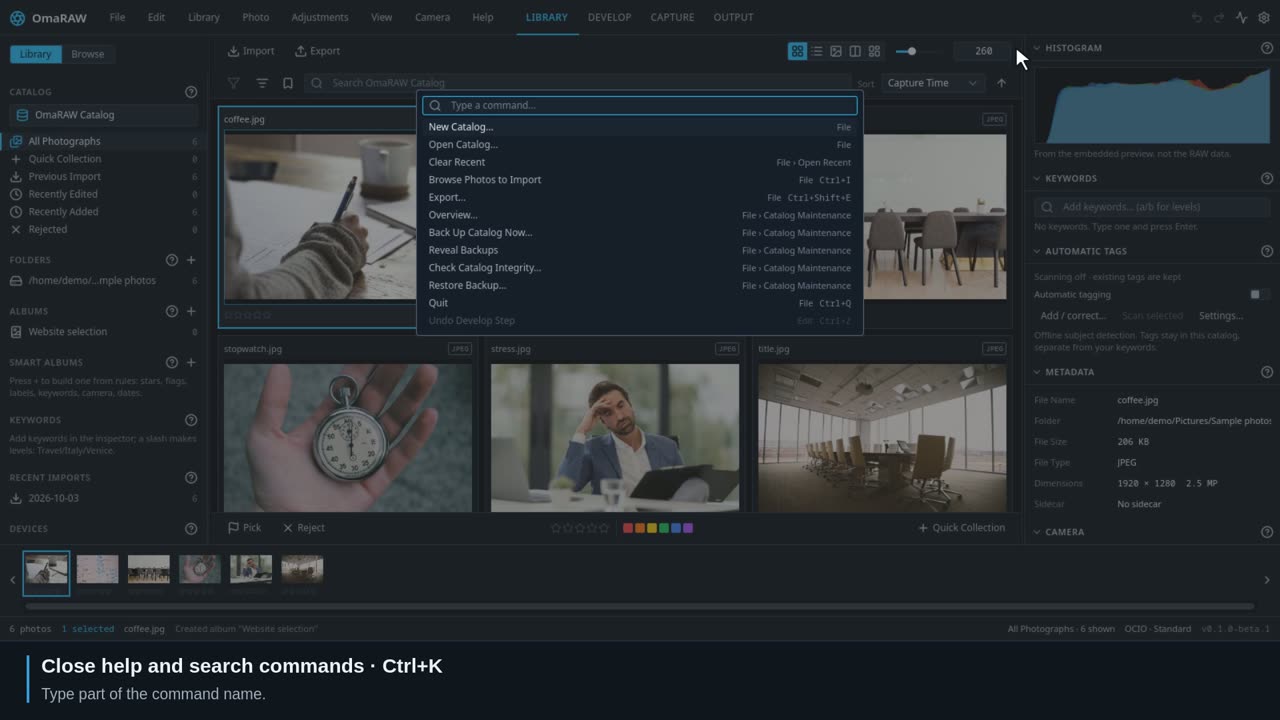 0:28
0:28Find a command quickly and make the interface comfortable to use.
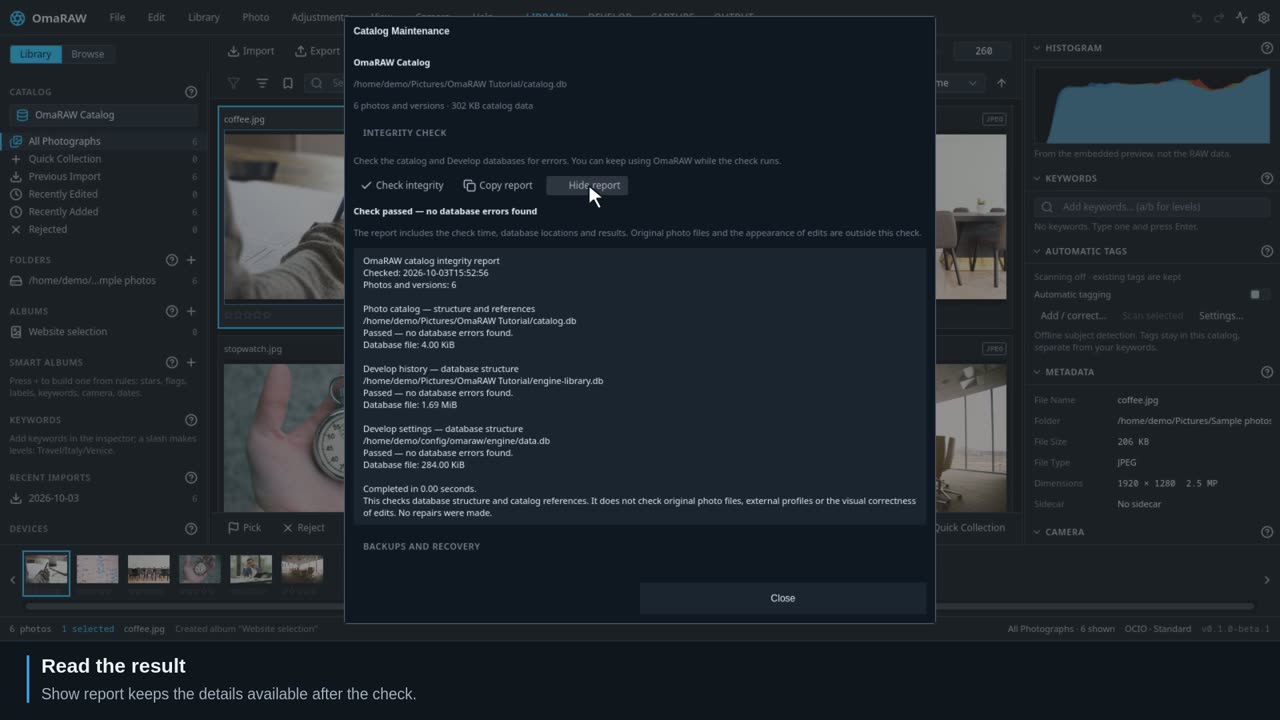 0:30
0:30Read the integrity report, keep backups, and understand the preview cache.
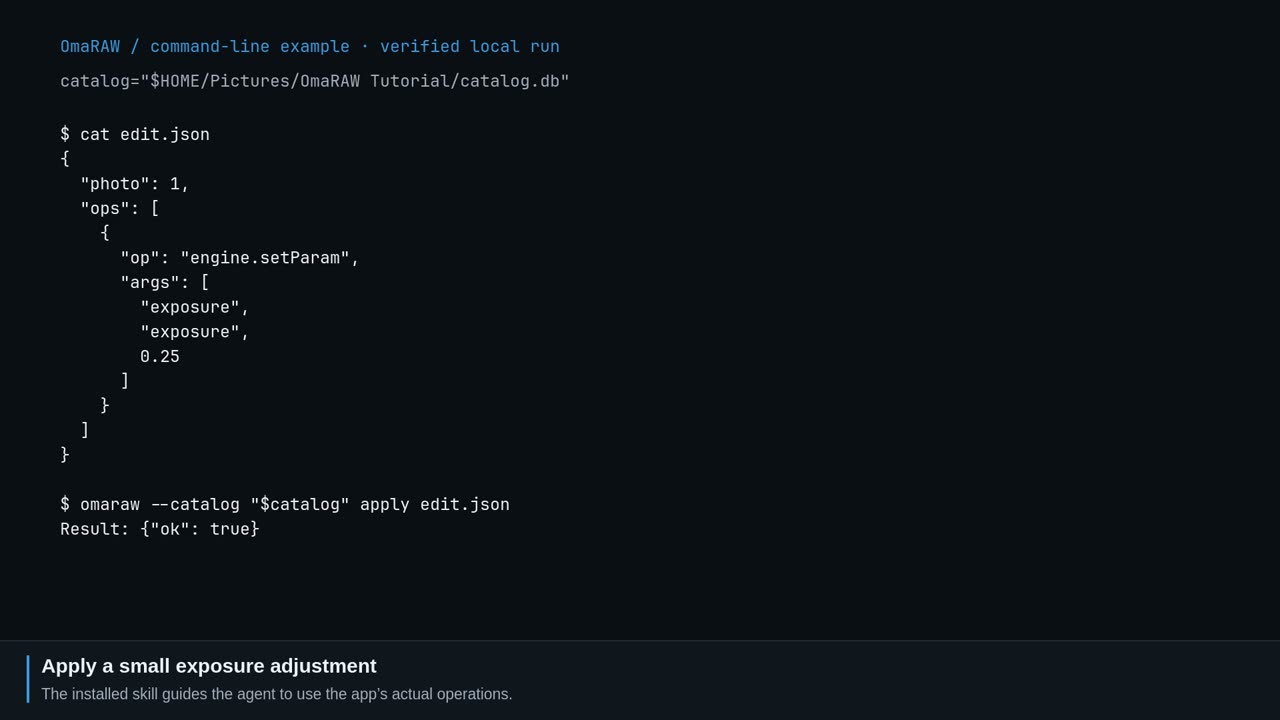 0:35
0:35Let an agent inspect edits, organise an album or export the photos you chose.