Installing OmaFont
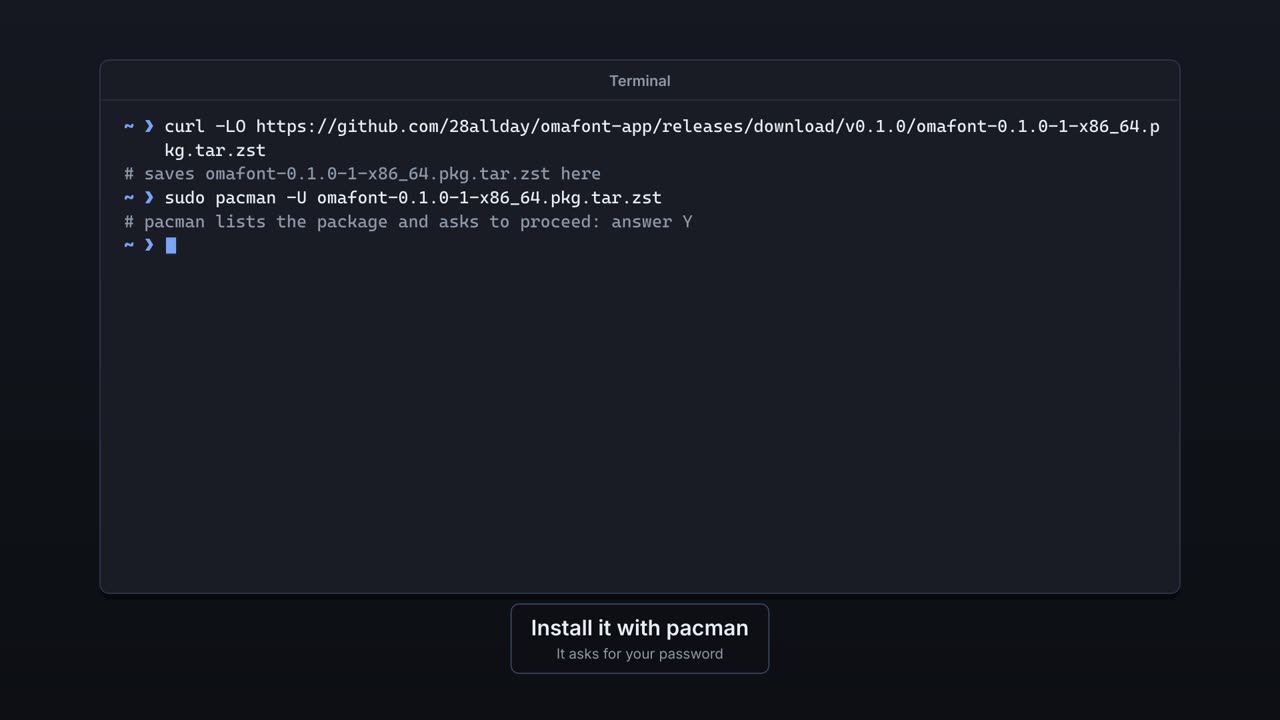
The install steps and the latest release are on GitHub. It installs like any other package, and no fonts are touched.
OmaFont is a font manager for Omarchy. Each part of it is explained below, with a short film showing it in use.
 0:22
0:22The install steps and the latest release are on GitHub. It installs like any other package, and no fonts are touched.
 0:30
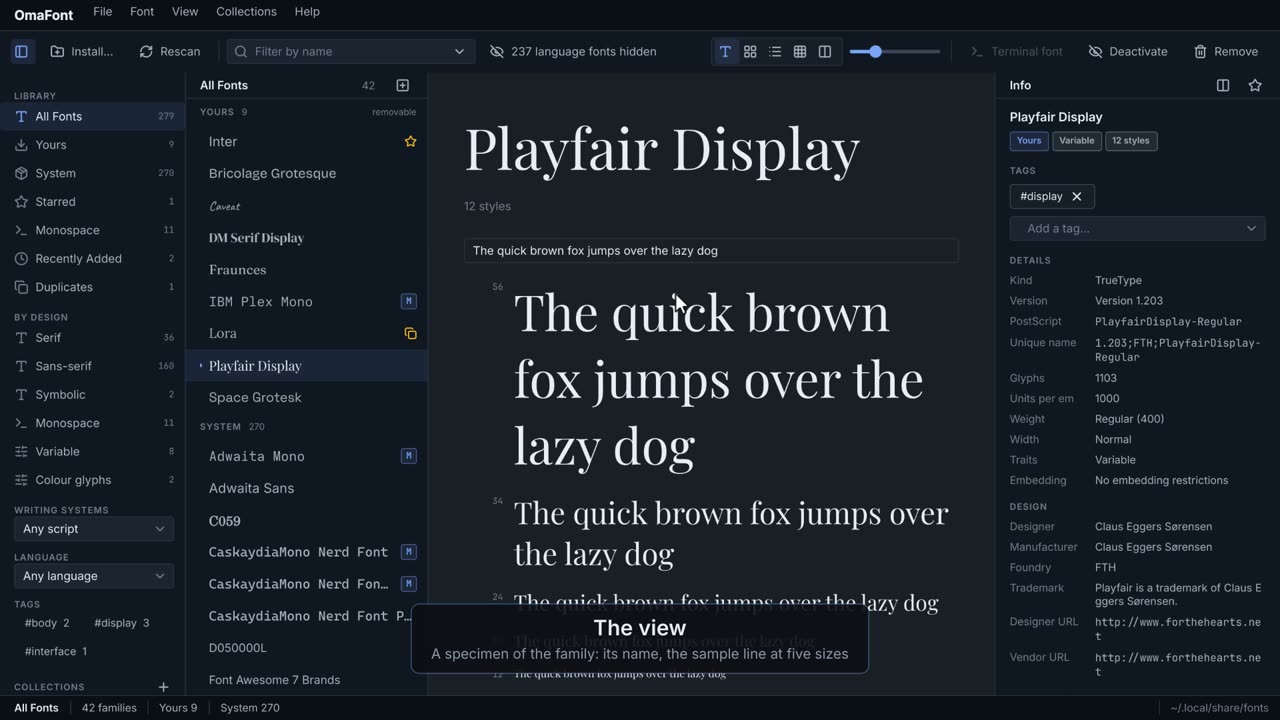
0:30The sidebar, the family list, the view in the middle, the Info pane and the status bar.
 0:37
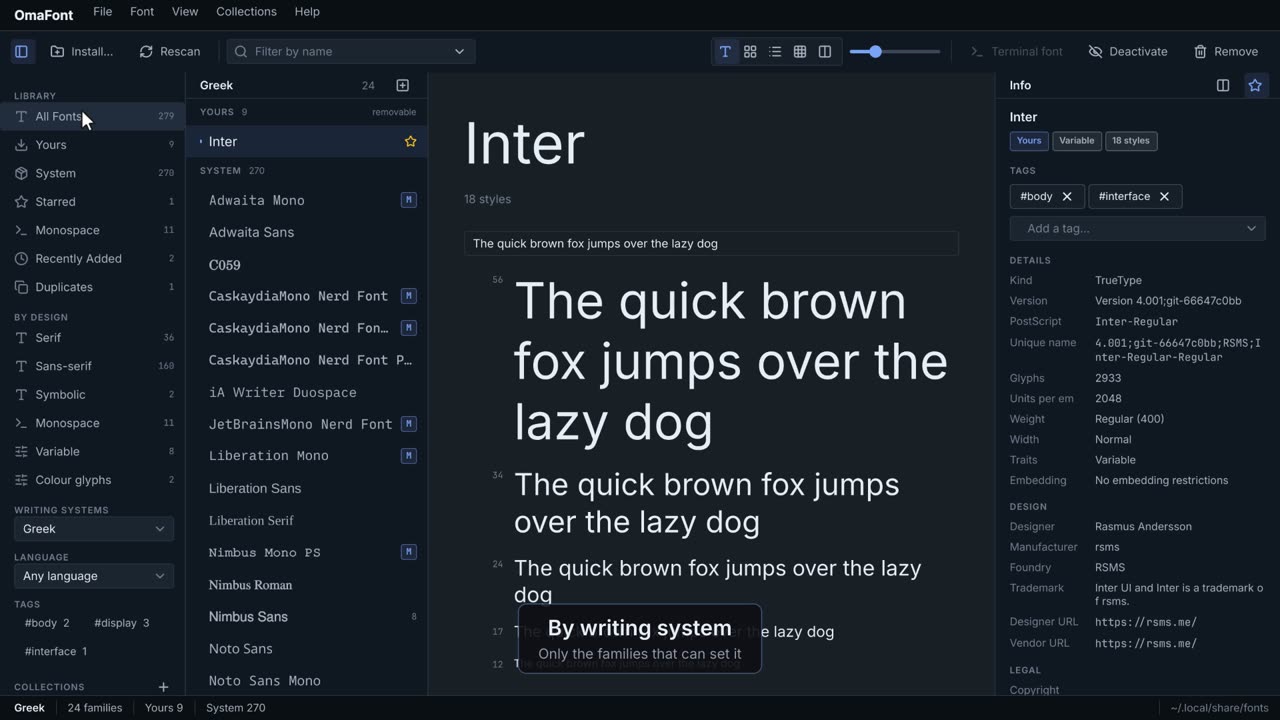
0:37Narrow the list by where fonts come from, what they look like, the script they set, or a few letters of a name.
 0:32
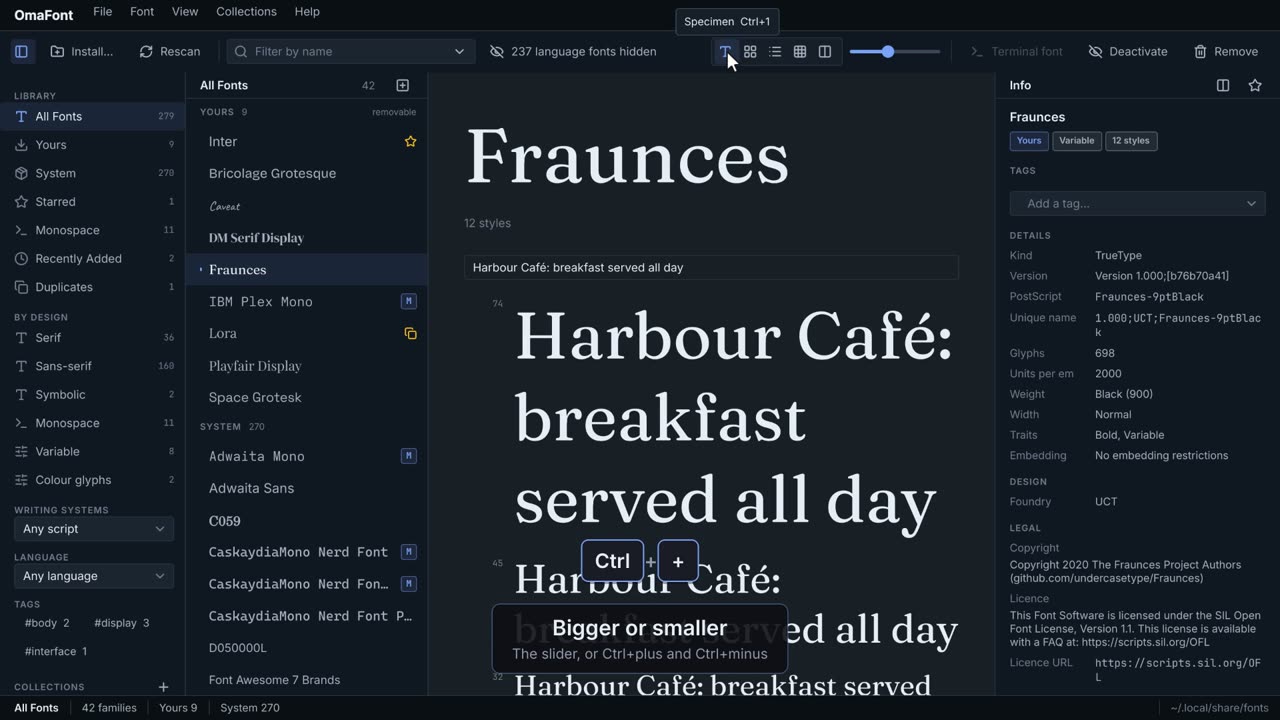
0:32A specimen of one family, every family as a grid or a list, or every character a font has.
 0:27
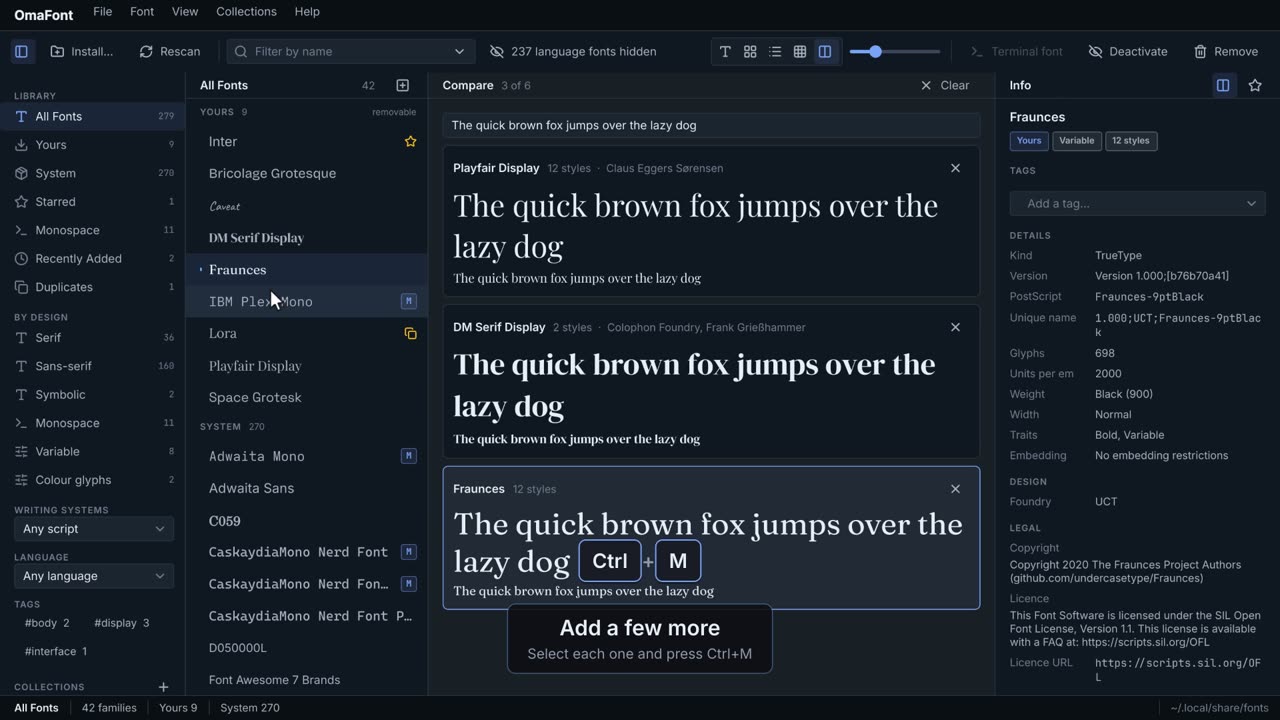
0:27Up to six families stacked, the same words in each, to choose between them.
 0:32
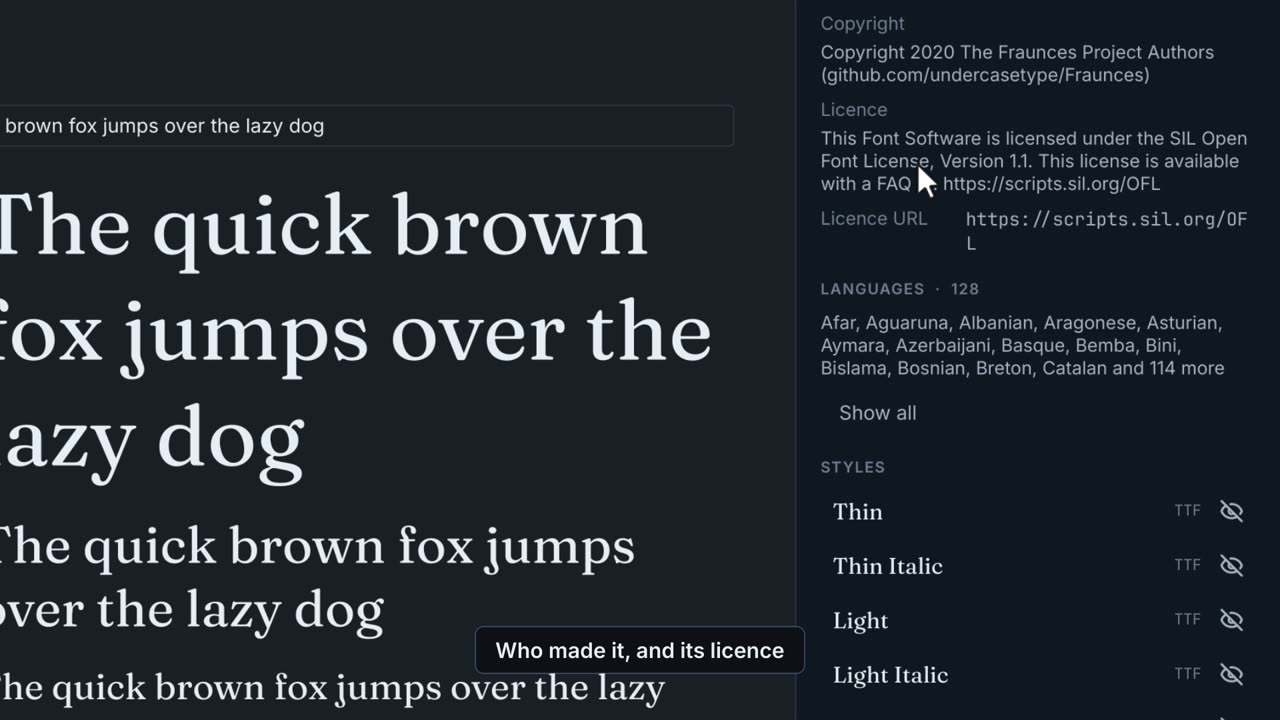
0:32What the font's own files say: who made it, its version, its licence, the languages it covers and every style.
 0:33
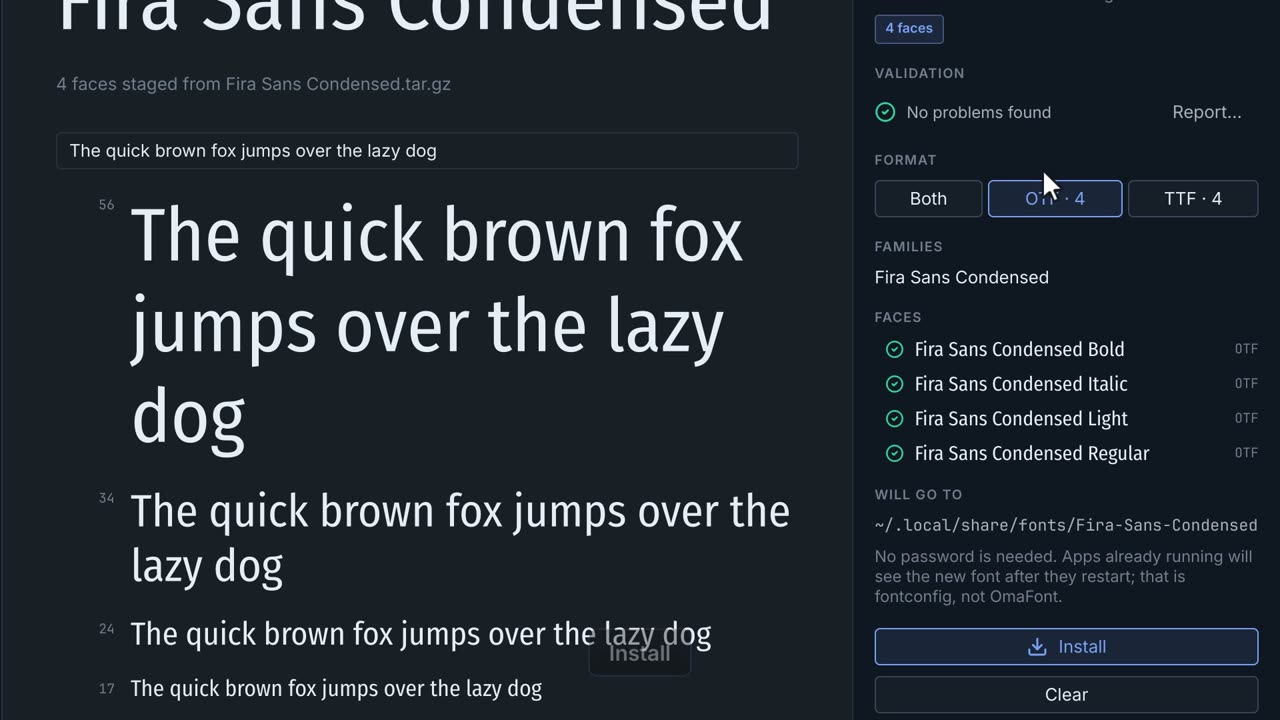
0:33Drop a font, a folder or a downloaded archive on the window, check it, and install it. No password needed.
 0:33
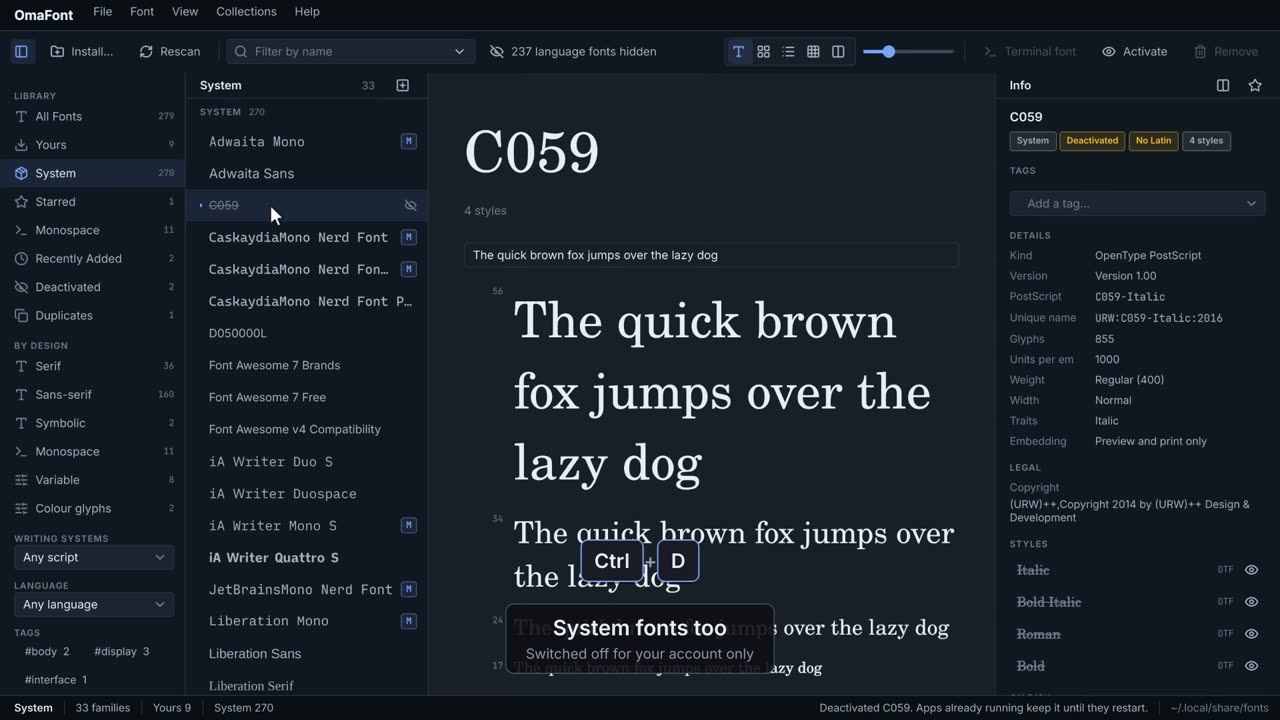
0:33Hide a font from every app without deleting it, system fonts included, and bring it back whenever you like.
 0:30
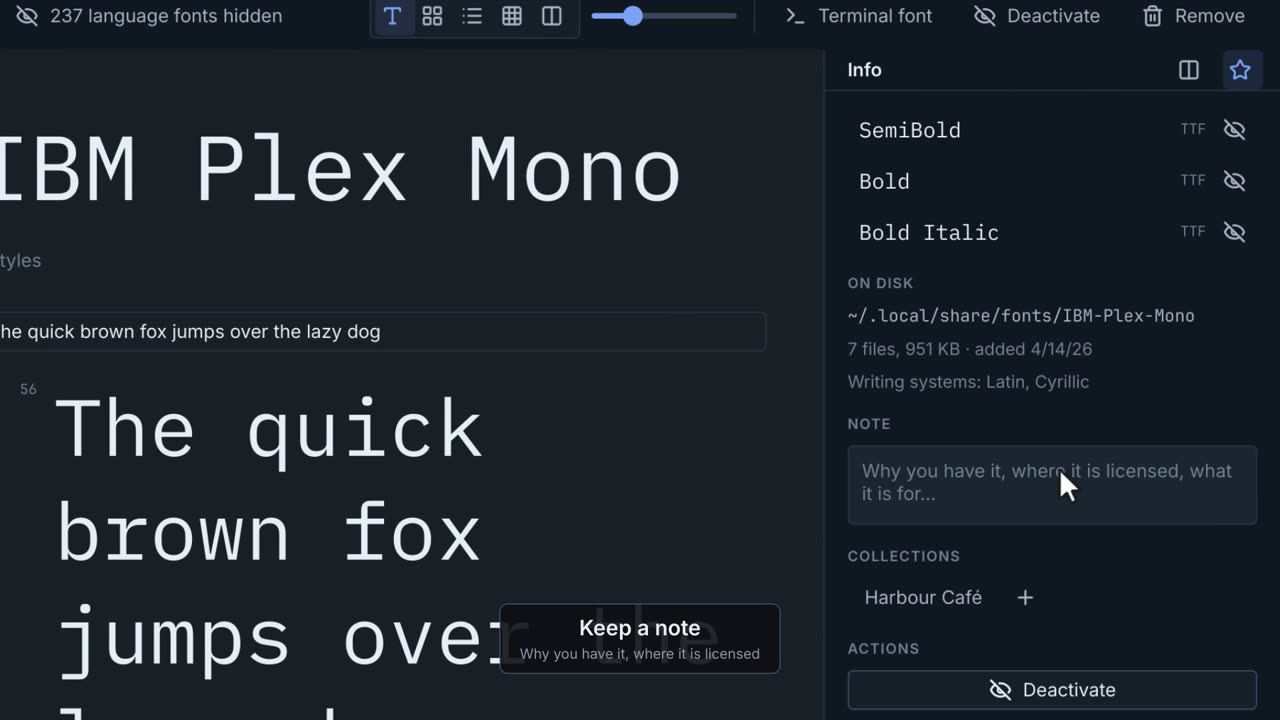
0:30Mark families with your own words, star the ones you reach for, and keep a note of why you have them.
 0:51
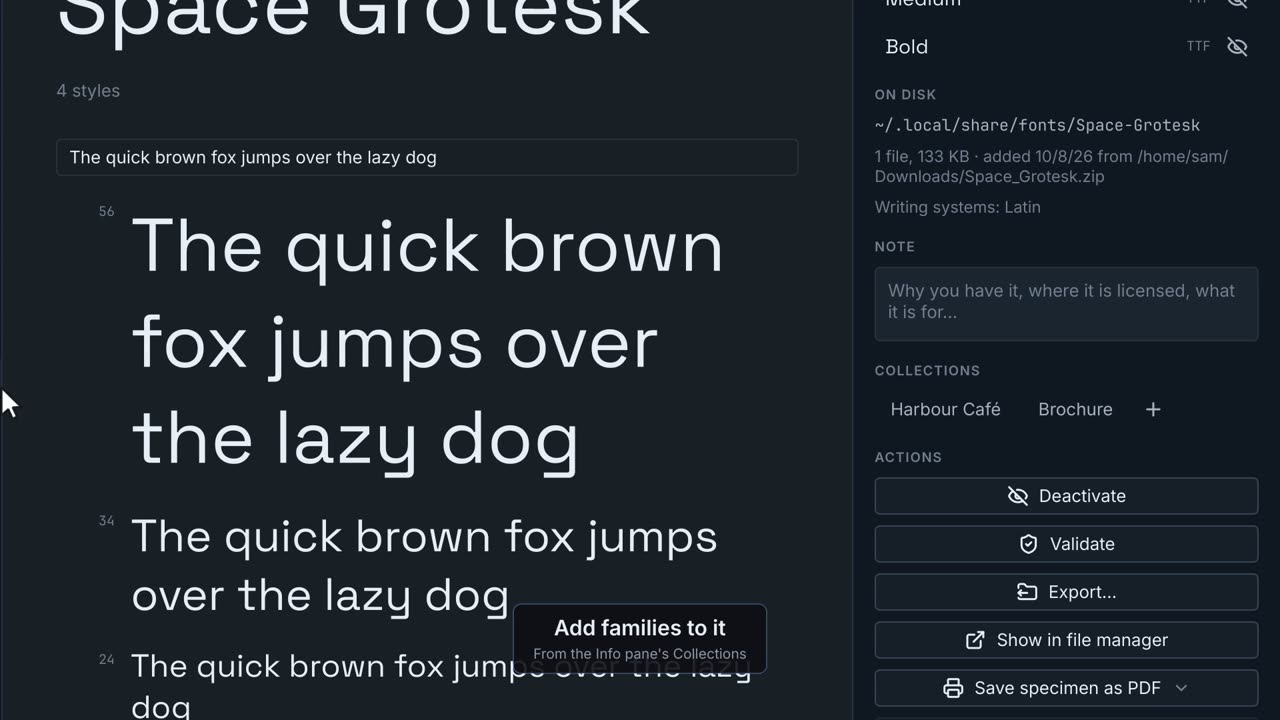
0:51Group families by hand for a project, or with rules that keep the group up to date for you.
 0:25
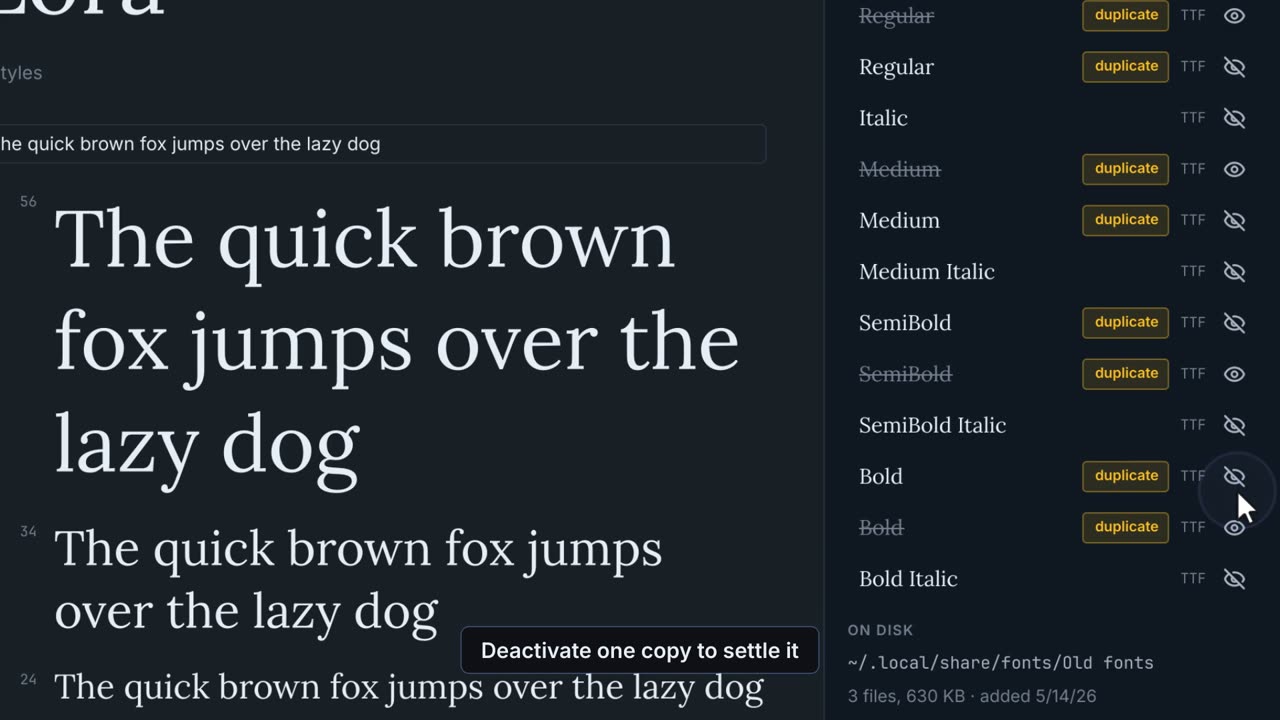
0:25Find the same font installed twice, OTF and TTF copies side by side, and files that fail their checks, and settle each one.
 0:30
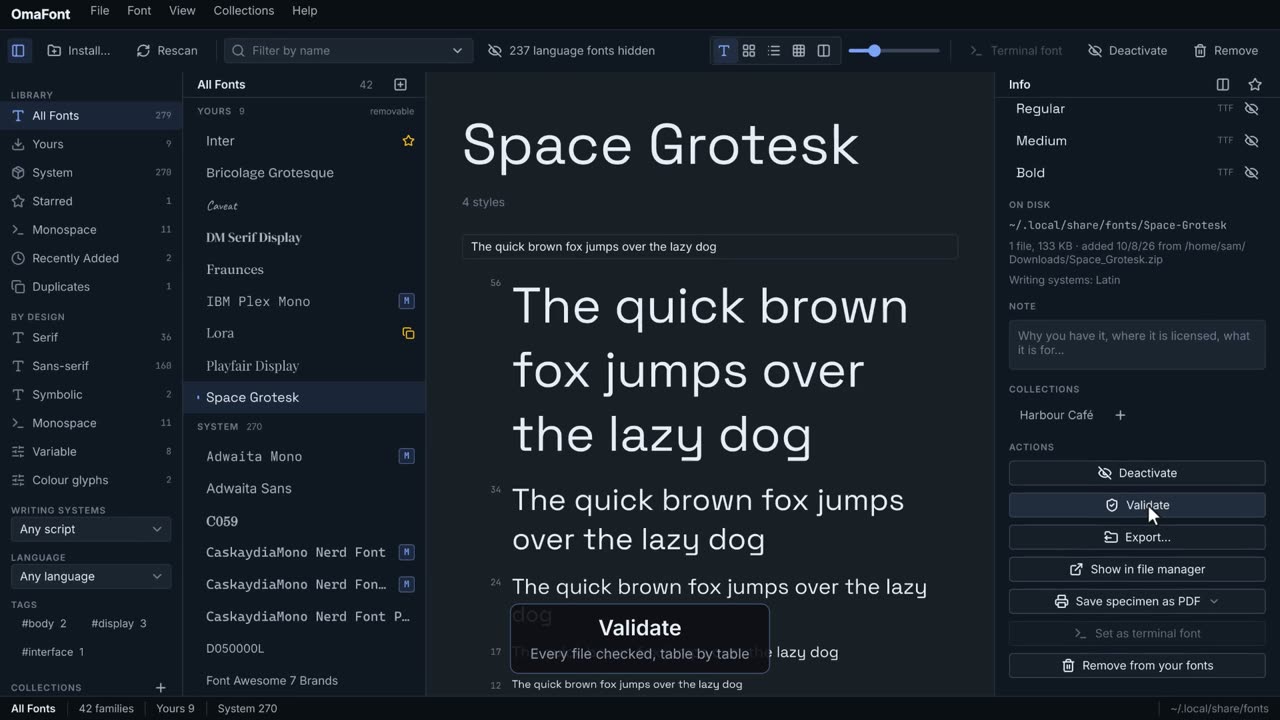
0:30Check a family's files, copy them out, print a specimen, or remove a family you no longer need.
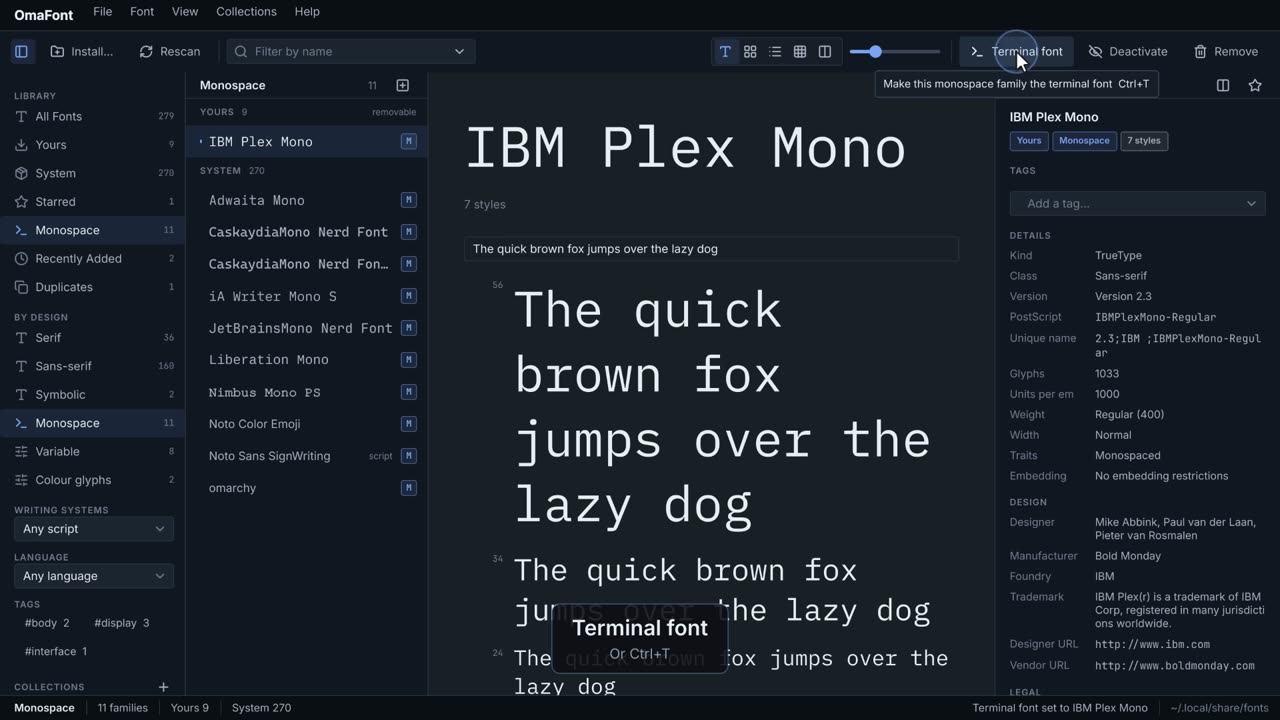 0:19
0:19Pick a monospace family and make it the font of every terminal, the way Omarchy expects.
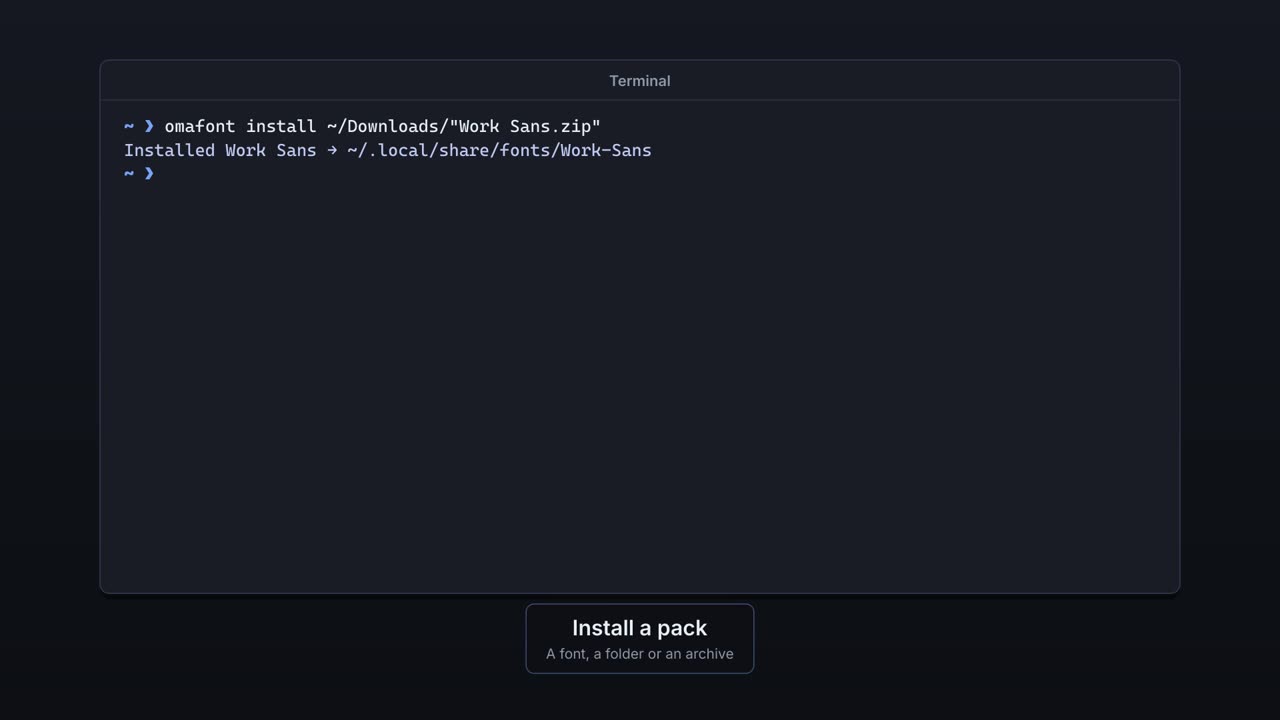 0:34
0:34The same engine with no window: list, inspect, install, validate, deactivate and export from a terminal or a script.
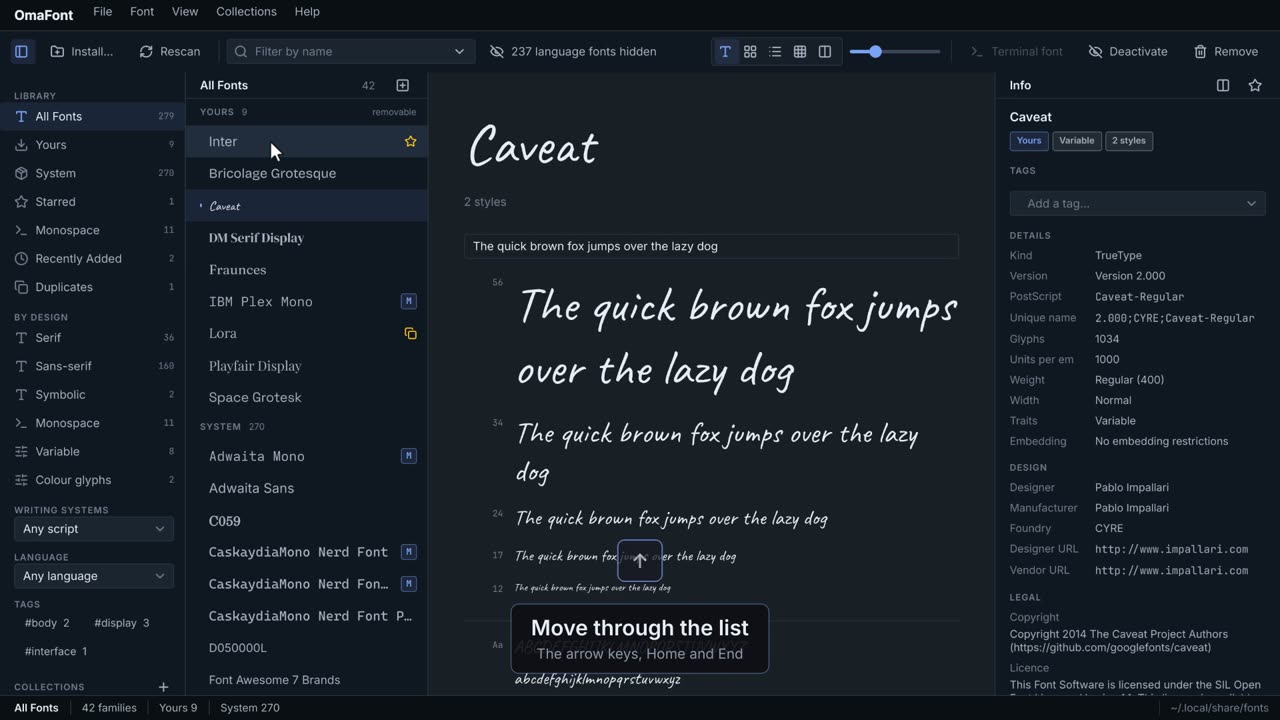 0:24
0:24Everything OmaFont does from the keyboard, and where to find the list.