Installing OmaAudio
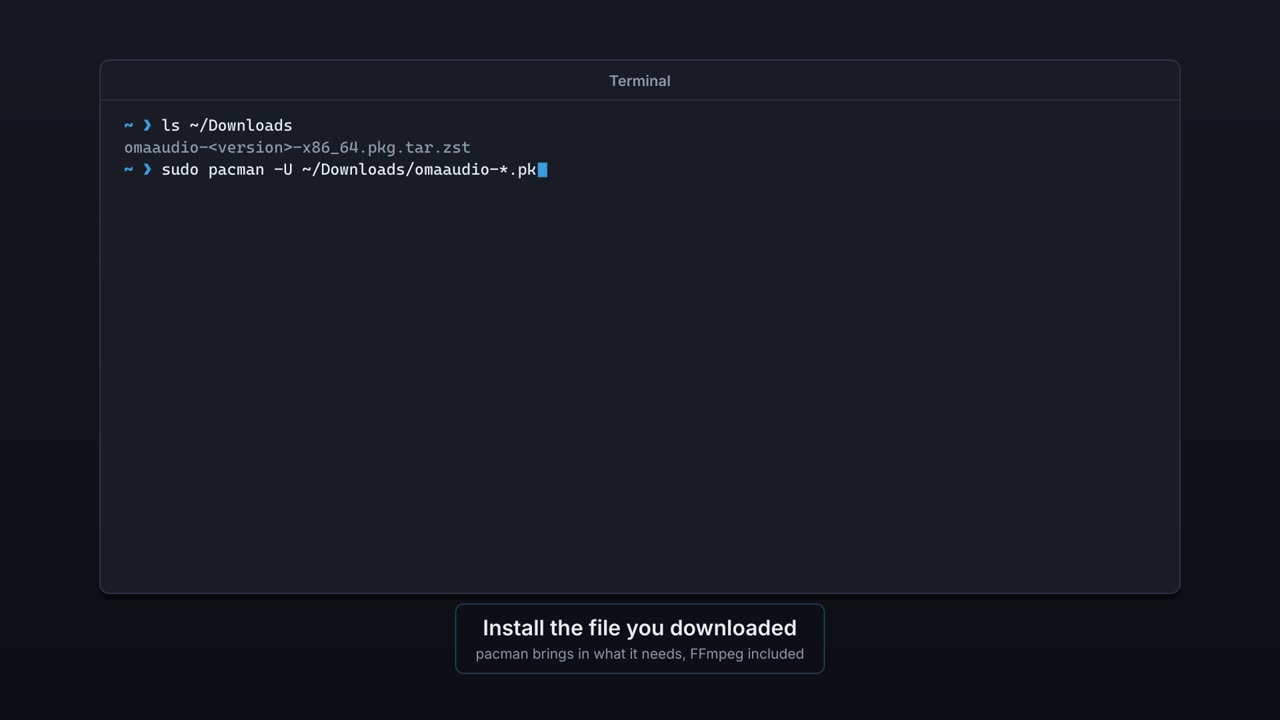
Download the package from GitHub, install it with pacman, and open it from the app launcher.
OmaAudio is an audio editor for Omarchy: edit a recording, arrange tracks, clean up a voice, mix and deliver at the right loudness. Each part is explained below, with a short film showing it in use.
 0:16
0:16Download the package from GitHub, install it with pacman, and open it from the app launcher.
 0:28
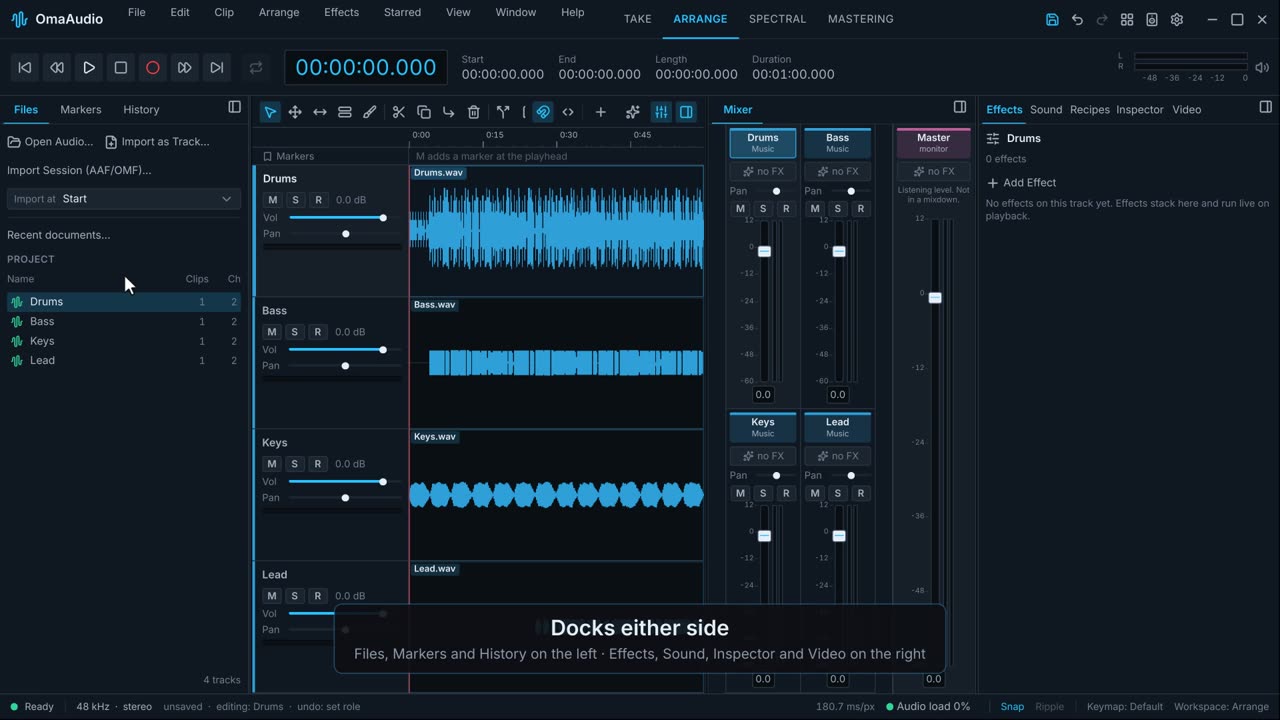
0:28Four pages for one project, docks either side, and help on every control.
 0:27
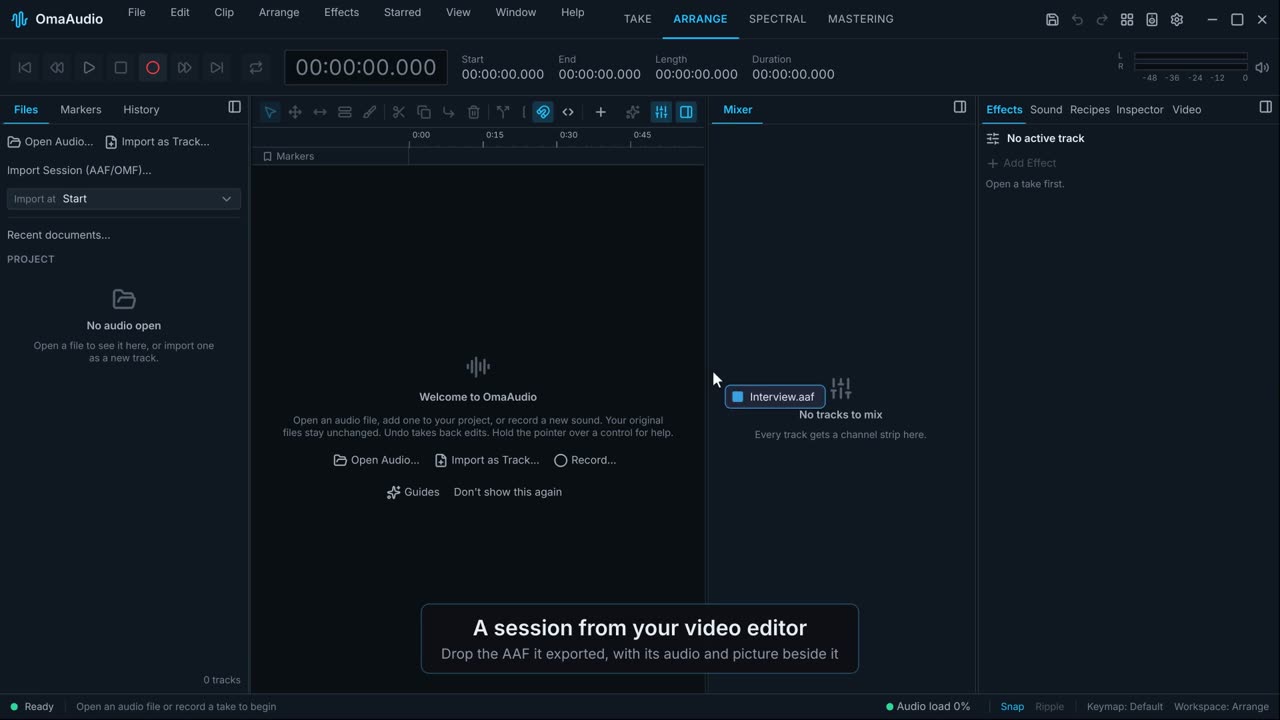
0:27Bring in audio files, or a whole session exported from your video editor, picture and all.
 0:22
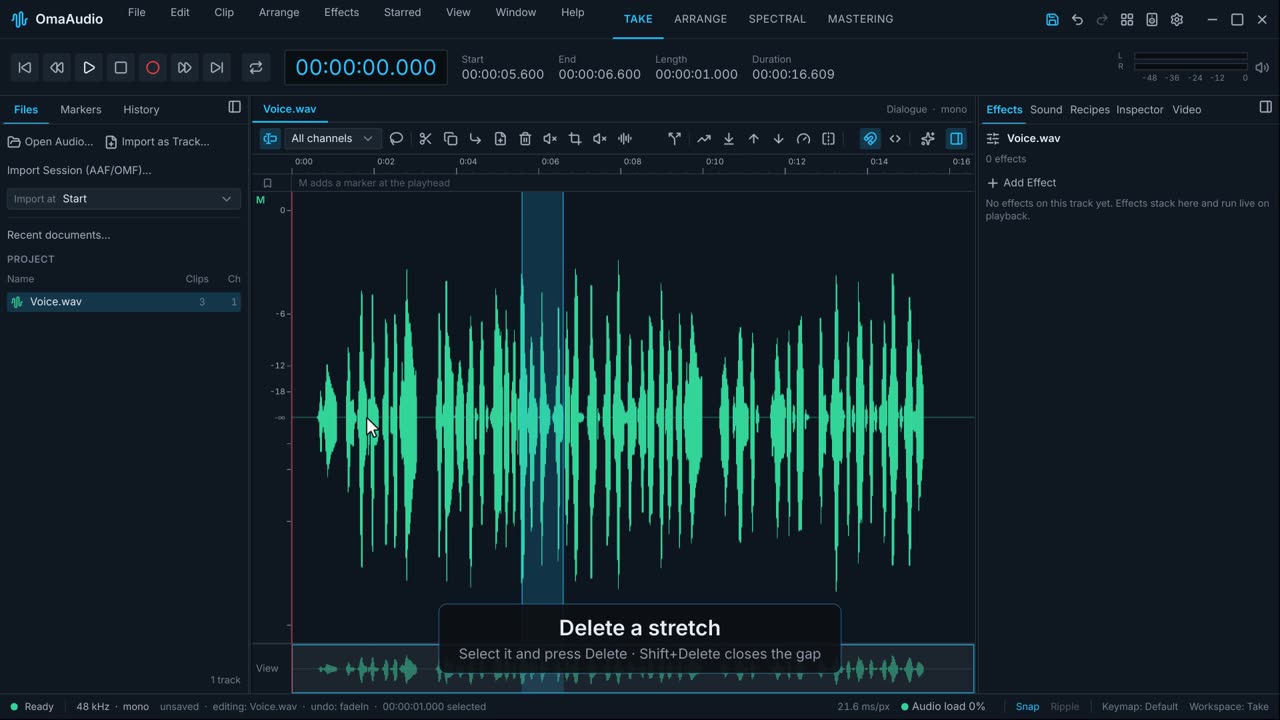
0:22Select, cut, fade and level one recording on the Take page.
 0:27
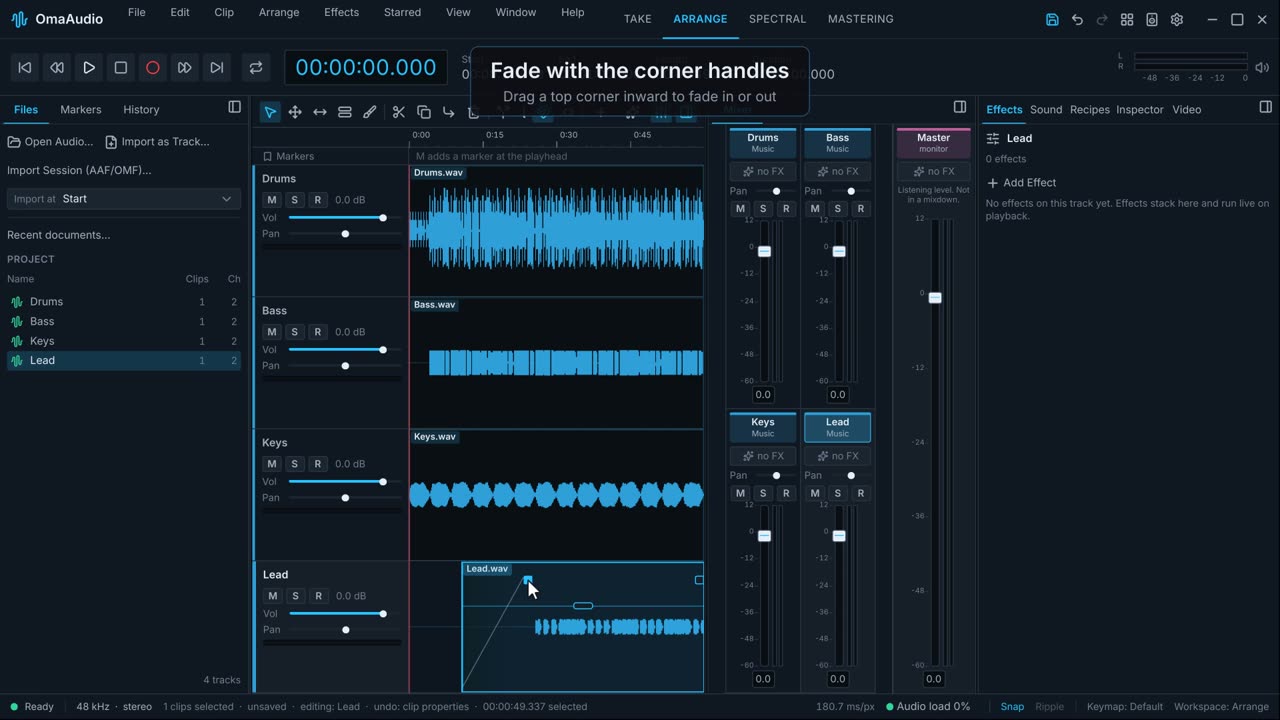
0:27Tracks and clips side by side: move, trim, fade, set levels, split and delete.
 0:31
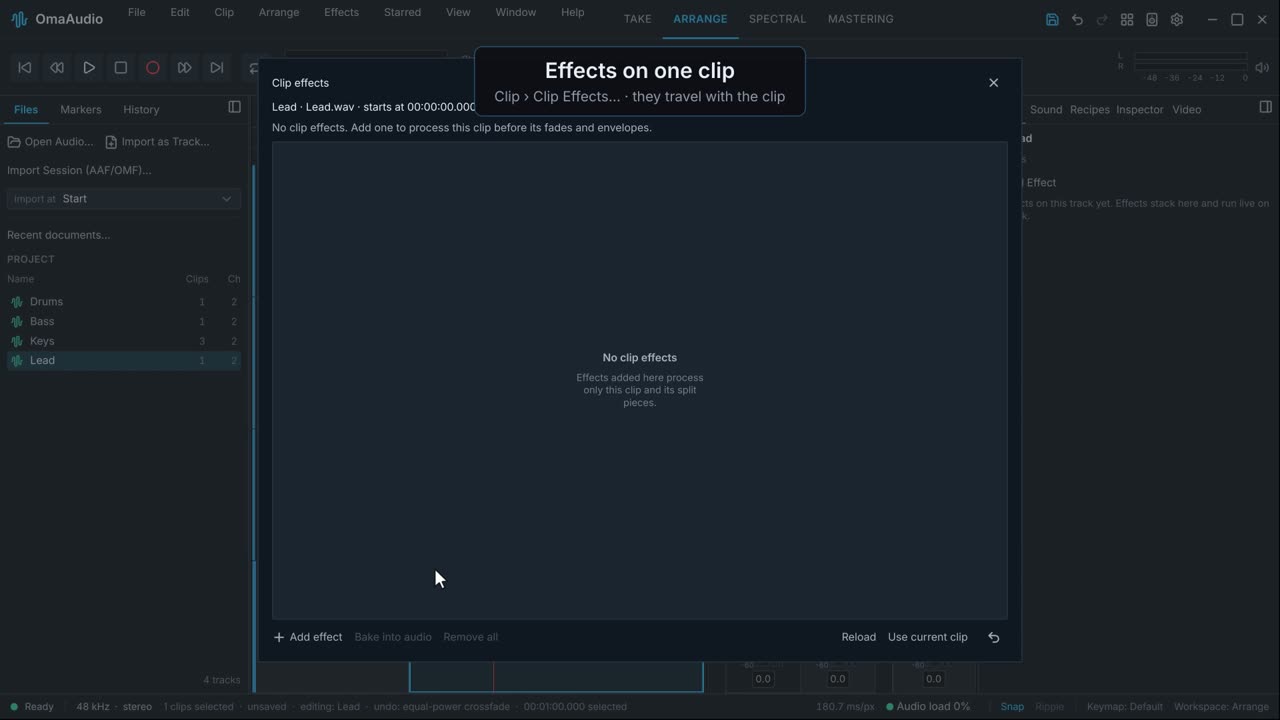
0:31Blend one clip into the next, give a single clip its own effects, and shape its volume over time.
 0:19
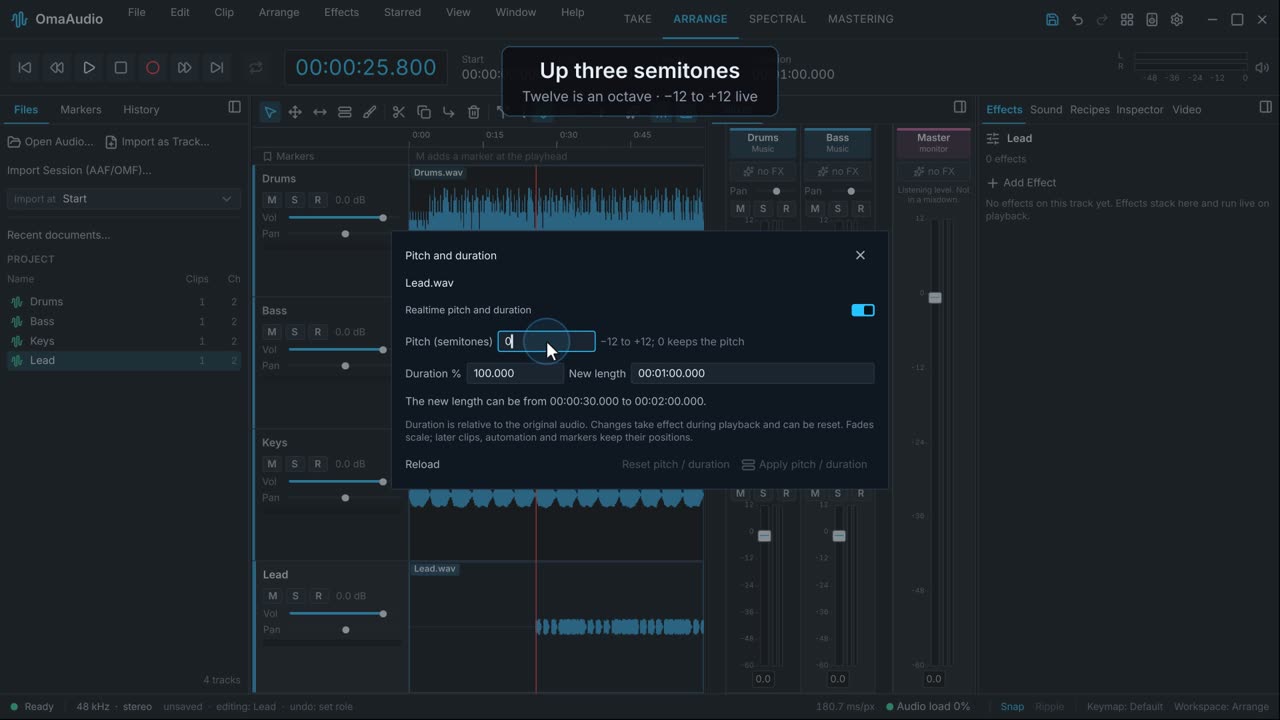
0:19Change a clip's pitch or its length, and with realtime processing on, change it again whenever you like.
 0:27
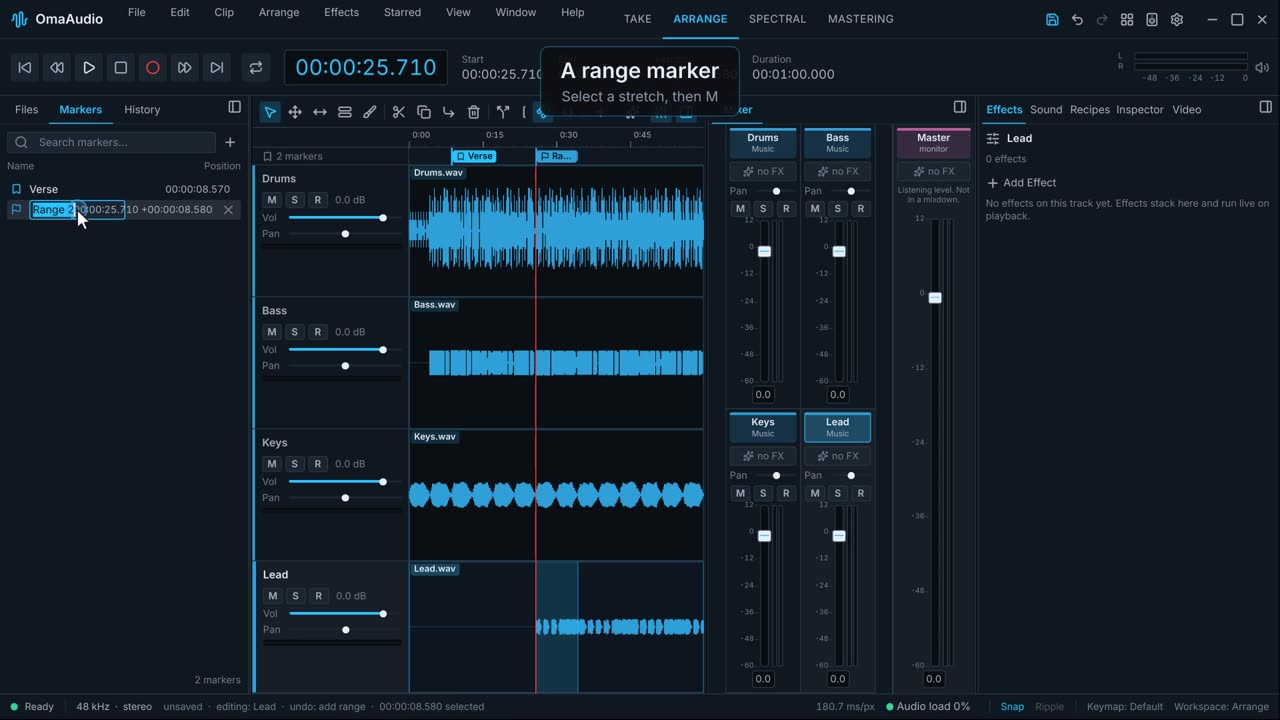
0:27Name places to find again, mark ranges, jump between them, and write them into exported files.
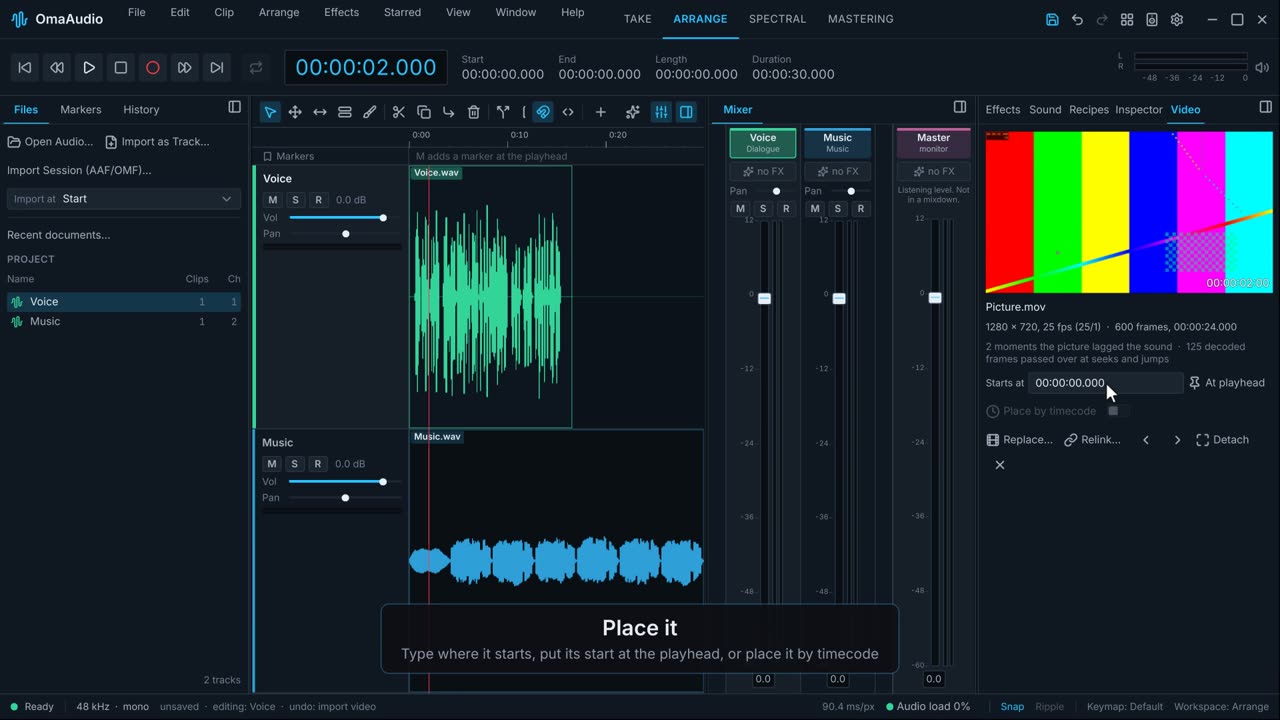 0:25
0:25Edit sound against its picture: import a video, place it on the timeline, step through it a frame at a time.
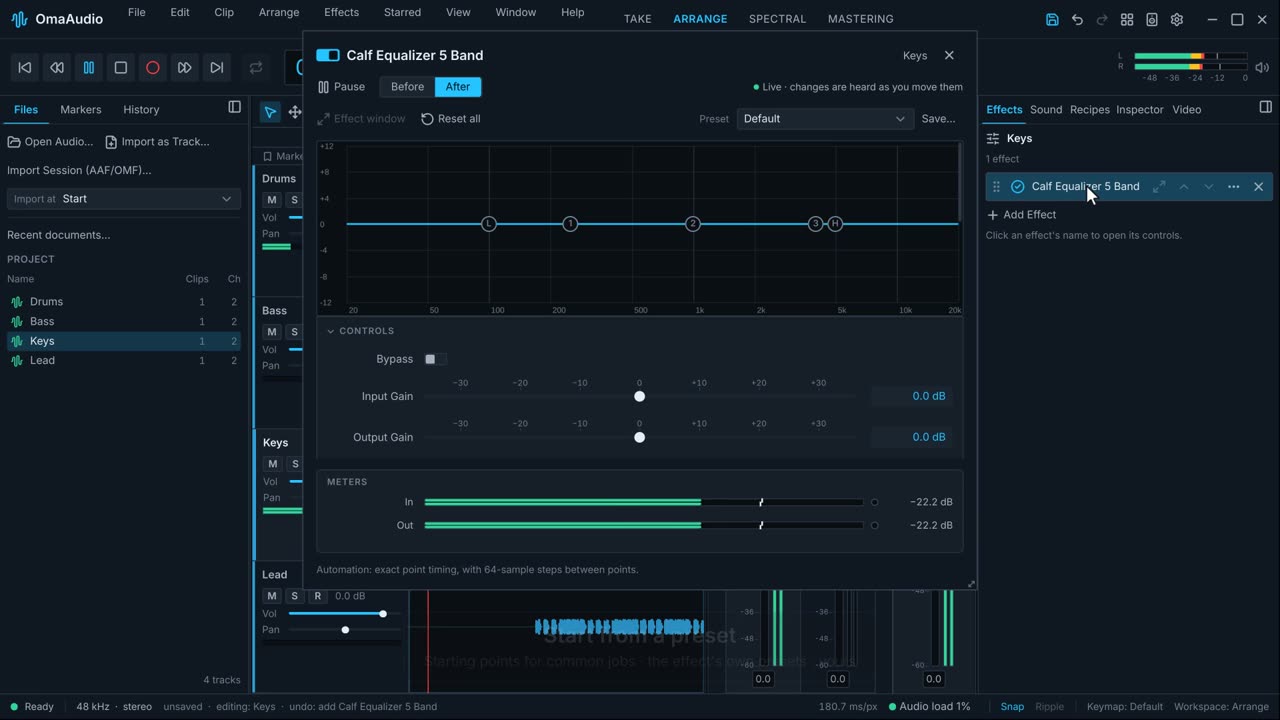 0:22
0:22Add effects to a track, adjust them in their own panel while it plays, and start from a preset.
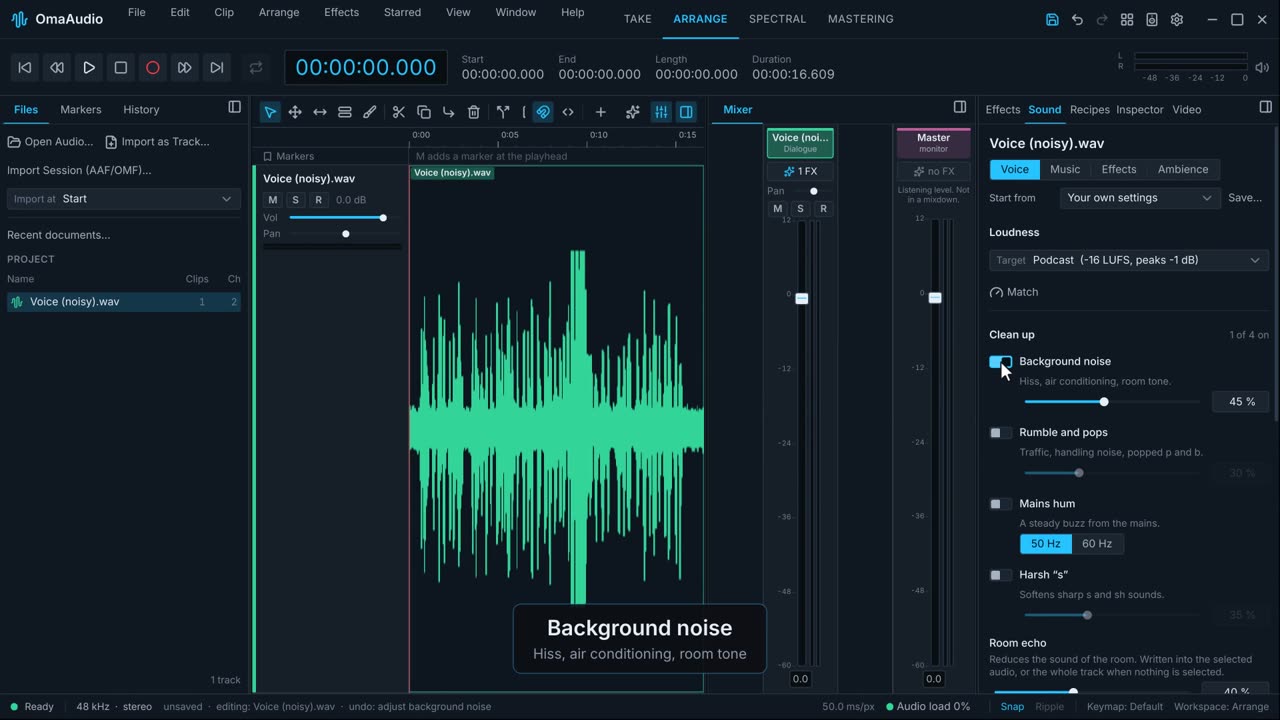 0:17
0:17Say what a track is, then turn on the fixes it needs, and set its loudness.
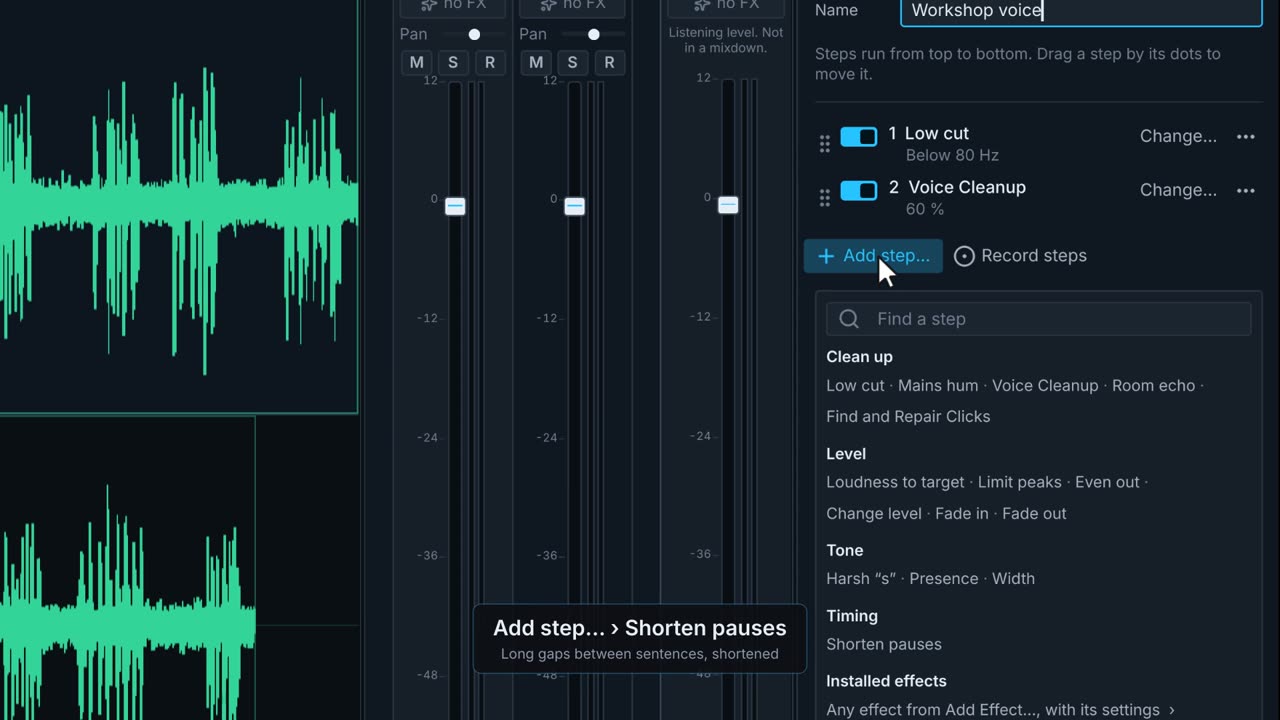 0:43
0:43A saved list of steps, built once and run on any recording in one click, as one Undo step.
 0:28
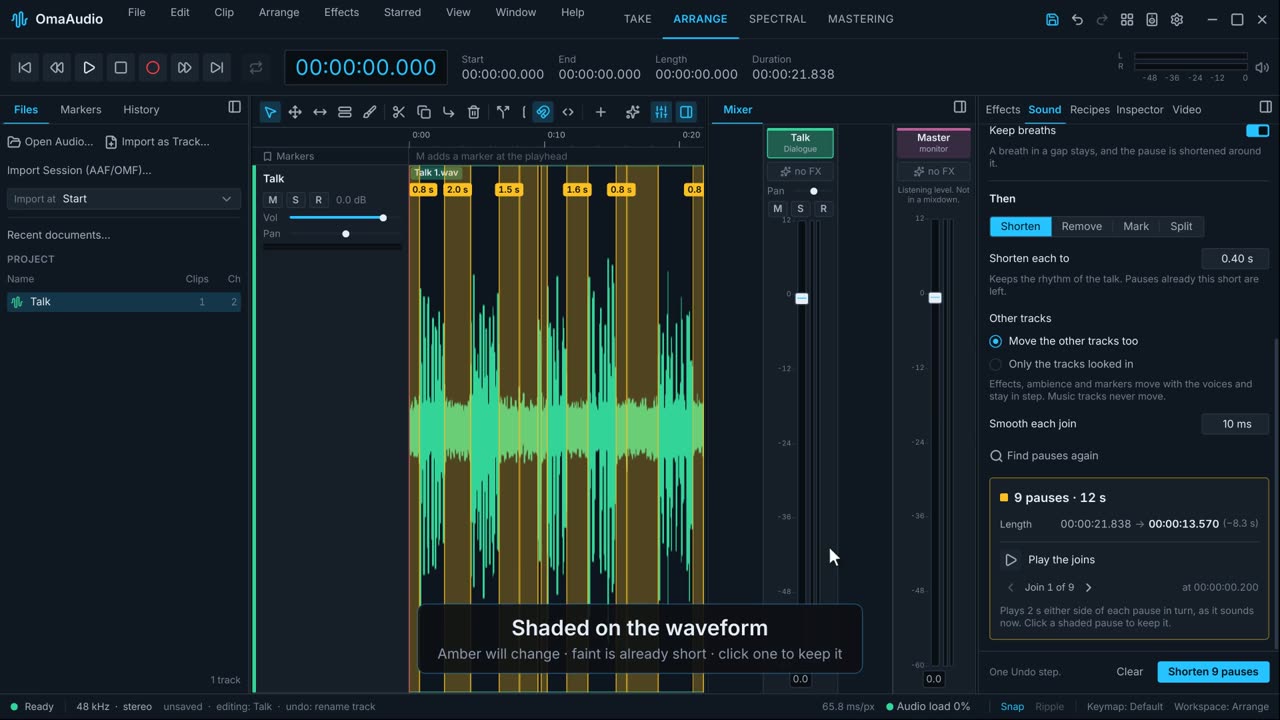
0:28Find the long gaps between words and shorten, remove or mark them, keeping the rhythm of the talk.
 0:21
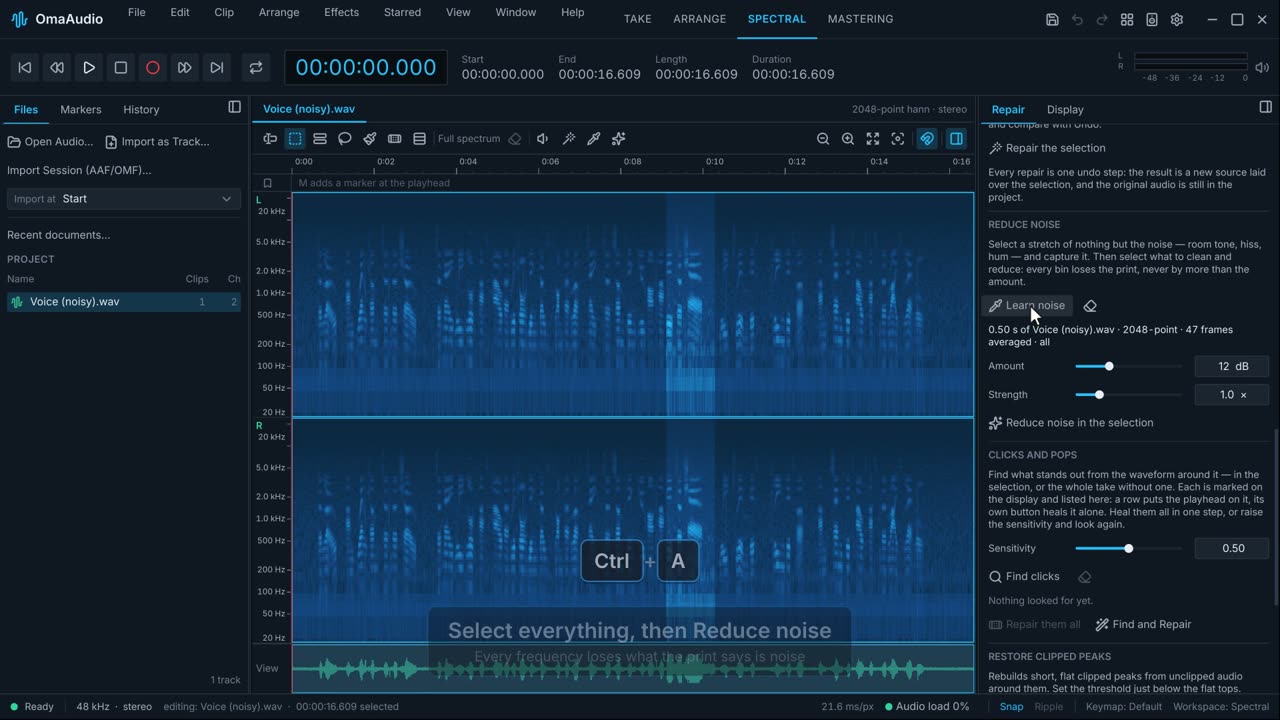
0:21See sound by frequency, learn the noise, take it away, and restore clipped peaks.
 0:18
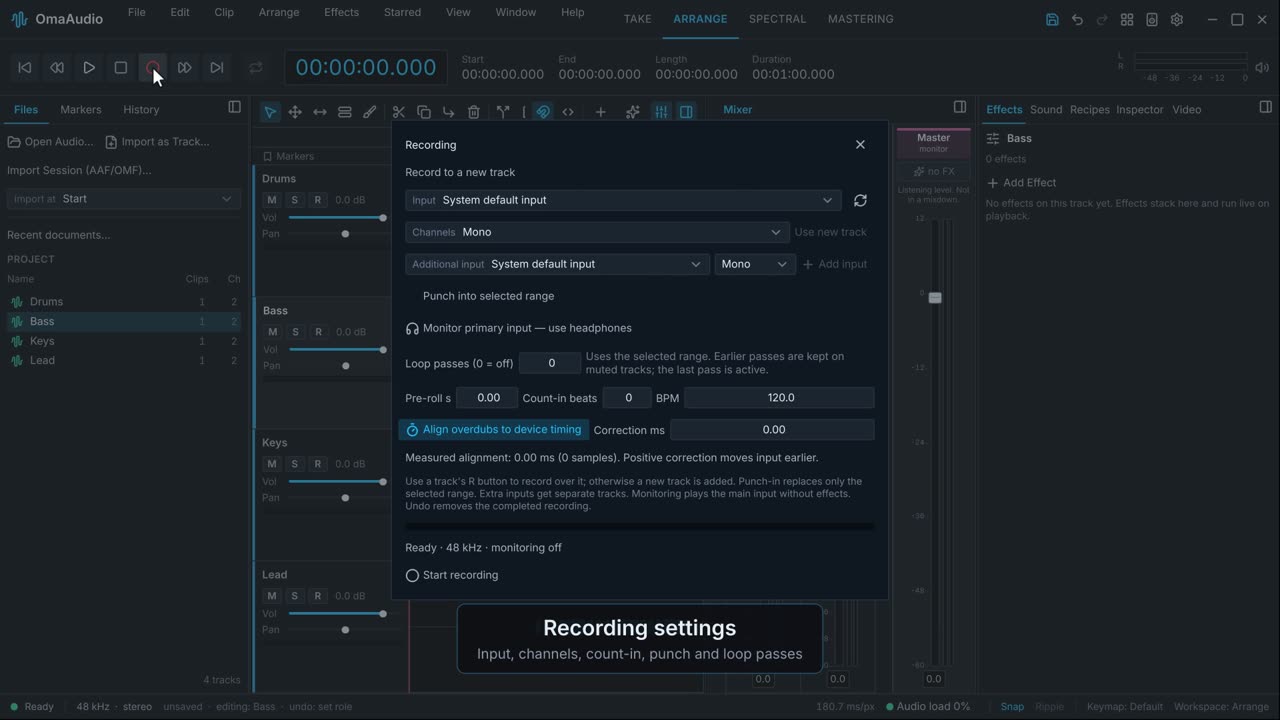
0:18Choose an input, arm a track or not, and press Record.
 0:23
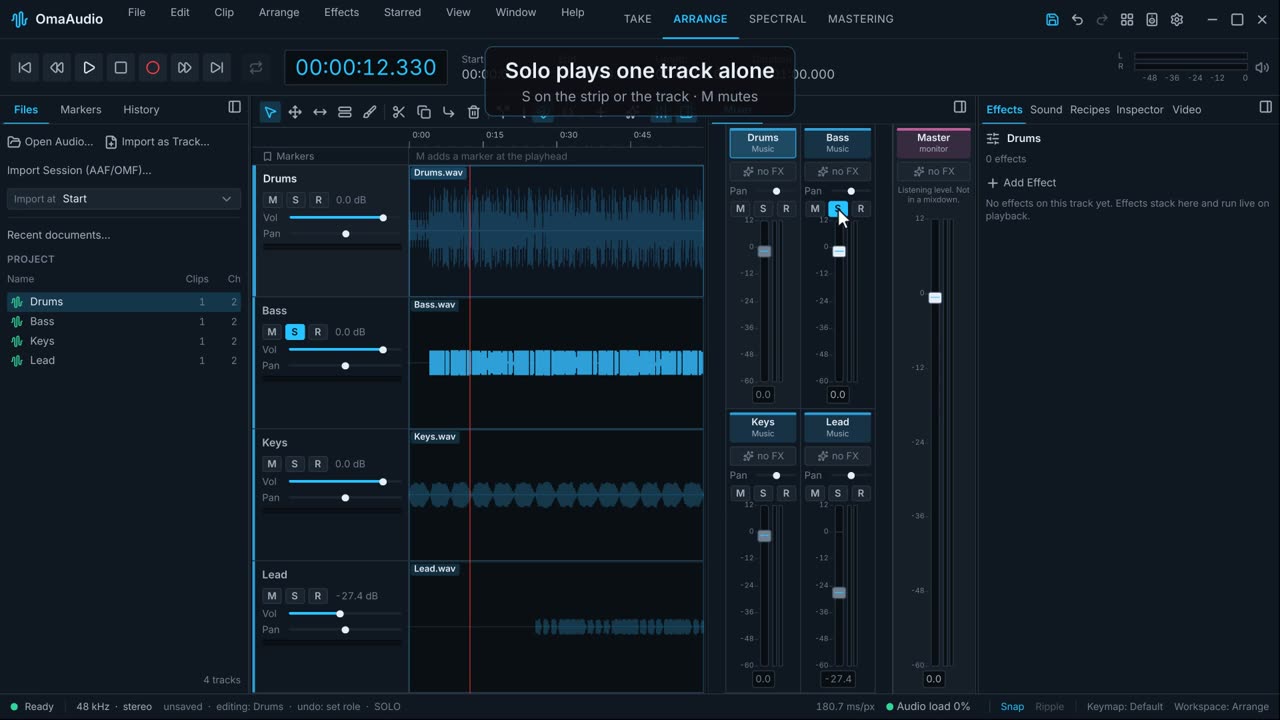
0:23Faders, pan, mute and solo for every track, and effects on the whole mix.
 0:28
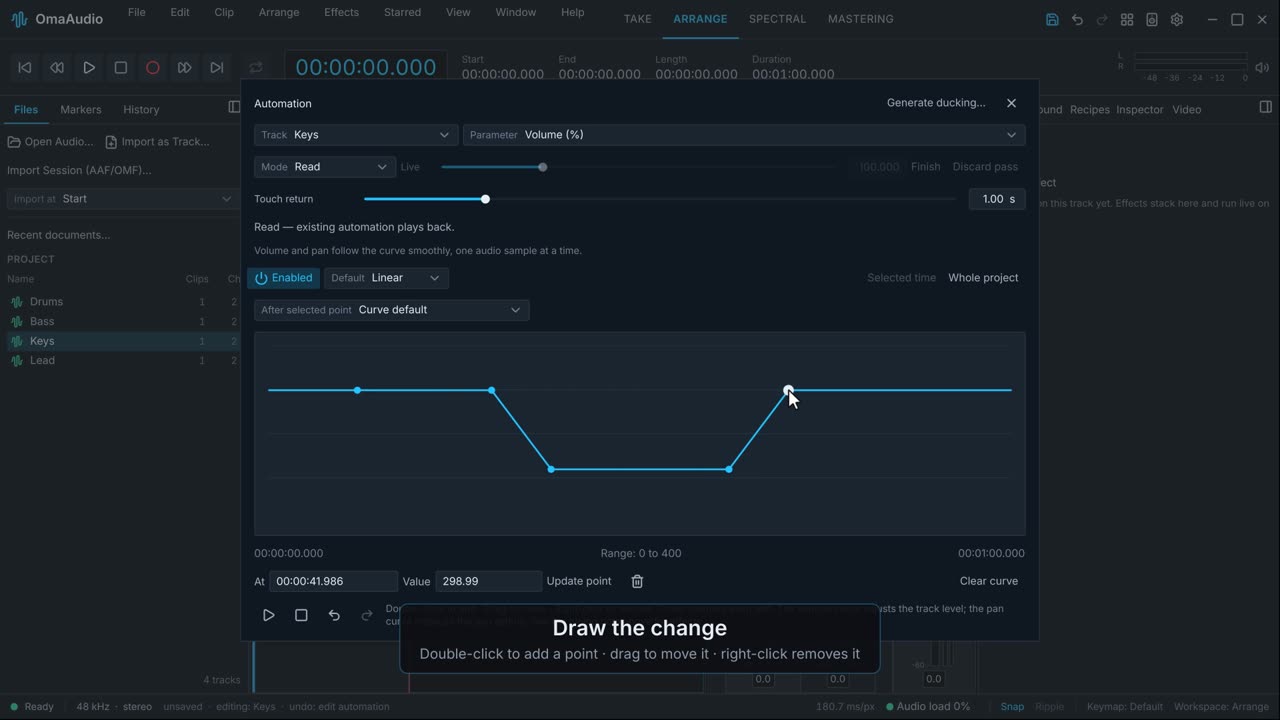
0:28Volume, pan or any effect setting that changes over time, drawn as points or recorded as it plays.
 0:32
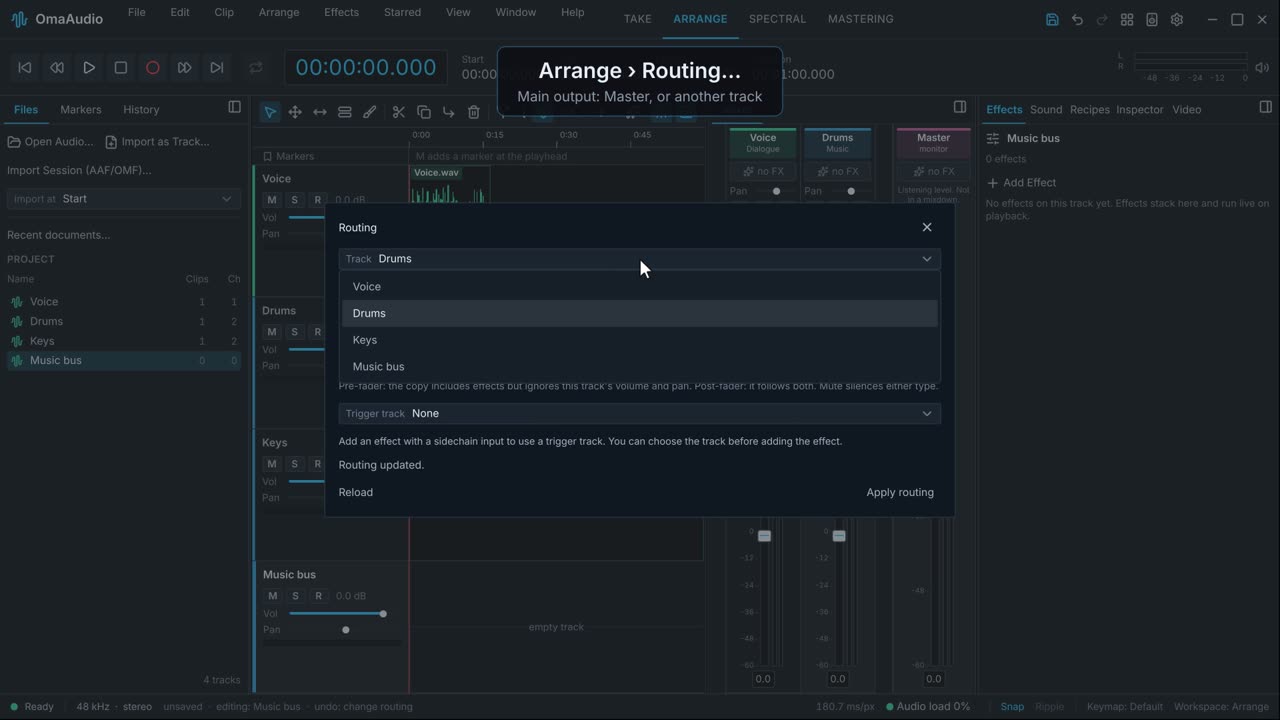
0:32Send tracks through a bus, add sends, and have music dip under a voice by itself.
 0:26
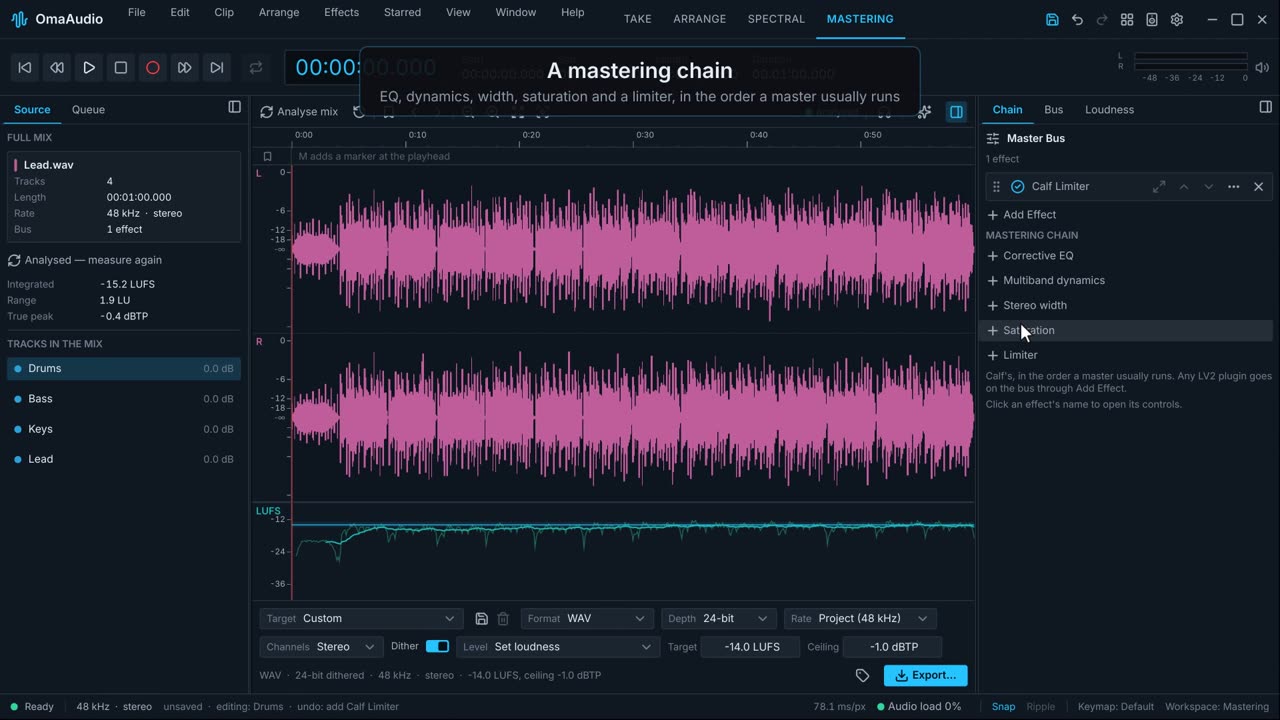
0:26Check the whole mix, finish it on the master bus, and choose the loudness it's delivered at.
 0:23
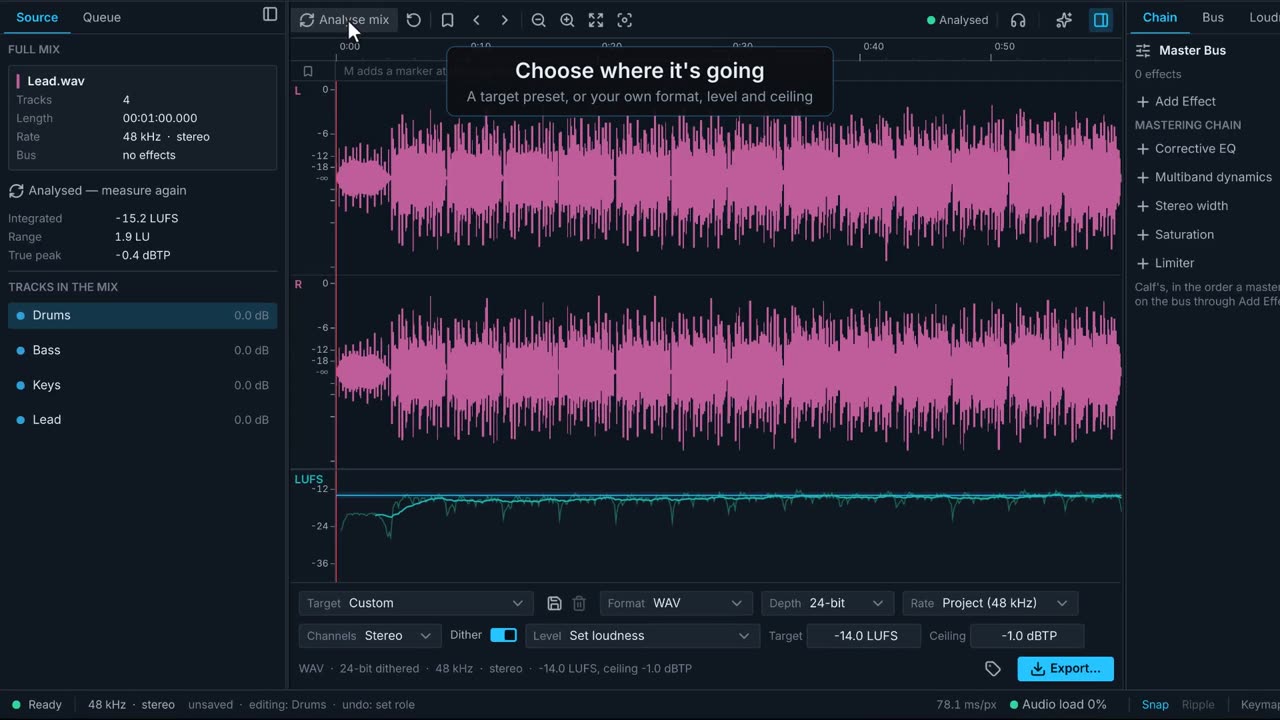
0:23Measure the mix, set the level for where it's going, and export the whole project or a time selection.
 0:24
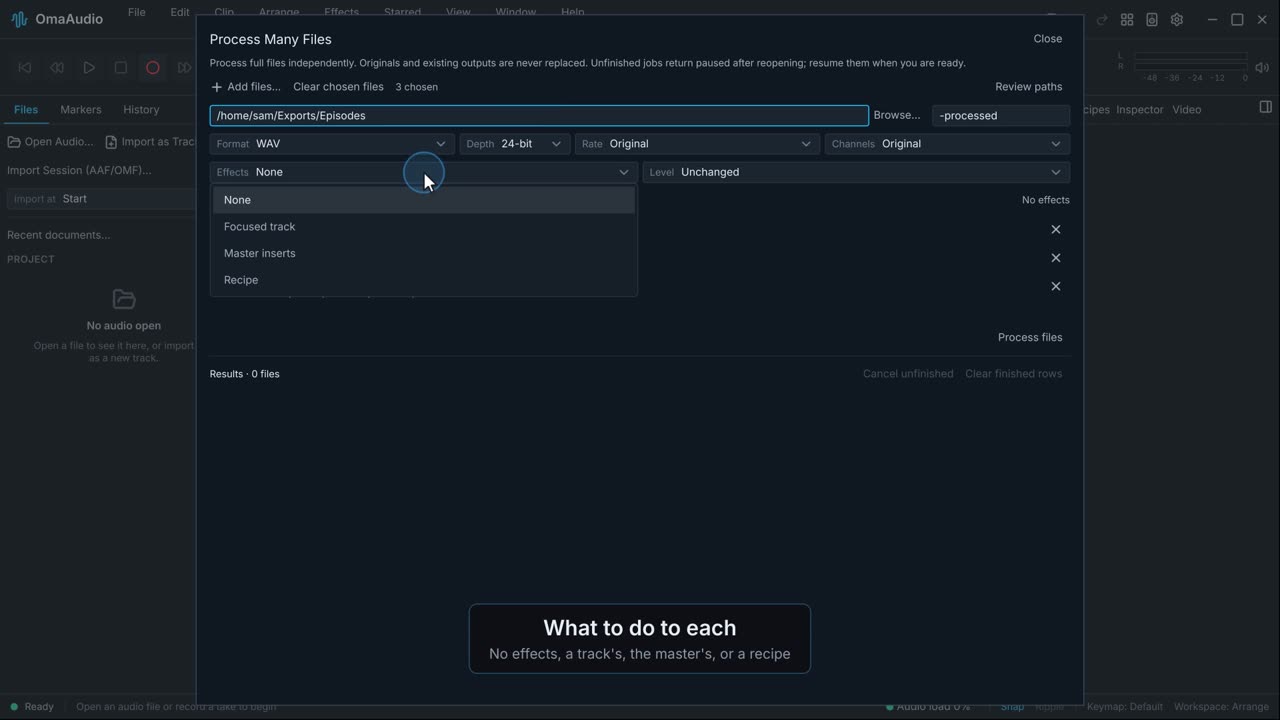
0:24Put a folder of recordings through the same effects or recipe, each to a new file.
 0:17
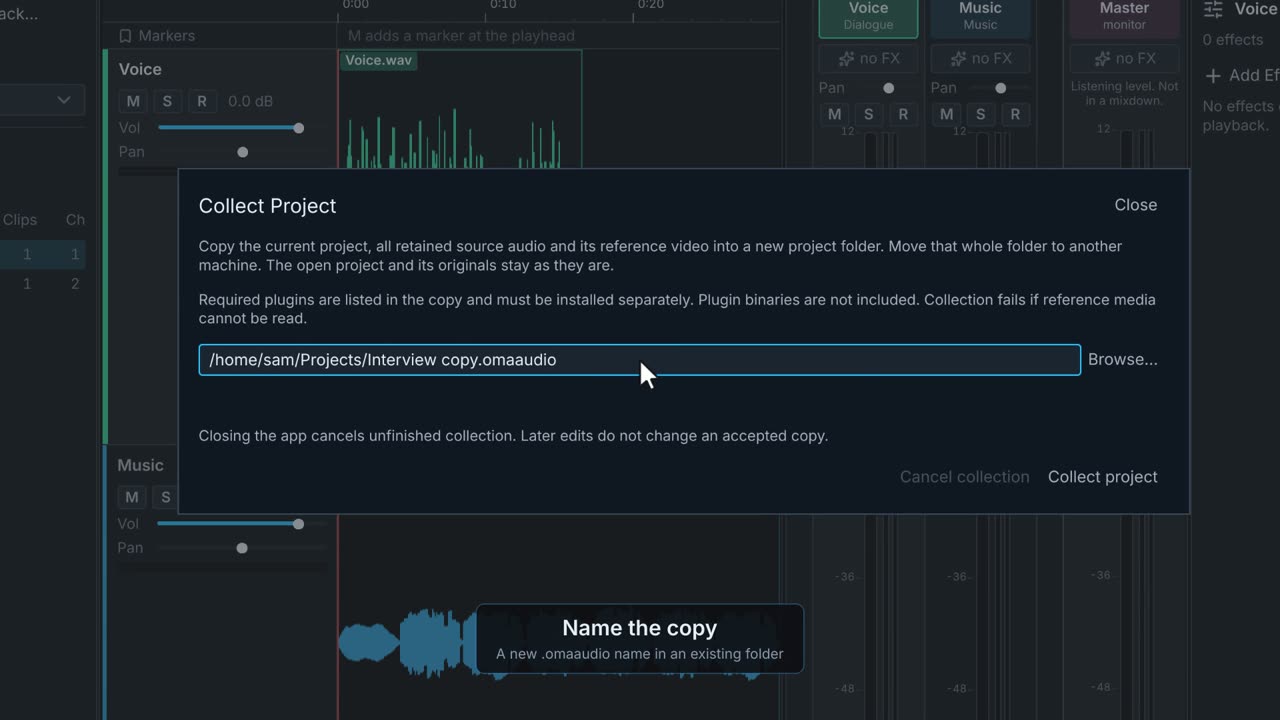
0:17A portable copy of the project with every sound and the reference video, ready to move to another machine.
 0:21
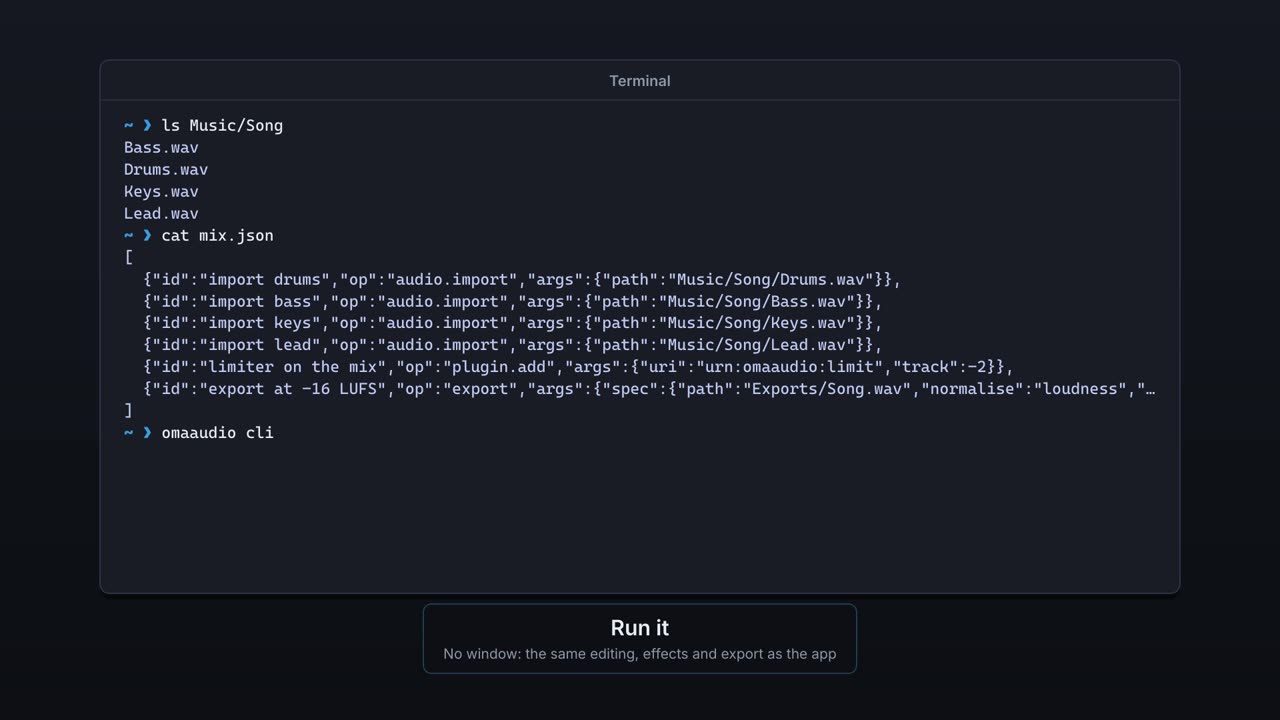
0:21Everything the window does, from a script or an AI agent, with no window open.
 0:20
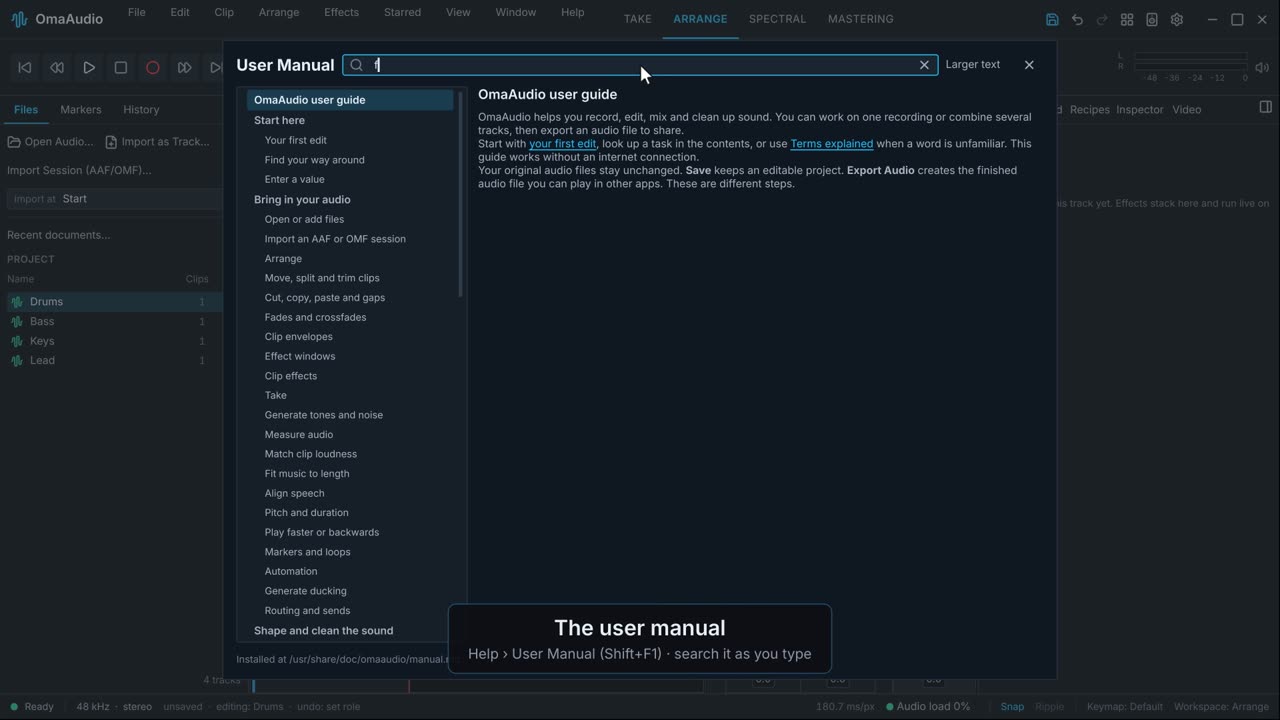
0:20Help on every control, the user manual inside the app, and your settings and shortcuts.